Can you convert a Google Doc to a Google Form?
Not inside Google Forms. There is no File → Import from Google Doc. Gemini in Forms can generate questions from a text prompt, but it does not read your existing Doc file with tables, numbered options, and section headings intact.
Doc2Form is built for that gap: take the content out of the Doc (usually as .docx or PDF), run it through Gemini, and create a native Google Form in your Drive. You keep editing in Forms and Sheets like any form you built by hand.
If your team asks google docs to google forms (plural), the workflow is the same: export each Doc once, upload, review the Form. For AI across PDF, Word, image, and text briefs, see the AI Google Form Generator hub.
If your source is already a Word file, see Word to Google Form. If it is a PDF export, see PDF to Google Form.
How to turn a Google Doc into a Google Form with Doc2Form
Recommended path: export as Word (.docx)
- Open your Google Doc.
- File → Download → Microsoft Word (.docx).
- Go to doc2form.dev and sign in with Google.
- Choose Upload and select the
.docxfile (up to 5 MB). - Doc2Form extracts structure with Mammoth + Gemini, then the Google Forms API builds the Form in your Drive.
- Review the edit link, fix any labels, and share.
Word export preserves numbered lists, headings, and tables better than copy-paste into the Forms UI. Most teams finish in under a minute plus a quick review pass.
Based on a sample of 1,775 Google Forms generated by Doc2Form users, containing 55,761 questions across 47 languages. That is an average of 31 questions per form - roughly 21 minutes saved per form versus rebuilding each question by hand in the Forms editor (assuming ~40 seconds per question).
Alternative: export as PDF
- File → Download → PDF Document (.pdf).
- Upload the PDF to Doc2Form the same way.
Use PDF when the Doc layout is fixed or you need a pixel-perfect snapshot. Use .docx when the Doc uses Word-style lists and headings (usually the better signal for question detection).
Fallback: describe mode
If the Doc is short or you only need a rough Form:
- Copy the question list from the Doc (headings + options).
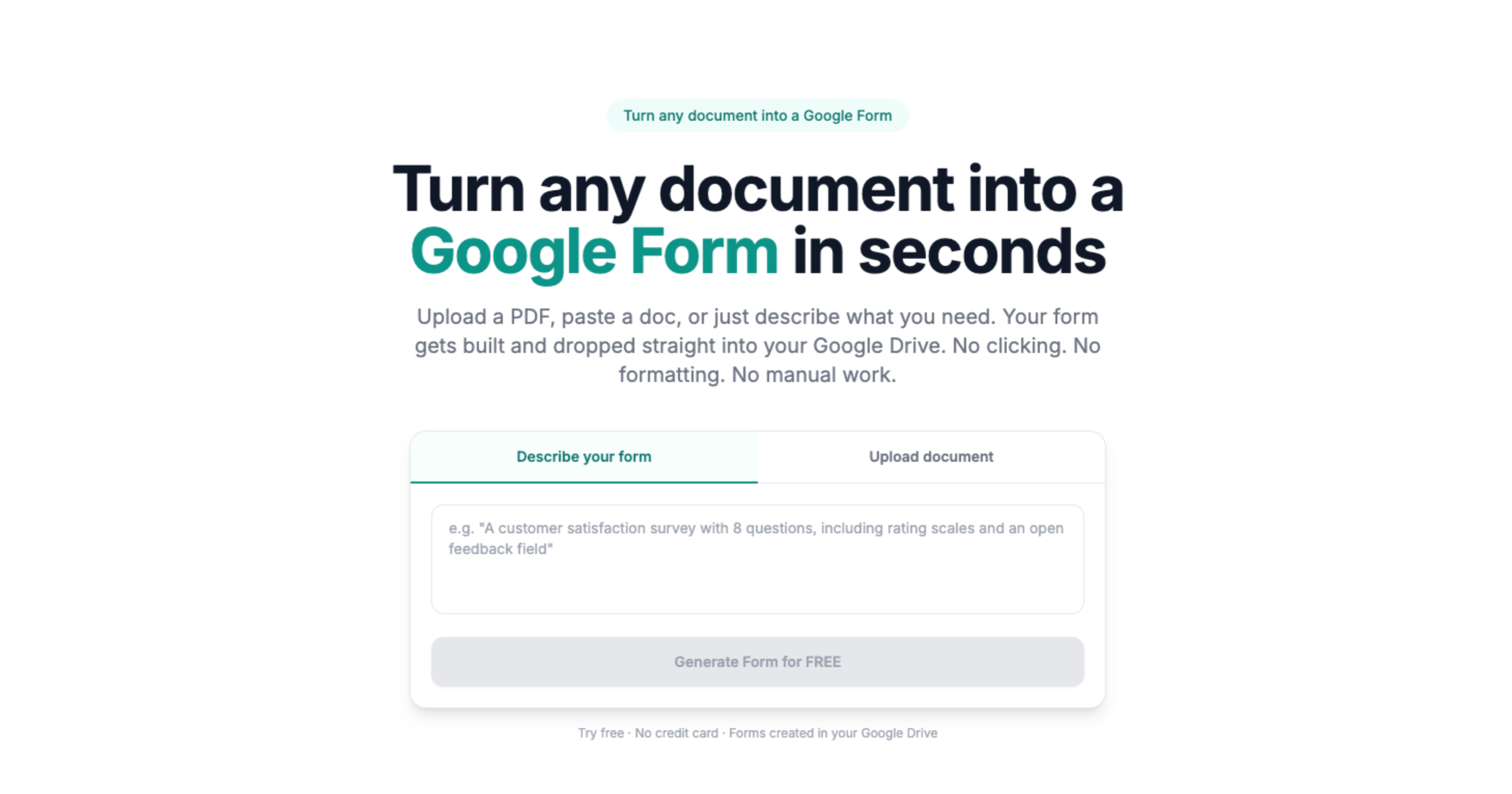
- At doc2form.dev, choose Describe and paste or summarize (e.g. "10-question volunteer signup with name, email, t-shirt size dropdown").
- Doc2Form generates the Form from the brief. Less faithful to complex tables than upload, but fast for simple outlines.
Full describe workflow: Describe a Google Form.
What transfers from a Google Doc export
When you upload the exported .docx or PDF, Doc2Form maps typical Doc patterns to Google Form fields:
- Numbered or lettered options under a question → multiple choice or checkboxes
- Headings (Heading 1 / Heading 2 in the Doc) → form sections
- Tables used as option grids → dropdowns or multiple choice (simple tables work best)
- Blank lines after a prompt → short answer or paragraph text
- Likert-style scales written as text → linear scale questions when endpoints are clear
Docs that use consistent list styles convert more accurately than free-form paragraphs with manual spacing.
Limitations
- No one-click Doc picker: You export or copy text first. Doc2Form does not OAuth into Drive to read the Doc live (by design: your file passes through upload, then is discarded after the Form is created).
- Comments and suggested edits: Export the current version of the Doc. Comments and suggestion mode do not convert.
- Embedded drawings or image-only questions: Text extraction only. Questions must be readable text in the export.
- Very long Docs: Stay under the 5 MB upload cap. Split huge forms or trim appendices before export.
If you would rather stay inside a Docs sidebar, compare Automagical Forms alternatives and Form to Doc. Doc2Form is the no-add-on path: export, upload, Form in Drive.
Sources
- Google Forms API - programmatic form creation after AI extracts structure from your file.
- Google Apps Script - runtime for the open-source self-host path in your Google account.
- Gemini API - document structure analysis for question and field detection.
Common questions
How do I convert Google Docs to Google Forms?
Export the Doc as .docx (File → Download → Microsoft Word), upload to Doc2Form, and open the generated Form in Drive. That is the reliable google docs to google forms path when Forms has no import.
How to convert a Google Doc to a Google Form step by step?
- Open the Doc and download as
.docxor PDF. - Go to doc2form.dev and sign in with Google.
- Upload the export (up to 5 MB).
- Review the Form link, fix any labels, share.
Is this the same as Gemini inside Google Forms?
Gemini in Forms helps you write new questions from a prompt. Doc2Form imports structure from a document you already wrote in Google Docs (via export). Use Gemini in Forms for blank-slate drafts; use Doc2Form when the source of truth is an existing Doc.
Google Doc vs Word file: which export should I use?
Prefer .docx for surveys and quizzes built with lists and headings. Use PDF when layout is rigid or you are exporting a designed PDF handout. Both paths land in the same Google Form output.
Can I convert a Google Doc without downloading?
Not with file upload. Describe mode accepts pasted text from the Doc. For full structure, download .docx or PDF once.
How accurate is Google Doc → Google Form?
Similar to Word to Google Form: well-structured exports usually convert cleanly. Always review before sharing. One missing checkbox is still faster than retyping thirty questions.
Is it free?
First form free on doc2form.dev. Credits after that do not expire. Or self-host the open-source project with your own Gemini key.