In short
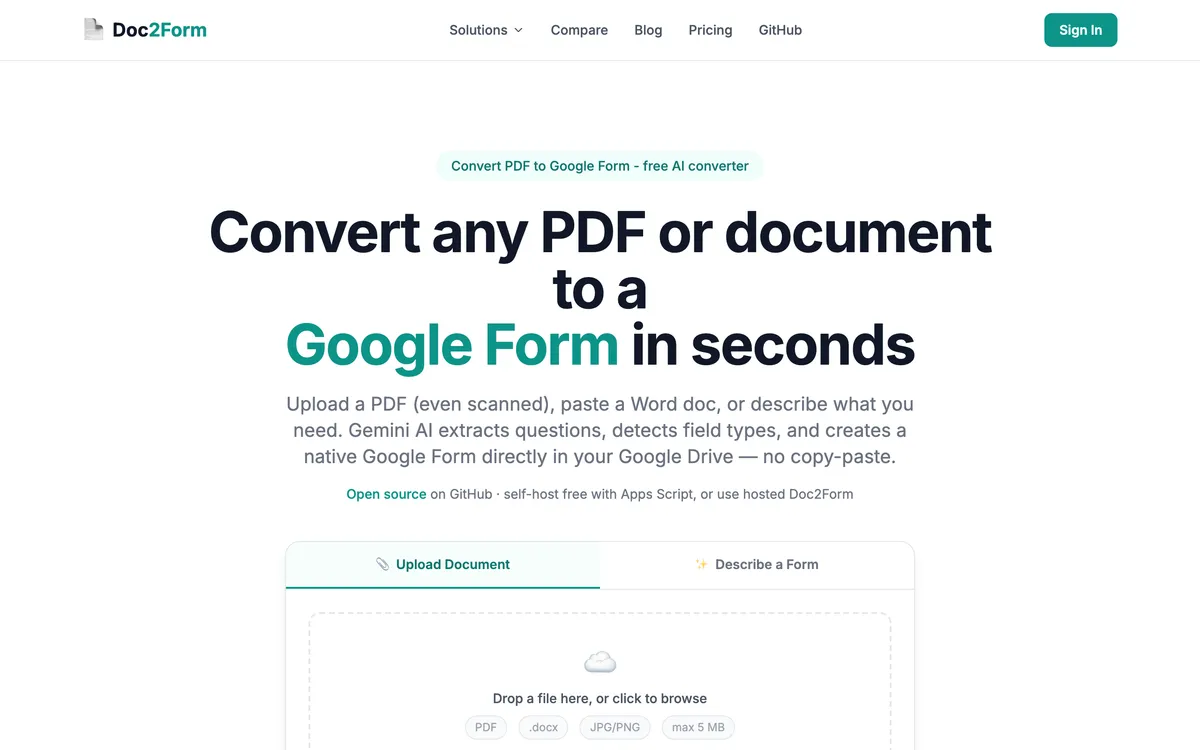
- Pick Doc2Form if you only need Google Forms in Drive, want to convert PDF to Google Form from scans or messy files, open source, or non-school workflows without another annual fee.
- Pick Formswrite if you ship quizzes to many LMS tools, need bulk + API + Zapier, or run 100+ conversions a year where Pro pricing wins on math.
What is Formswrite?
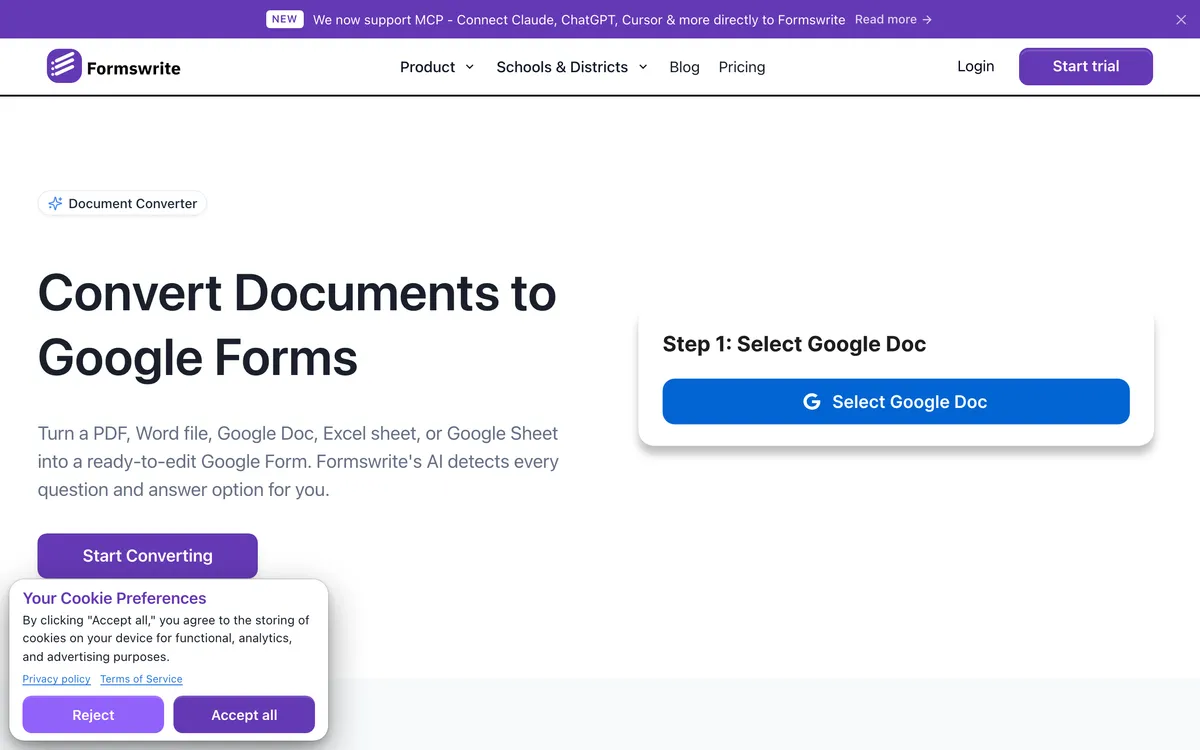
Formswrite is a web app that turns documents (PDF, Word, Google Docs, Sheets) and other sources into quizzes and forms. Its headline pitch is education at volume: export beyond Google Forms into Moodle, Kahoot, Quizizz, Blooket, and other LMS targets, plus bulk conversion, API, and Zapier on paid plans. The free tier covers basic conversions with a monthly AI-question cap; Pro is a subscription (or lifetime) for teams that convert often.
If you only searched "Formswrite" because you need a PDF or Word file → Google Form in Drive, Doc2Form is the narrower alternative: no LMS fan-out, first form free, then credits that do not expire. The table below is the side-by-side.
Quick comparison: Doc2Form vs. Formswrite
| Attribute | Doc2Form | Formswrite |
|---|---|---|
| Access | Web app (no install) | Web app |
| Output | Google Forms | Google Forms + 20+ LMS platforms |
| PDF (digital) | ✅ | ✅ |
| Scanned PDF | ✅ (vision) | ❓ (not clearly marketed like Doc2Form) |
| Google Docs | ✅ | ✅ |
| Google Sheets input | ❌ | ✅ |
| Word (.docx) | ✅ | ✅ |
| Images | ✅ | ✅ |
| YouTube to quiz | ❌ | ✅ |
| Bulk conversion | ❌ | ✅ (Pro) |
| REST API / webhooks | ❌ | ✅ (Pro) |
| Zapier | ❌ | ✅ (Pro) |
| Gamified quiz (Play) | ❌ | ✅ |
| AI from description | ✅ | ✅ |
| Open source | ✅ | ❌ |
| Free tier | 1 form | Unlimited basic conversions, 10 AI Qs/mo |
| Pricing | Credits (no expiry) | Subscription or lifetime |
Doc2Form vs Formswrite matters when you want Google Forms from documents but your real job might also span Moodle, Kahoot, or bulk files. Formswrite is built for educators at volume with 20+ LMS exports and API automation. Doc2Form stays focused on native Google Forms, scanned PDFs, and pay-per-use credits with no subscription.
Formswrite's free tier is generous for basic conversions; Doc2Form gives one full free conversion then credits that never expire. Neither is "wrong" - they optimize for different classrooms and ops teams.
Which tool should you pick?
| Your situation | Better fit | Why |
|---|---|---|
| You photographed a paper intake form on your phone and need it live in Drive this afternoon | Doc2Form | Reads scans and photos with AI vision and writes a native Google Form in one pass |
| The same midterm has to appear in Google Forms, Moodle, and Kahoot | Formswrite | Exports to Google Forms plus 25+ LMS targets; Doc2Form only outputs Google Forms |
| You have 60 legacy PDFs from a shared drive to migrate before term starts | Formswrite | Pro adds bulk conversion so you queue the folder instead of uploading one file at a time |
| You are in HR or clinic ops and convert two or three intake PDFs a month | Doc2Form | Credits never expire, so occasional use never triggers a renewal you forgot about |
| Your ops team wants conversions triggered from a Zap or a webhook | Formswrite | Pro ships a REST API, webhooks, and Zapier; Doc2Form has no public API today |
| Security review needs to read the code before you can use the tool | Doc2Form | Open-source Apps Script at github.com/kamilstanuch/doc2form, self-hostable if procurement insists |
| You want a lesson quiz built from a YouTube video | Formswrite | YouTube is a supported input and Formswrite Play adds a gamified run; Doc2Form takes documents and text briefs only |
| Finance blocked another annual SaaS line item this quarter | Doc2Form | One-time credit packs from $5, no subscription to renew (check current pricing) |
| You need a survey or registration form, not a graded quiz | Doc2Form | Formswrite's tooling is built around assessments; Doc2Form treats surveys and intake forms as the main job |
Features compared: Doc2Form vs. Formswrite
Google Forms only vs multi-platform export
Doc2Form ends in a native Google Form in your Drive - ideal for PDF to Google Form and quiz to Google Form pipelines that must stay in Workspace. Formswrite adds Moodle, Kahoot, Quizizz, Blooket, and many more. If you teach across those systems, Formswrite is built for that mesh; if Google Forms is the only destination, extra exports are optional noise.
- Doc2Form: Google Forms output only.
- Formswrite: Google Forms plus LMS targets.
- Pick Formswrite when one quiz must land in multiple platforms.
Scanned PDFs and paper forms
Doc2Form markets scanned PDF to Google Form and vision-style reading of tough scans. Formswrite added PDF support more recently; docs lean standard OCR rather than "photo of a worksheet" positioning. For fax-quality or phone-photo sources, Doc2Form's lane is clearer.
- Heavy scans: Doc2Form-first story.
- Clean PDFs / Docs: Either tool can work - verify Formswrite on your sample.
Bulk work, API, and automation
Formswrite Pro bundles bulk conversion, REST API, webhooks, and Zapier - strong for IT or curriculum teams moving dozens of legacy PDFs. Doc2Form is manual, per upload with no batch API today.
- 50+ files automated: Formswrite Pro.
- One-off or small batches: Doc2Form credits.
Educator extras
Formswrite layers YouTube-to-quiz, lesson-plan helpers, rubrics, and Formswrite Play for gamified runs. Doc2Form does document to form and describe a form without that wider suite.
- Content studio around quizzes: Formswrite.
- Single-purpose converter: Doc2Form.
Open source
Doc2Form is Apps Script open source for self-hosted or audited runs. Formswrite is proprietary.
Pricing: Doc2Form vs. Formswrite
| Plan | Doc2Form | Formswrite (typical) |
|---|---|---|
| Free | 1 form | Unlimited basic + 10 AI Qs/mo |
| Entry | $5 / 10 credits | ~$69/year Pro |
| Larger pack | $29 / 100 credits (~$0.29/form) | ~$199 lifetime (one-time) |
| 100+ forms / year | Per-credit math | Pro often cheaper |
| Subscription | ❌ required | ✅ or lifetime |
Confirm live prices on both sites. Rule of thumb from research: high volume educators often save with Formswrite Pro; low volume or no-subscription buyers lean Doc2Form.
Volume sanity check
Picture twenty syllabi you must place in Google Forms and Canvas in September. Formswrite’s multi-export and bulk tooling were designed for that calendar. Picture one scanned HIPAA intake every month for a clinic that standardizes on Workspace only - Doc2Form’s credits and scanned PDF to Google Form story stay simpler. Neither tool is lazy; they price and package for different duty cycles.
If you prototype in Google Form from description mode in Doc2Form but ship quizzes through Formswrite’s LMS fan-out, you are not doing it wrong - you are splitting jobs by destination systems.
Which tool fits your use case? Doc2Form vs. Formswrite
Choose Doc2Form when:
- Output must stay a Google Form in Drive only.
- Scanned or informal PDFs are common.
- You want credits without expiry or open source.
- You sit in HR, legal, ops, healthcare - not only K-12 tech stacks.
Choose Formswrite when:
- You publish to Google Forms + LMS in one flow.
- Bulk + API + Zapier matters.
- YouTube-to-quiz or Play fits your class.
- You clear 100+ conversions a year and Pro beats per-credit totals.
Before you commit: Doc2Form vs. Formswrite
Export a sample PDF through both products if you can. Watch whether Google Form structure matches your rubric, whether LMS targets match your Canvas shell, and whether bulk jobs feel worth the subscription. Doc2Form trials stay cheap because credits stack - you can keep a Doc2Form account for scanned oddities even if Formswrite wins the daily driver slot. Procurement teams sometimes like that open-source appendix from Doc2Form for security review even when Formswrite ships the curriculum features.
The verdict: Doc2Form vs. Formswrite
Formswrite is the fuller education platform with exports and automation Doc2Form does not pretend to offer. Doc2Form is the narrow, Google-native path with stronger scan positioning and no subscription credit model. Choose based on output count, LMS spread, and whether automation is on your roadmap.
Takeaway: Need many platforms and bulk jobs - lean Formswrite. Need Google Form only, scans, credits - lean Doc2Form.
Frequently asked questions
Is Formswrite a Doc2Form alternative?
For Google Form output, both qualify. Formswrite adds LMS targets and educator tooling Doc2Form does not include.
Does Formswrite beat Doc2Form on price?
At high annual volume, Formswrite Pro often wins. At low volume, Doc2Form credits can cost less with no renewal.
What if I only need Google Forms and Word files?
You may still love Doc2Form for Word to Google Form flows when LMS exports do not matter. Add Formswrite when spreadsheet or YouTube inputs and automation join the brief.
Can Doc2Form export to Moodle or Kahoot?
No - Google Forms only. Use Formswrite (or manual rebuild) for those exports.
Does Doc2Form have Zapier?
Not today - Formswrite Pro does.
Which is better for scanned intake forms?
Doc2Form centers scanned PDF to Google Form explicitly. Test Formswrite on your files if you prefer one vendor.
Try Doc2Form - first form free.