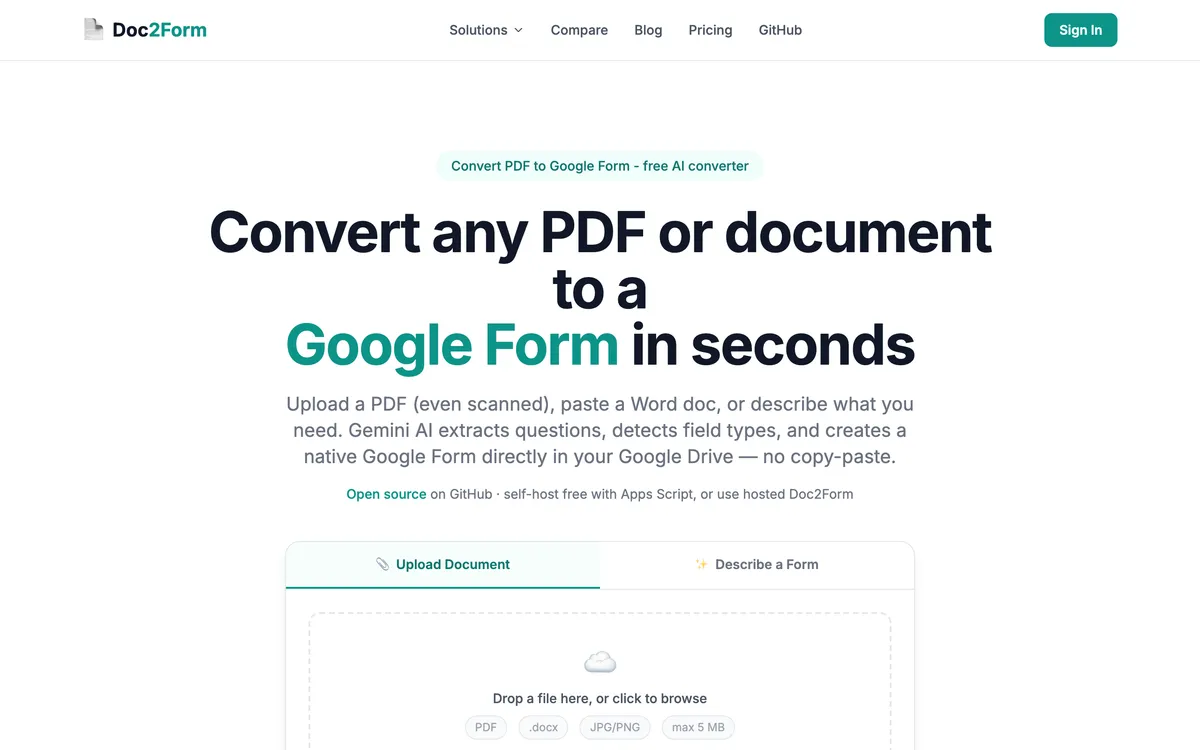
Doc2Form vs Microsoft Forms Quick Import is an ecosystem question wearing a feature question's clothes. Quick Import takes a structured Word document or text-based PDF quiz and turns it into a Microsoft Form, inside Microsoft 365, at no extra cost to anyone who already has a licence. Doc2Form takes PDF, Word or image files and builds a Google Form in your own Drive, and it handles scanned and photographed pages that Quick Import will not read.
Here is the short version of the honest answer: if your organisation runs on Microsoft 365, Quick Import is almost certainly what you should use. It is included in what you already pay for, it needs no third-party app approval, and the output lands in the tenant your IT team already governs. Doc2Form is the answer when the output has to be a Google Form, which is a real requirement for a lot of schools and Workspace shops but is not a reason to fight Microsoft on Microsoft's own turf.
In short
- Pick Doc2Form when the deliverable must be a Google Form, or when your source files are scans, photos or messy PDFs.
- Pick Quick Import when you are on Microsoft 365 and your documents are clean Word or text PDFs, because it is already included and already approved.
What is Microsoft Forms Quick Import?
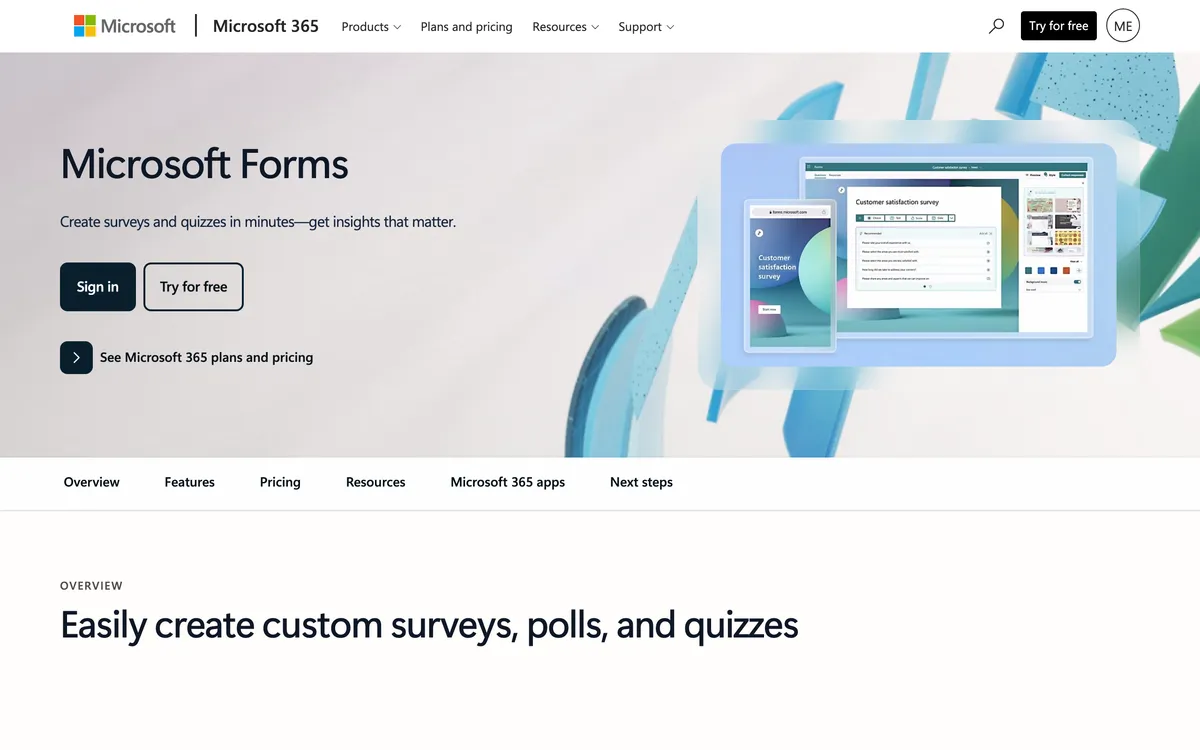
Microsoft Forms is the survey and quiz tool bundled into Microsoft 365. It handles the same broad job as Google Forms: build a questionnaire, share a link, watch responses arrive, analyse them in Excel. Its real advantage is that it is already there. Responses flow into Excel and OneDrive, forms can be posted directly into Teams channels or assigned through Microsoft Teams for Education, and it inherits your tenant's identity, sharing rules and retention policies without anybody filing an app review.
Quick Import is the document-conversion feature inside it. You point it at a Word document or a text-based PDF containing a quiz, and it extracts the questions into a draft Microsoft Form for you to review. It is designed around exam papers and worksheets: numbered questions, lettered options, clean formatting.
Two limits matter when you compare it to a dedicated converter. At the time of writing, imported questions map to a narrow set of types, essentially choice and free-text, so richer structures like rating scales, dropdowns and date fields get flattened into something simpler. And it expects extractable text, which means a scan or a phone photo of a paper worksheet is out of scope. Microsoft changes this feature periodically, so verify current behaviour and file size limits before you plan a workflow around it.
Quick comparison: Doc2Form vs. Microsoft Forms Quick Import
| Attribute | Doc2Form | Microsoft Forms Quick Import |
|---|---|---|
| Output | Native Google Form in your Drive | Microsoft Form in your M365 tenant |
| Licence needed | Google account | Microsoft 365 licence |
| Extra cost | Credits after the first free form | None, bundled in your plan |
| PDF input | ✅ | ✅ text-based only, size limits apply |
| Word (.docx) input | ✅ direct upload | ✅ primary supported input |
| Image / phone photo input | ✅ JPG, PNG | ❌ |
| Scanned or image-only PDF | ✅ AI vision | ❌ |
| Imported question types | Choice, checkbox, short and long answer, dropdown, linear scale, date | Choice and text (verify current behaviour) |
| Matrix / grid questions | Often need manual cleanup | Flattened |
| Answer keys for quizzes | ✅ | ✅ |
| Generate from a text prompt | ✅ Describe mode | Copilot on some plans |
| Responses land in | Google Sheets | Excel and OneDrive |
| Teams integration | ❌ | ✅ native |
| Google Classroom integration | ✅ | ❌ |
| Admin governance | Google Workspace admin console | Microsoft 365 admin centre, existing DLP and retention |
| Third-party OAuth grant required | ✅ forms.body scope |
❌ first-party Microsoft feature |
| Bulk / batch conversion | ❌ | ❌ |
| Open source and self-hostable | ✅ Apps Script | ❌ |
| GCC and sovereign clouds | Not applicable | Availability varies, verify for your tenant |
Which tool should you pick?
| Your situation | Better fit | Why |
|---|---|---|
| Your whole school runs on Microsoft 365 and Teams | Quick Import | It is included in the licence, needs no app approval, and the form lands in the tenant IT already governs |
| You have a photographed paper consent form and need it online today | Doc2Form | AI vision reads scans and phone photos; Quick Import needs extractable text and will not process an image |
| You are converting a clean Word exam paper for a Teams class | Quick Import | Word quizzes are exactly what it was built for, and Teams for Education can assign and grade the result directly |
| Grading happens in Google Classroom | Doc2Form | Classroom attaches and grades native Google Forms quizzes; a Microsoft Form cannot enter that workflow |
| Your survey is mostly Likert grids and rating scales | Neither is great, lean Doc2Form | Quick Import flattens these to text; Doc2Form maps more question types but grids still often need manual cleanup in the Forms editor |
| Your IT team will not approve a third-party app holding a Google OAuth token | Quick Import | It is a first-party Microsoft feature with no external grant; Doc2Form needs the forms.body scope or a self-hosted deployment |
| You have no Microsoft 365 licence and do not want one | Doc2Form | Works from any Google account, with the first form free and no subscription (check current pricing) |
| Reporting lives in a Google Sheet that other people already maintain | Doc2Form | Output is a Google Form you link to Sheets in one click, rather than an Excel file you would have to bridge |
| You need to convert 150 question papers this term | Neither | Neither tool has bulk import, so plan for per-file runs or look at a converter with an API |
Features compared: Doc2Form vs. Microsoft Forms Quick Import
Question type fidelity
This is where a dedicated converter earns its place. Doc2Form attempts to map what it sees to the closest Google Forms type: multiple choice, checkboxes, short and long answer, dropdowns, linear scales and dates. Quick Import, at the time of writing, collapses most of that into choice or free-text questions. For a straightforward multiple-choice test the difference barely shows. For a staff feedback survey with rating rows, a date-of-visit field and a couple of dropdowns, you will be rebuilding a good portion of the form by hand after Quick Import finishes.
Doc2Form is not immune here either, and it would be dishonest to imply otherwise. Matrix and grid blocks are its weakest area: an eight-row Likert table frequently arrives as eight separate questions and needs tidying in the Forms editor. If your documents are dominated by grids, expect manual work whichever tool you pick.
Scanned and photographed documents
Quick Import needs a text layer. A district office scan saved as an image-only PDF, or a phone photo of a worksheet taken in a classroom, will either fail or import almost nothing, and the failure is not always loud about itself. This is not a criticism of the feature so much as a description of its scope.
Doc2Form runs the page through Gemini vision, so an image is a first-class input. That is what the scanned PDF to Google Form path is for, and it is the single clearest technical difference between the two tools. The limit to know about is the 5 MB file cap, which a high-resolution multi-page scan can hit.
Where responses land, and who governs them
Microsoft Forms responses go to Excel and OneDrive, inside the tenant your admins already control, covered by whatever DLP, retention and eDiscovery policies you have configured. For a Microsoft-standardised organisation, that is a large and often decisive advantage that has nothing to do with conversion quality.
Doc2Form's output is a Google Forms file in your Drive, linked to Sheets with one click, visible to your Workspace admin console. But getting there requires granting a third-party app the Google forms.body scope, and some institutions will not approve that without review. Documents are processed to extract structure and then discarded, with only the form title and link retained. If that is still not acceptable, the project is open source Apps Script at github.com/kamilstanuch/doc2form, so you can self-host it inside your own tenant and skip the external grant entirely.
Cost, honestly framed
Quick Import costs nothing extra. If you hold a Microsoft 365 licence, the marginal cost of every import is zero, and no procurement conversation is needed. Doc2Form gives you the first form free, then charges credits: $5 for 10, $12 for 30, $29 for 100, credits never expire, no subscription (prices at the time of writing, check current pricing).
So on price alone, a Microsoft 365 customer should use Quick Import. Doc2Form's cost only makes sense when it is buying you something Quick Import cannot deliver: Google output, scan handling, or richer question mapping.
Hybrid organisations, where this actually gets interesting
Plenty of organisations are not purely one cloud. A university might run staff on Microsoft 365 and students on Google Workspace. A company might have Teams for internal comms and a Google-based marketing stack. In those environments the deciding question is never which import wizard is nicer, it is where the responses need to live and who owns the reporting.
The practical answer is usually a documented split rather than a single tool. Something like "Microsoft Forms for internal staff surveys, Google Forms for external registration and Classroom assessment" is easy to explain and stops people converting a document into the wrong cloud. If your legal team ships DOCX templates but responses must reach Sheets, the Word to Google Form route is the bridge, because Quick Import cannot cross the tenant boundary.
Pricing: Doc2Form vs. Microsoft Forms
| Doc2Form | Microsoft Forms | |
|---|---|---|
| Access | Free Google account, first form free | Bundled with a Microsoft 365 licence |
| Entry paid | $5 for 10 credits, one-time | Included, no separate purchase |
| Marginal cost per import | About $0.29 at the 100-credit pack | $0 if you are already licensed |
| Billing model | Credits, never expire, no subscription | Per-user subscription you are likely already paying |
| Free personal use | ✅ first form | ✅ with a free Microsoft account, feature set varies |
Prices and plan contents change on both sides, so verify current pricing. The comparison is simple: if you already pay Microsoft, Quick Import is free and Doc2Form is an added line item. Doc2Form is only worth that line item when Google output or scan support is a genuine requirement rather than a preference.
Before you commit: Doc2Form vs. Microsoft Forms Quick Import
Test with your worst file, not your best one. Take a real survey PDF with Likert rows, a date field and a dropdown, and run it through Quick Import. If every nuanced row lands as a plain text box, you have your answer and it took ten minutes. Then run the same file through Doc2Form and compare how much structure survives.
If you are in the public sector, confirm feature availability in your specific cloud before you promise anything. Quick Import behaviour and availability can differ in government and sovereign tenants, and when it is unavailable the practical bridge is often a Google-side tool even in a Microsoft-first organisation.
One more thing worth checking early: whether your IT team will approve a third-party Google OAuth grant at all. That single policy answer decides this comparison more often than any feature does, and it is better discovered in week one than after you have built a workflow.
The verdict: Doc2Form vs. Microsoft Forms Quick Import
For anyone inside Microsoft 365, Quick Import is the sensible default. It is free, first-party, governed by policies you already have, and good enough for the clean Word quizzes that make up most of what people convert. Recommending a paid third-party tool over an included feature would require a strong reason, and for a tidy exam paper there is not one.
Doc2Form wins on three specific grounds: the output is a native Google Form, it reads scans and photographs that Quick Import cannot, and it maps a wider range of question types instead of flattening everything to choice and text. If any of those three is a requirement, the ecosystem preference stops mattering. If none of them is, use what Microsoft already gave you.
Takeaway: On Microsoft 365 with clean documents? Quick Import, and it is free. Need a Google Form, or working from scans and photos? Doc2Form.
Frequently asked questions
Should I just use Microsoft Forms Quick Import instead?
If you have a Microsoft 365 licence and your documents are clean Word or text PDFs, yes. It costs nothing extra, needs no app approval, and produces a form inside the tenant your IT team already governs. Doc2Form is worth paying for only when you need Google Forms output, scan and photo support, or more than the two question types Quick Import maps to.
Can Quick Import create a Google Form?
No. Quick Import produces Microsoft Forms only, and there is no export path that ends with a Google Forms file in your Drive. If the requirement says Google Form, Quick Import is out regardless of how good the extraction is.
Does Doc2Form send responses to Excel?
Not directly. The output is a Google Form, so responses land in Google Sheets. You can export or download a Sheet as .xlsx afterwards, but if Excel is your system of record and you are on Microsoft 365 anyway, Microsoft Forms is the cleaner path.
Which one handles a bad scan?
Doc2Form. It uses AI vision rather than a text layer, so image-only PDFs and phone photos are supported inputs. Quick Import expects extractable text and will typically return an empty or near-empty draft from a scan. Keep the 5 MB file limit in mind for large multi-page scans.
Can Doc2Form handle Word to Google Form conversions?
Yes, .docx uploads directly with no intermediate step. This is the common case in organisations where the source templates are Word files owned by legal or HR but the responses have to end up in a Google Sheet that other teams already read.
We use Teams but the form has to be a Google Form. What now?
Doc2Form, or a manual rebuild. Quick Import cannot cross the tenant boundary, so no amount of Microsoft tooling gets you a Google Form. The realistic setup is a documented split: Microsoft Forms for internal work inside Teams, Google Forms for whatever external or Classroom-facing process requires it.
Is either tool good for bulk conversion?
No, and this is worth knowing before you plan a term's work. Neither Quick Import nor Doc2Form offers batch upload, and Doc2Form has no public API to script around it. For 150 question papers you are looking at per-file runs or a different tool entirely.
What about Copilot or Gemini generating the form instead?
Both ecosystems now have AI that drafts a form from a prompt, and Doc2Form has its own Describe mode. That is useful when you are inventing a form, not when you are transcribing one. If a specific existing document is the authoritative source, prompting an AI to guess at its contents is not a substitute for reading the file, which is why the PDF to Google Form path exists.
Try Doc2Form - first form free, no credit card.