Related conversion guides: PDF to Google Form · Word to Google Form
In short: Upload a PDF or Word template and get a Google Form in your Drive. Built for recruiters. Files up to 5 MB. First form free.
Every open role needs a form - stop building them from scratch
Recruiters open roles frequently and each one needs a structured application or screening process. Re-creating Google Forms manually for each position - even from a template - takes time that could go to sourcing and interviews.
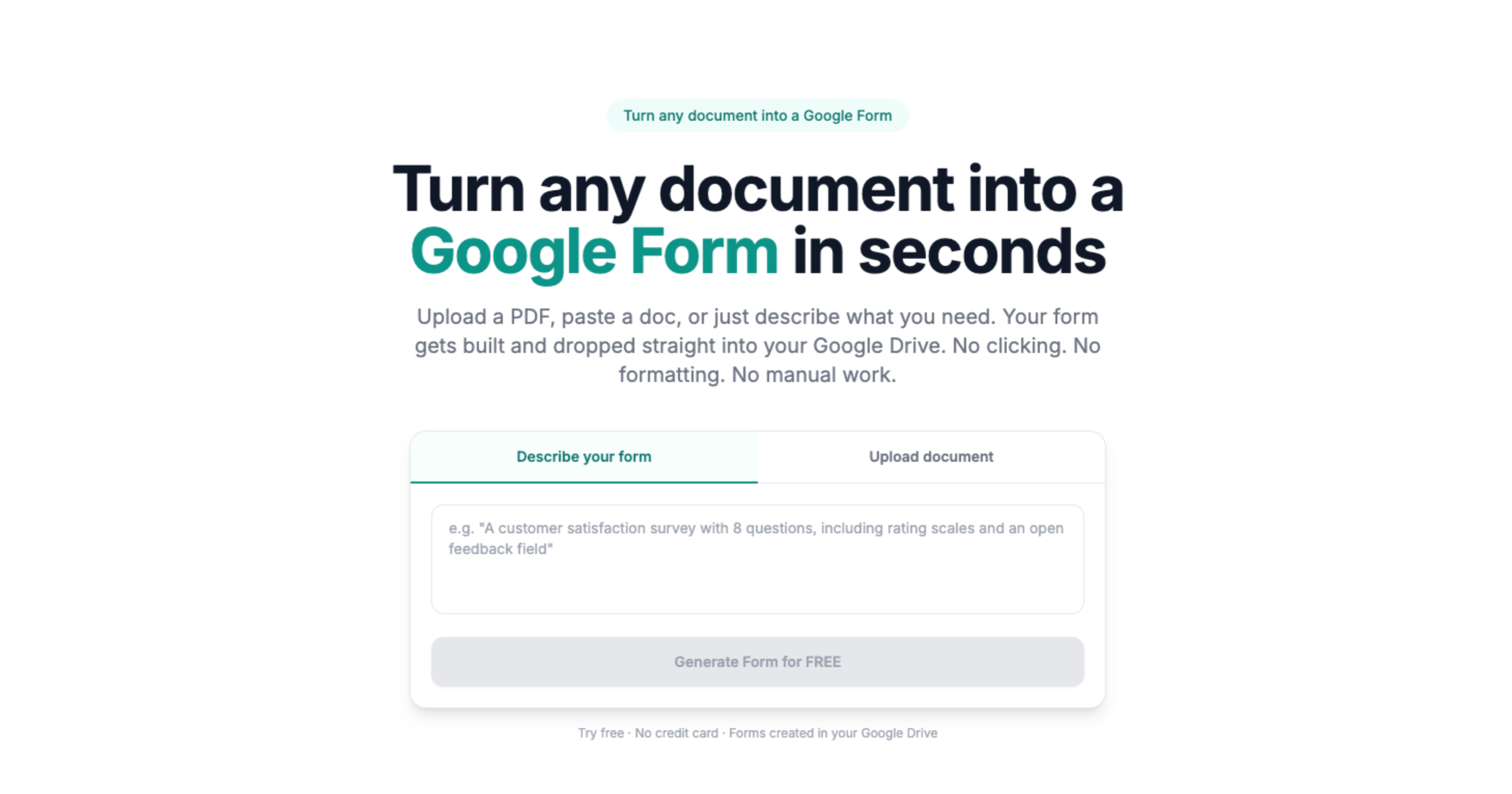
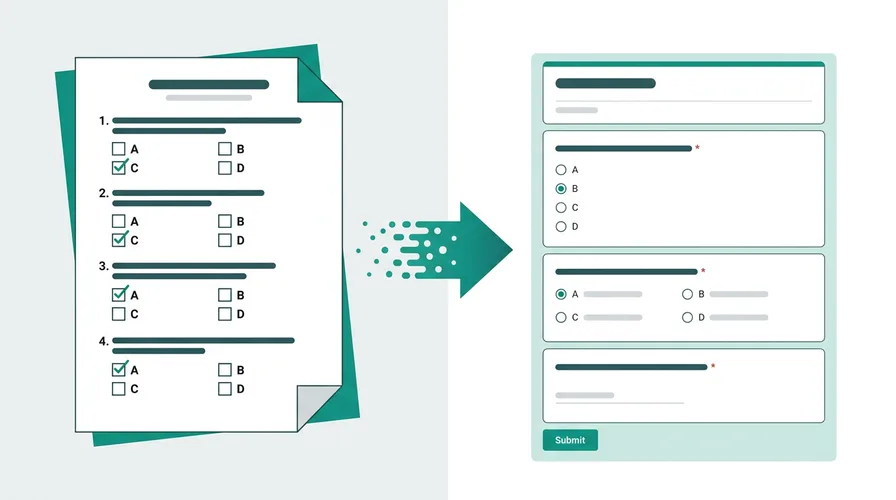
Doc2Form converts existing application and screening documents into Google Forms. Upload a PDF or Word file up to 5 MB and it detects the fields - text inputs, checkboxes, dropdowns - and builds the matching form in your Drive.
No document? Use describe mode: type a brief description of the role's requirements and get a starting application form to refine.
All candidate responses in one spreadsheet
Every Google Form links to a connected Sheets spreadsheet. Application responses, screening answers, and interview scorecards all aggregate automatically - no manual data entry before candidate reviews.
Based on a sample of 1,775 Google Forms generated by Doc2Form users, containing 55,761 questions across 47 languages. That is an average of 31 questions per form - roughly 21 minutes saved per form versus rebuilding each question by hand in the Forms editor (assuming ~40 seconds per question).
Sources
- Google Forms API - native Forms created in your Drive after structure is extracted.
- Gemini API - document structure analysis for questions, options, and sections.
- Google Workspace for Education / business - Forms and Sheets stay under your org's Google account policies.
A real example
A 3-page job application PDF becomes a Form for campus career fairs; recruiters filter Sheets by role family before phone screens.
Common questions
Can I use Google Forms for a job application?
Yes. Many teams run applications and screening as a Google Form, then export responses to Sheets or an ATS. Doc2Form turns your existing application PDF or Word file into that Form so you are not rebuilding fields for every open role.
Can I use this for ATS-connected forms?
Doc2Form creates standard Google Forms. They don't connect directly to an ATS. The connected Sheets spreadsheet can be exported or connected to other tools via Zapier or similar.
Can candidates apply without a Google account?
Yes. Google Forms can be set to accept responses without sign-in. Candidates fill out the form via a link on any device.
What if different roles need different questions?
Create one base application form and duplicate it in Drive per role. Adjust role-specific questions and keep the shared structure consistent.
Does it cost anything?
The first form is free, no credit card required. Credit packs are available after that. The project is open source for recruiting teams that prefer to self-host.