
Animal rescue should be about the animals, not the clipboards

For most rescue groups and municipal shelters, the Saturday adoption event is the busiest time of the week. It is also when the "paperwork pileup" happens. Prospective adopters wait in line to fill out multi-page PDFs that have been printed and photocopied dozens of times. By the time a coordinator gets the paper, the handwriting is often illegible, and critical details - like landlord contact info or household pet history - are missing. This delay doesn't just frustrate applicants; it keeps animals in their kennels for another night.

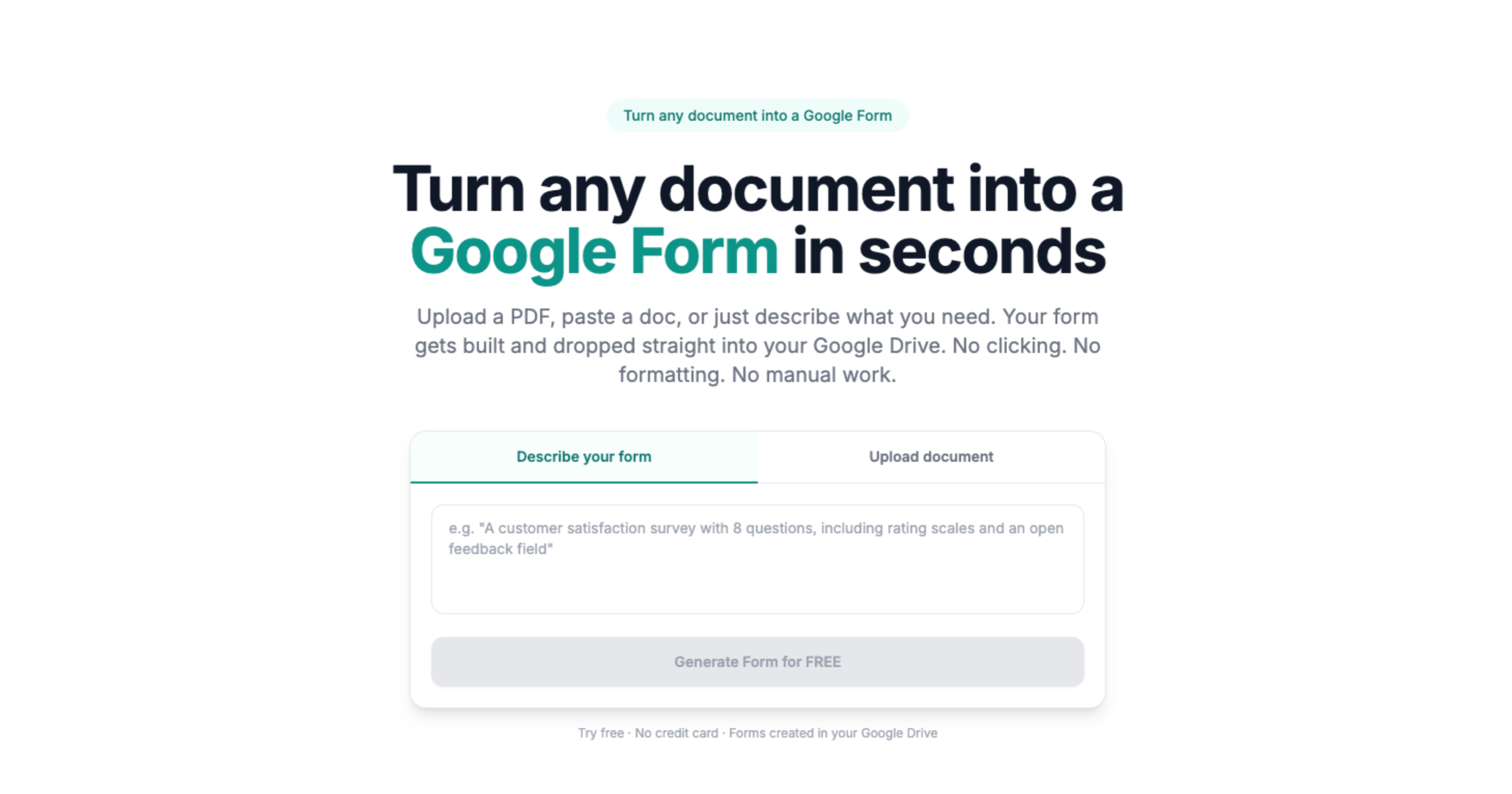
Doc2Form helps shelters move these critical documents into Google Forms without having to retype every question about fence height, veterinary references, or current pet vaccinations. You upload the digitally authored PDF or Word file your board already approved, and Doc2Form drafts an editable Form in your Drive. This means you can text a link to people waiting in line or post a QR code on the kennel doors, ensuring that every field is completed on their own phone before they ever reach the meet-and-greet area.

Data integrity for grants and city contracts

Whether you are reporting to a city council or applying for a foundation grant from organizations like Maddie's Fund, data consistency is mandatory. If your paper surrender form has three different versions floating around the shelter, your quarterly stats will be a mess. By importing your canonical document - up to 5 MB - you ensure that every animal intake and every foster application uses identical terminology and scoring. This consistency is vital for tracking your "Save Rate" and proving the impact of your programs to donors and auditors.

In Google Forms, you can add required fields so that critical data points - like microchip numbers, rabies expiration dates, or "owner-surrender" reasons - are never skipped. The responses land in a linked Google Sheet that you can easily filter, sort, or export to your primary shelter management software (PIMS). This cuts out hours of manual data entry for volunteer coordinators who should be spending their time matching pets with homes, not transcribing illegible scribbles from a clipboard.

Privacy, volunteer management, and "foster-to-adopt"

Shelters handle a surprising amount of sensitive data, from home addresses and landlord contact details to veterinary records and background check authorizations. Because the Forms live in your own Google Workspace account, you keep full control over data residency and access. You can restrict access to specific team leads and set your own data retention policies for foster and volunteer applications. Doc2Form structures the shell; your team manages the life-saving data in a secure, familiar environment.

This approach is particularly useful for decentralized volunteer networks. Transport coordinators and foster leads can access the relevant sheets from their own devices, ensuring they have the "must-know" info - like dog-aggression flags or medical requirements - before they pick up an animal. By digitizing your master PDF, you provide your entire team with a single source of truth that moves as fast as the rescue world does.

Common questions

Does this sync directly with Shelterluv, Petfinder, or Chameleon?

No. Doc2Form builds the Form structure in Google Drive. You can export your responses from Sheets as a CSV and upload them to your management system, or use middleware like Zapier if your PIMS has a supported API. Most shelters use Google Forms as a "pre-check" intake that filters for qualified adopters before they enter the data into their primary system of record.

Can we collect photos of the applicant's yard or existing pets?

Yes. Once the Form is generated in Google Forms, you can add "File Upload" questions. This allows applicants to take photos with their phones and attach them directly to the application, which is much faster than having them email photos to a general inbox or bringing a tablet into the yard.

What about landlord approval or lease uploads?

Similar to yard photos, you can add an upload field for lease documents or proof of homeownership. We recommend including clear instructions in the Form description about which sections of the lease are required to protect the applicant's privacy while still meeting your organization’s risk-management needs.

Can we use "Describe mode" for quick volunteer signups?

Absolutely. If you do not have a document yet for a specific event, you can type "Volunteer signup for dog walking with shift availability checkboxes, shirt size dropdown, and emergency contact info" into Describe mode. Doc2Form will generate the structure so you can get a link out to your volunteer list in minutes.

Is there a limit to how many applications we can process?

Google Forms has its own daily limits, but Doc2Form does not limit the number of responses you receive. The first hosted conversion is free, and we offer credit packs for organizations that need to digitize their entire library of forms - from transport logs to post-adoption follow-ups.