Related conversion guides: Intake PDF to Google Form · PDF to Google Form · Survey to Google Form
Intake paperwork shouldn't eat into session time
Therapists spend significant time on administrative intake - sending documents, following up, and reviewing incomplete returns. Converting existing PDFs and Word templates into Google Forms removes most of that friction.
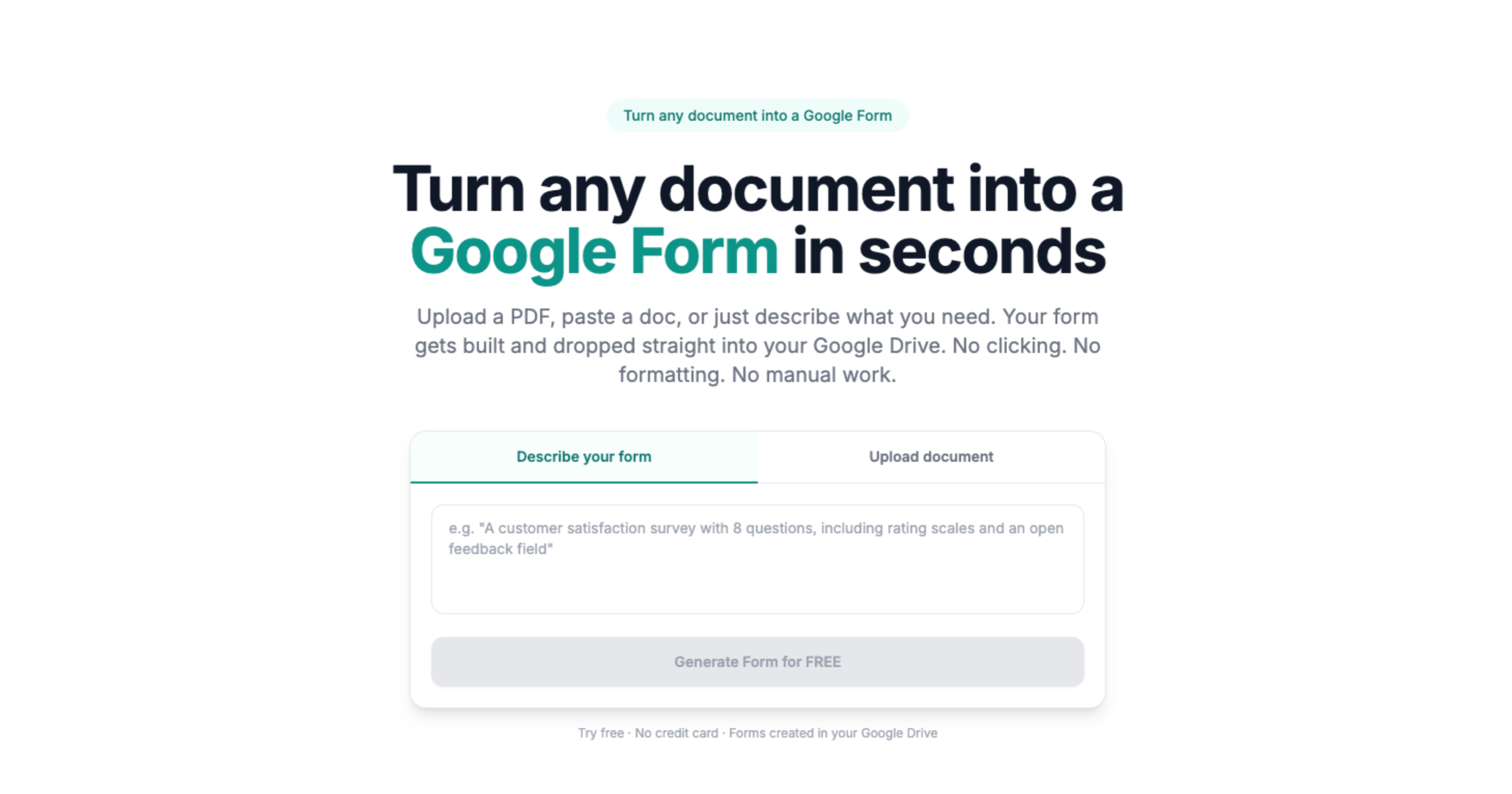
Doc2Form reads your existing intake documents and builds the matching form in your Drive. Text fields, checkboxes, rating scales, and yes/no questions are all detected when the source is clearly formatted. Upload a file up to 5 MB or describe what you need and get a starting point to review.
Your forms stay in your Google account
Every form Doc2Form creates is a standard Google Form. It lives in your Drive, and responses stay in your account - not stored by Doc2Form after the conversion. Set access rules, require sign-in, and export responses to Sheets for tracking.
For clinical use, review your obligations under applicable privacy regulations before collecting client information digitally.
Common questions
Is client information secure?
Doc2Form uses Google OAuth. Uploaded documents are processed to build the form and not stored afterward. Responses go directly into your Google Drive. You control sharing settings and bear responsibility for your account's security and compliance.
Can it handle outcome measures with specific rating scales?
Numeric and labeled scales in the source document are detected as linear-scale fields. Standardized clinical scales (PHQ-9, GAD-7, etc.) can be uploaded as PDFs - review the output carefully before using clinically.
What if I want different forms for different presenting concerns?
Create one form per intake type. Each lives separately in your Drive. Duplicate and edit rather than rebuilding from scratch.
Does it cost anything?
The first form is free, no credit card required. Credit packs are available after that. The project is open source for practices that self-host.