In short
- Your admin will not approve a Marketplace install, or your file is a Word document or a scan: Doc2Form.
- Add-ons are fine and you want conversion in both directions for free: Form to Doc.
- Your organisation grants no Google access at all to outside tools: Pirai AI.
Automagical Forms does something specific and does it well. It is a Workspace add-on that reads Docs and PDFs already sitting in your Drive and builds a Google Form from them without you leaving the Docs sidebar. If you draft in Docs and store in Drive, the shortest path from document to form runs through an add-on like this one.
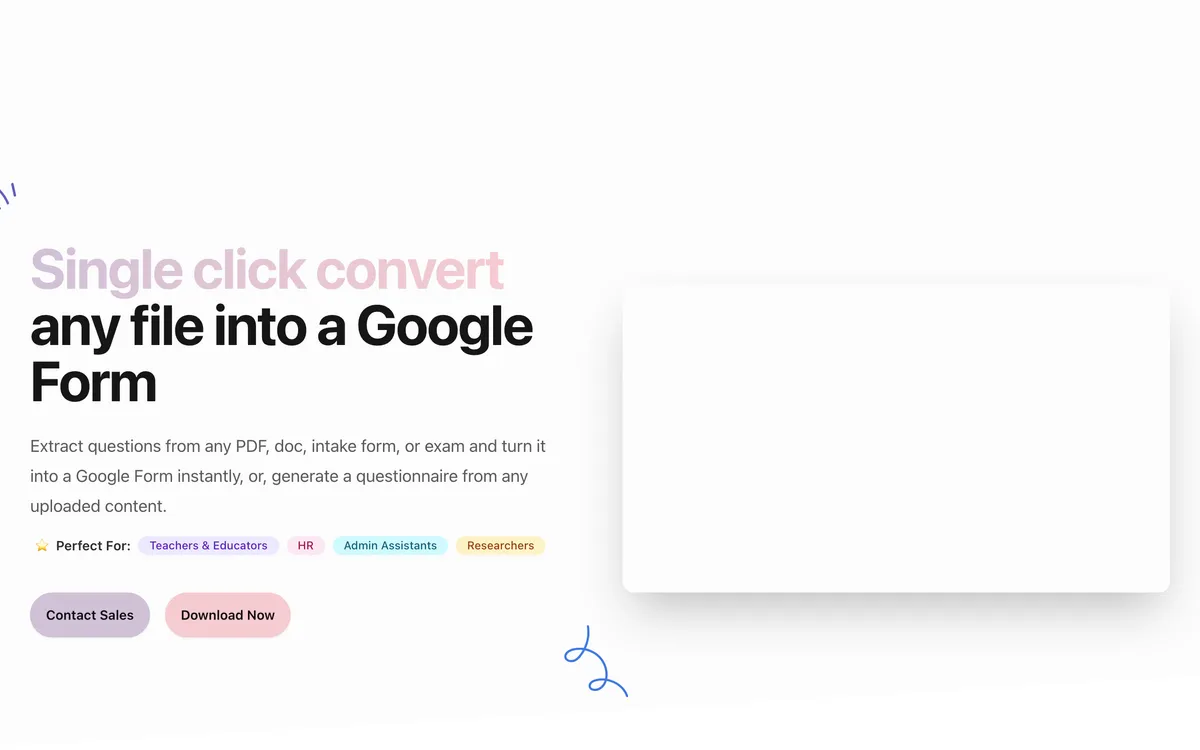
Three things send people looking elsewhere. Permission comes first: on a managed domain an add-on needs an administrator to allow it, and in a school district or a hospital that request can sit unanswered for weeks. Then the source file: Drive-based add-ons want a Google Doc, so a .docx from a colleague or a photocopied form has to be converted first, and that step is where formatting goes to die. Third, some people do not want the extra hop through Docs.
The underlying problem is the same for every tool here. Google Forms has no import button. Add-ons work around it from inside Workspace, web apps with an OAuth grant, and one tool below by writing you a script and getting out of the way. I judged each on four things: whether it needs an install and admin approval, which permissions it requests, whether it takes a Word file or a scan directly, and whether the output is a real Google Form. Form hosts and PDF editors are not here.
The short list
| Tool | Best for | Install required | Free tier |
|---|---|---|---|
| Doc2Form | Word files and scans, no add-on | No, web app (forms.body) |
First form free, then credits |
| Form to Doc | Two-way conversion in Workspace | Yes, Marketplace add-on | Free on the listing |
| FormGPT | Reviewing the draft before it hits Drive | No, web app | Daily limits |
| Formswrite | Teachers who also publish to an LMS | No, web app | Unlimited basic, ~10 AI questions |
| Pirai AI | Zero Google permissions | No, you run the script | Free for academics |
| AI Form Builder | Prompt-first building in Workspace | Yes, Marketplace add-on | Check current listing |
| GETMARKED Digitaliser | Question papers with answer keys | No, web app | Around 2 imports |
1. Doc2Form - skips both the add-on and the Google Doc
Best for: anyone whose file is a .docx, PDF or photo, and who cannot or will not install anything.
Doc2Form is a web app. Drop in a PDF, Word file or image up to 5 MB, sign in with Google, and it writes a native Google Form into your Drive. No listing to approve, no sidebar to install, which removes the exact blocker that brings most people here. It asks for the forms.body scope rather than the "see, edit, create and delete all your Google Docs documents" grant a Docs add-on needs.
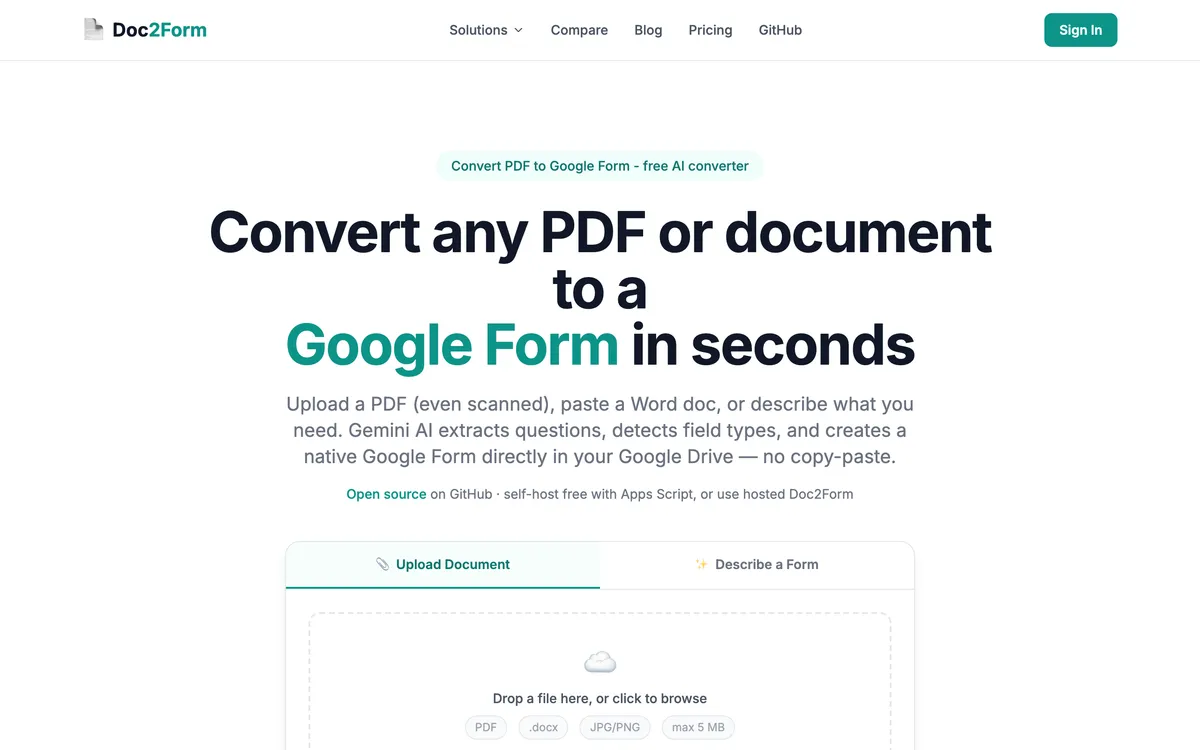
Extraction runs on Gemini with vision, so a scanned page or a phone photo is a supported source, and a Word file goes in as a Word file with no conversion in the middle where tables reflow. It is open source Apps Script at github.com/kamilstanuch/doc2form, which helps when the security review that blocked the add-on comes for the web app.
Where it wins:
- No add-on install and no admin approval queue
- Takes .docx directly, with no Google Doc step
- Scans and photos work, unlike most Drive-based add-ons
- Narrow OAuth scope, and open source for reviewers
Where it falls short:
- No bulk or batch upload
- No public REST API, no webhooks, no Zapier
- Google Forms is the only output target
- Matrix and grid questions can need manual cleanup
- 5 MB cap, and no Excel, CSV or QSF input
- Still needs a Google OAuth grant, blocked on a few domains
Pricing: first form free, then $5 for 10 credits, $12 for 30 or $29 for 100, about $0.29 a form. Credits do not expire. Check current pricing.
2. Form to Doc - the add-on to switch to if add-ons are not the problem
Best for: teams that allow add-ons and want the return trip as well as the import.
If your objection is capability rather than the install, look here first. Form to Doc converts text, documents, images, videos and web pages into Google Forms with AI, then does something nothing else here does: it exports Google Forms and their responses back out to Docs, Sheets, PDF, Excel or CSV, with reports and QR codes on top.
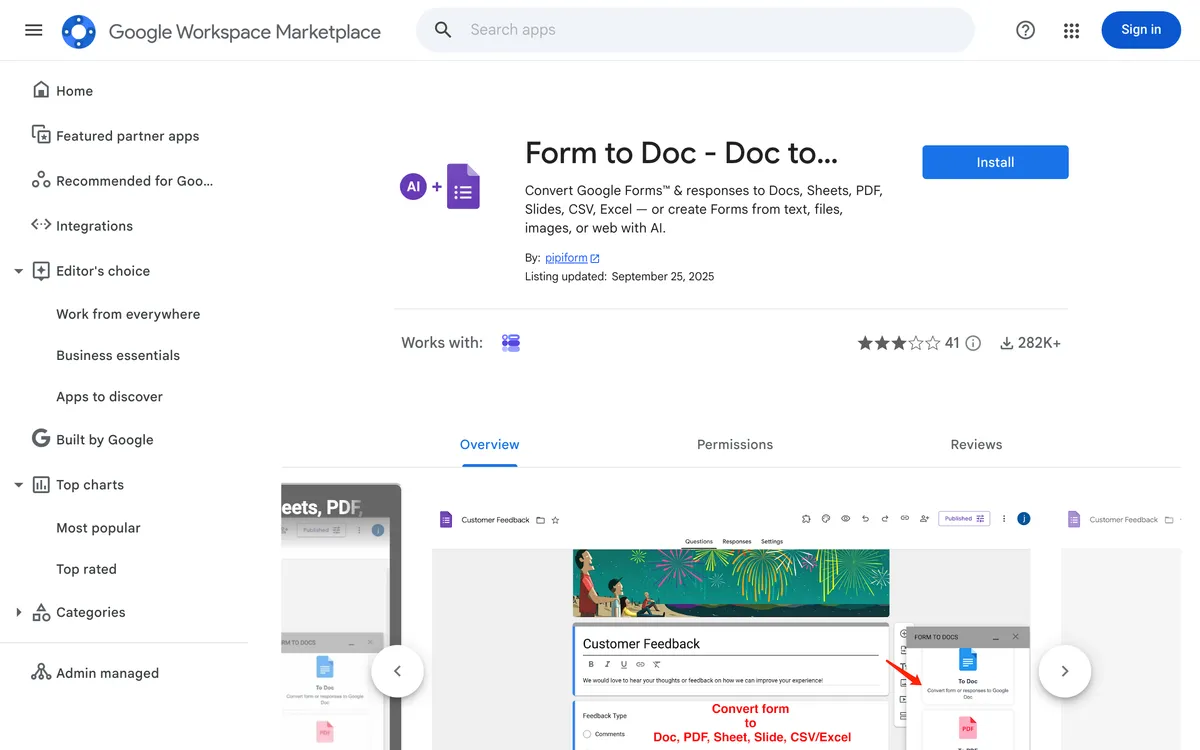
It is free on the Marketplace listing. The catch is the permission list: the install asks to see, edit, create and delete all your Google Docs documents, and to manage your forms in Drive. That is broader than Automagical Forms needs.
Where it wins:
- Free on the Marketplace listing
- Two-way, including responses exported into a formatted Doc
- Wide input list including images and web pages
Where it falls short:
- Still an add-on, so admin approval still applies
- Requests full access to all your Docs
- Not positioned around difficult scans
Pricing: free on the listing at the time of writing.
3. FormGPT - review the draft before anything reaches Drive
Best for: people who want to see and fix the AI's output before it becomes a form.
FormGPT inverts the add-on order of operations. Instead of generating into Drive and repairing the result in Google Forms, it drafts in FormGPT Studio, lets you edit inline, and pushes to Drive only when you say so. When the source is inconsistent, and Docs converted from Word often are, that review pass saves more time than the sidebar convenience it replaces. Inputs are PDF, DOCX, TXT and Markdown up to 5 MB, and it can append questions to an existing form when you paste its edit URL.
Where it wins:
- Edit the draft before it touches your Drive
- Appends questions to an already published form
- No install, plus a Chrome extension if you miss the sidebar
Where it falls short:
- Subscription rather than pay per form
- Free tier limited by separate daily caps
- 5 MB ceiling and no LMS output
Pricing: free tier with daily limits; Pro around $3.99 a week, $12 a month or $39 a year at the time of writing.
4. Formswrite - the upgrade path if half your documents are quizzes
Best for: educators who convert regularly and publish beyond Google Forms.
Formswrite is a web app, so it clears the install hurdle, and it accepts PDF, Word, Google Docs, Sheets and YouTube. Where it pulls away is output: the same quiz lands in Google Forms plus 25+ LMS targets including Moodle, Canvas and Kahoot, and it says it is trusted by 41,000+ educators. Pro adds bulk conversion, an API, webhooks and Zapier. Its Word workflow prefers a Google Docs link, reintroducing the step you may be escaping. More in Doc2Form vs Formswrite.
Where it wins:
- 25+ LMS export targets beyond Google Forms
- Bulk conversion, REST API, webhooks and Zapier on Pro
- Generous free tier, no add-on install
Where it falls short:
- Word input often wants a Google Docs link first
- Assessment-focused, so intake forms are not the target
- Annual subscription
Pricing: free tier with ~10 AI questions a month; Pro around $69 a year or $199 lifetime.
5. Pirai AI - the answer when the domain grants nothing
Best for: organisations where no outside tool gets a Drive OAuth grant, ever.
Every other option here eventually asks Google for permission on your behalf. Pirai AI does not. It generates an Apps Script you paste into the Forms editor and run yourself, so it never sees your Drive. Where the add-on was refused and a web app will be refused too, this is often the only route that survives review. It is built for survey research: Word, PDF, Excel, CSV and Qualtrics QSF in, Qualtrics, REDCap, QuestionPro and 20+ platforms out, with proper grid support.
Where it wins:
- No OAuth, no add-on, no access to your Drive
- Matrix and checkbox grids handled properly
- Excel, CSV and Qualtrics QSF input
- Free for academic researchers, teachers and students
Where it falls short:
- Copying a script into the editor is a genuine barrier
- Survey-first, so graded quizzes are not the sweet spot
- More steps than a sidebar, every single time
Pricing: free for academic use, paid plans beyond. Check current terms.
6. AI Form Builder - the other Marketplace add-on
Best for: Workspace users who like the add-on model and mostly build from prompts.
AI Form Builder (listed as AI Form Maker) is a Marketplace add-on that generates Google Forms from prompts and documents inside Workspace. If Automagical Forms is not clicking but your organisation is fine with add-ons, it is the closest swap available. It inherits the same constraints: admin approval, and a Drive-first workflow expecting Google's formats. See Doc2Form vs AI Form Maker.
Where it wins:
- Familiar Marketplace install and permissions
- Generates from a prompt as well as documents
Where it falls short:
- Same admin approval that blocked the original
- Same Drive-centric input assumptions
- Google Forms only
Pricing: check the current Marketplace listing.
7. GETMARKED Digitaliser - only if your documents are question papers
Best for: teachers digitising exam papers who also need LMS quiz formats.
GETMARKED Digitaliser converts Word and PDF question papers into Google Forms and into Moodle, Canvas, Blackboard and QTI. Its parsing of numbered questions with answer keys beats a general-purpose converter, because that is the only shape it is tuned for. That focus is the warning: if your Docs are onboarding checklists or customer surveys, the parser is hunting for something your file does not contain. See GETMARKED Digitaliser alternatives.
Where it wins:
- Strong answer key extraction from exam papers
- Moodle, Canvas, Blackboard and QTI as well as Google Forms
Where it falls short:
- Around two free imports before paying
- Poor fit for non-quiz documents
- No general survey or intake handling
Pricing: limited free imports, then paid. Check current pricing.
How to choose
| Your situation | Best pick | Why |
|---|---|---|
| Your admin blocks Marketplace installs and always will | Doc2Form | Web app scoped to form creation, so nothing needs approving |
| Your security team refuses any third-party Google access at all | Pirai AI | You run the generated Apps Script yourself, so no tool gets a grant |
| Add-ons are fine and you want the responses back out as a Doc | Form to Doc | Free two-way conversion, including responses to Docs, Sheets or PDF |
| The file is a .docx a colleague emailed you, not a Google Doc | Doc2Form | Reads Word directly, with no conversion step that reflows tables |
| You want to check every question before it lands in Drive | FormGPT | Drafts in its own studio, exports only when you approve |
| The same quiz has to reach Moodle and Canvas as well | Formswrite | 25+ LMS export targets, which no add-on here matches |
| You like the sidebar workflow and just want a different add-on | AI Form Builder | Same Marketplace model, prompt-first generation in Workspace |
Frequently asked questions
Why can I not install Automagical Forms on my work account?
Workspace administrators control which add-ons users may install, and many organisations block them by default. The scopes an add-on requests, often including access to your Docs, are what trigger that policy. The workaround is a tool that runs outside Workspace.
Is there an Automagical Forms alternative that does not need an add-on?
Yes. Doc2Form, FormGPT, Formswrite and GETMARKED Digitaliser are all web apps. Doc2Form and FormGPT ask for a Google connection so they can write the form into your Drive, a narrower request than an add-on install. Pirai AI asks for nothing.
Can I convert a Word document without turning it into a Google Doc first?
Doc2Form and FormGPT both accept .docx uploads directly, so nothing is converted along the way. Drive-based add-ons want the content already in Google's formats, which is where the extra step and the formatting drift come from.
Does Google Forms have its own import feature now?
Not in the sense people mean. The built-in Gemini "Help me create" option can reference files on some paid Workspace tiers, availability varies by plan, and it is weak on scans. There is still no File then Import in Google Forms.
What is the real difference between add-on permissions and a web app's?
A Docs add-on typically needs to see, edit, create and delete all your Google Docs documents just to read the one in front of you. A web app like Doc2Form asks for forms.body, which creates a form and nothing else. Neither is automatically safer, but the narrower grant is easier to defend in a review.
Try Doc2Form - first form free, no credit card.