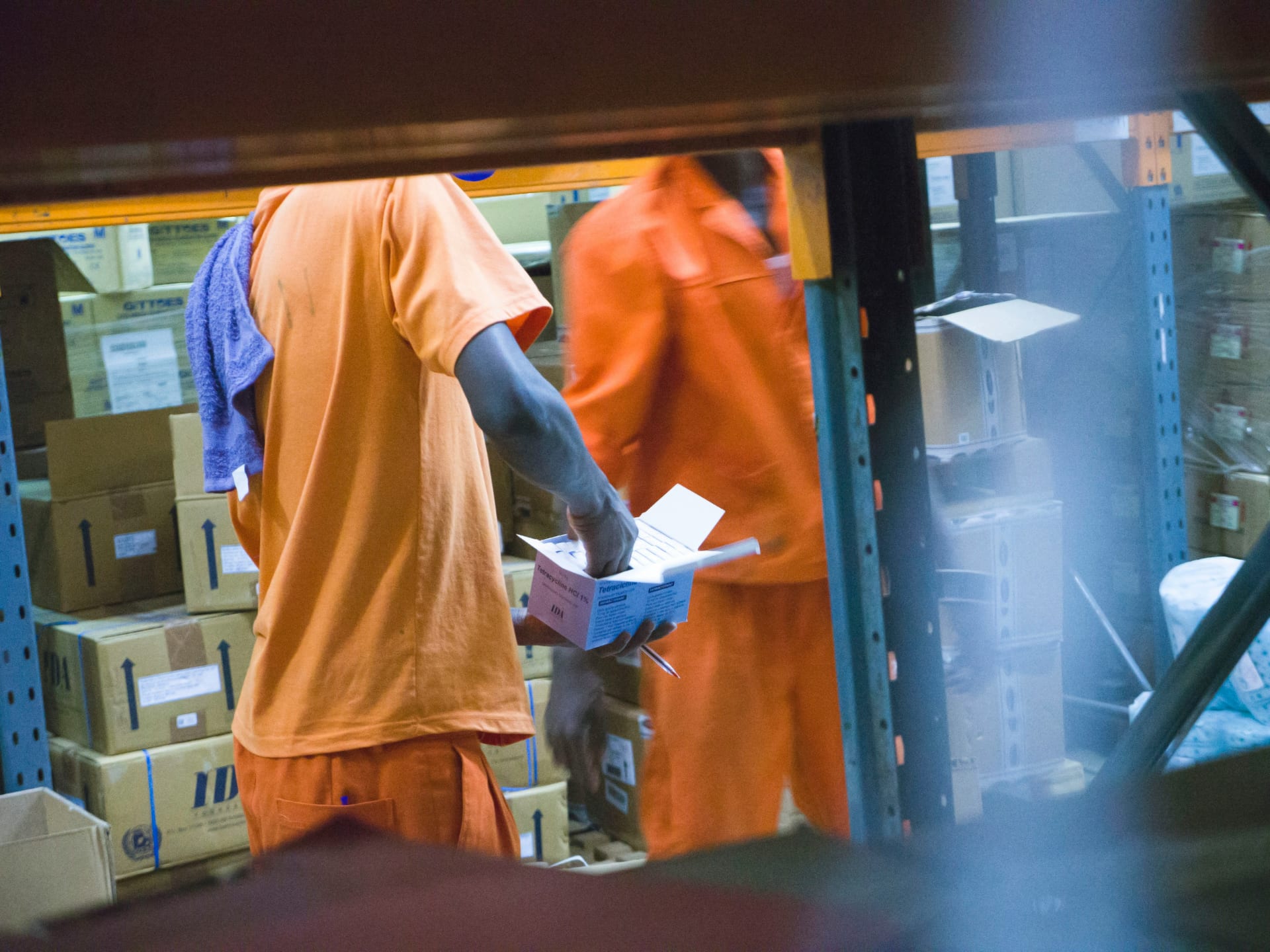

Technical precision begins at the loading dock
In the high-velocity world of logistics, 3PL (Third-Party Logistics), and drayage, the "margin of error" is decided at the trailer door. Whether it is a seal-verification check, a temperature-recorder log for a reefer load, or a detailed Over, Short, and Damaged (OSD) report, most warehouse and yard managers rely on multi-page PDF checklists and Word templates. The friction occurs when a dock supervisor or gate-house guard has to manually retype that data into a functional spreadsheet or a blank Google Form. They often mistype critical details like seal alpha-codes, trailer VINs, or OSD reason codes, leading to denied claims and inventory reconciliation nightmares.
Doc2Form eliminates this "manual friction" by reading your digitally authored PDF or Word templates - up to 5 MB - and drafting a structured Google Form in seconds. This ensures that every shift and every facility captures load data using identical definitions, which is mandatory for clean claims reconciliation, OTIF (On-Time, In-Full) reporting, and maintaining SQF or GDP certifications later in the month. By maintaining the same terminology as the source script, you keep your "dock-ready" documentation consistent from the inbound gate to the final outbound scan.
Quality Control and Safety: Dock Audits and Yard Checks
Yard management and dock safety are only effective if checks are completed in real-time. If a supervisor has to wait for a physical clipboard to be returned to the office before data entry begins, the delay can lead to missed claims windows or safety non-conformities going unaddressed. By moving your dock audits and yard checks into Google Forms, you can provide a QR code at each bay or at the yard shack. Staff can tap through the hazard checks, load-bracing verifications, and trailer-cleanliness prompts on their rugged handhelds or phones, and you get a real-time record in a Google Sheet.
Importing your existing "Dock Audit" or "Carrier Compliance" PDF ensures that you are not missing critical prompts about hazardous material placards, wheel chocks, or reefer set-points. Once the Form is generated, you can add "File Upload" questions so that supers can attach a photo of a damaged pallet, an improperly secured load, or a faulty seal, providing visual evidence that beats a handwritten note when disputing a claim with a carrier or insurer. This transparency is vital for maintaining your safety standing and proving due diligence during a facility audit.
Carrier Onboarding and Shipper Experience
Beyond the dock, logistics firms handle a significant volume of intake for carrier vetting, driver onboarding, and shipper satisfaction surveys. If your procurement or account management team uses a Word-based carrier packet or a shipper feedback instrument, Doc2Form can bring it into Google Forms in seconds. By providing a simple link instead of a PDF attachment, you increase the speed of your onboarding "pipeline" and get structured data into Sheets that your dispatch team can use to filter for specific lane preferences or equipment types.
By digitizing your existing feedback and onboarding surveys, you maintain consistency in your partnership history. If your firm’s "Carrier Scorecard" has been using a 10-question PDF for years, importing that same PDF into Google Forms ensures that your longitudinal data on "Carrier Reliability" remains comparable as you scale. Your data stays in your secure Google Drive, not on a third-party platform that might not meet your company's data-governance or GDP-compliance standards. This approach is particularly useful for managing peak staffing and temp-agency intakes during the holiday rush.
Common questions
Does this replace our primary TMS or WMS like MercuryGate, BlueYonder, or SAP?
No. Doc2Form is a productivity bridge for the "human-capture" and "partner intake" phases. Logistics teams use Google Forms for high-volume yard checks, carrier onboarding, or internal safety walks, and then manually export or use API bridges to move key data into their system of record. It's a tool for the "gaps" where your main system might be too rigid or doesn't have a mobile-friendly front end for third-party drivers.
Can staff use the Form offline in remote yard areas or cold storage?
Google Forms generally requires a data or Wi-Fi connection. We recommend that staff save the Form as a shortcut on their rugged handhelds. For yard areas with zero connectivity, we advise maintaining a paper backup for the immediate load check and then syncing the data once signal is restored. Most facilities find that LTE or facility-wide Wi-Fi is sufficient for the 30-second submission time required for most field forms.
How do we handle food safety (FSMA) or pharmaceutical GDP compliance?
Follow your company's specific FSMA and GDP rules for temperature documentation; photo uploads in Google Forms provide excellent auditable evidence of reefer set-points and sanitation checks. Your quality and compliance group decides what electronic acknowledgments are appropriate for your specific cold-chain and records-retention policies.
Can we collect photos of driver IDs or insurance cards?
Yes. Once the Form is generated in Google Forms, you can enable "File Upload" questions. This is mandatory for carrier vetting and driver intake where you need to attach a photo of the license, MC authority, and insurance card before the load is assigned. Photos land in a secure folder in your Google Drive, accessible only to authorized procurement staff.

What is the cost for a multi-site 3PL group or national carrier?
Your first hosted conversion is free, allowing you to test your most complex dock audit. For organizations managing multiple warehouses or a large library of carrier documents, we offer credit packs. The codebase is also open source for firms that prefer to host the tool on their own private developer infrastructure to meet strict corporate-governance or client-NDA rules.

