Related conversion guides: PDF to Google Form · Form from description
In short: Upload a PDF or Word template and get a Google Form in your Drive. Built for photographers. Files up to 5 MB. First form free.
The shoot starts with questions - make collecting the answers easy
Photographers collect detailed client information before every session - style preferences, shot lists, venue details, family groupings, timeline constraints. Most have a questionnaire that works well as a Word doc or PDF. Getting clients to return it consistently is the friction.
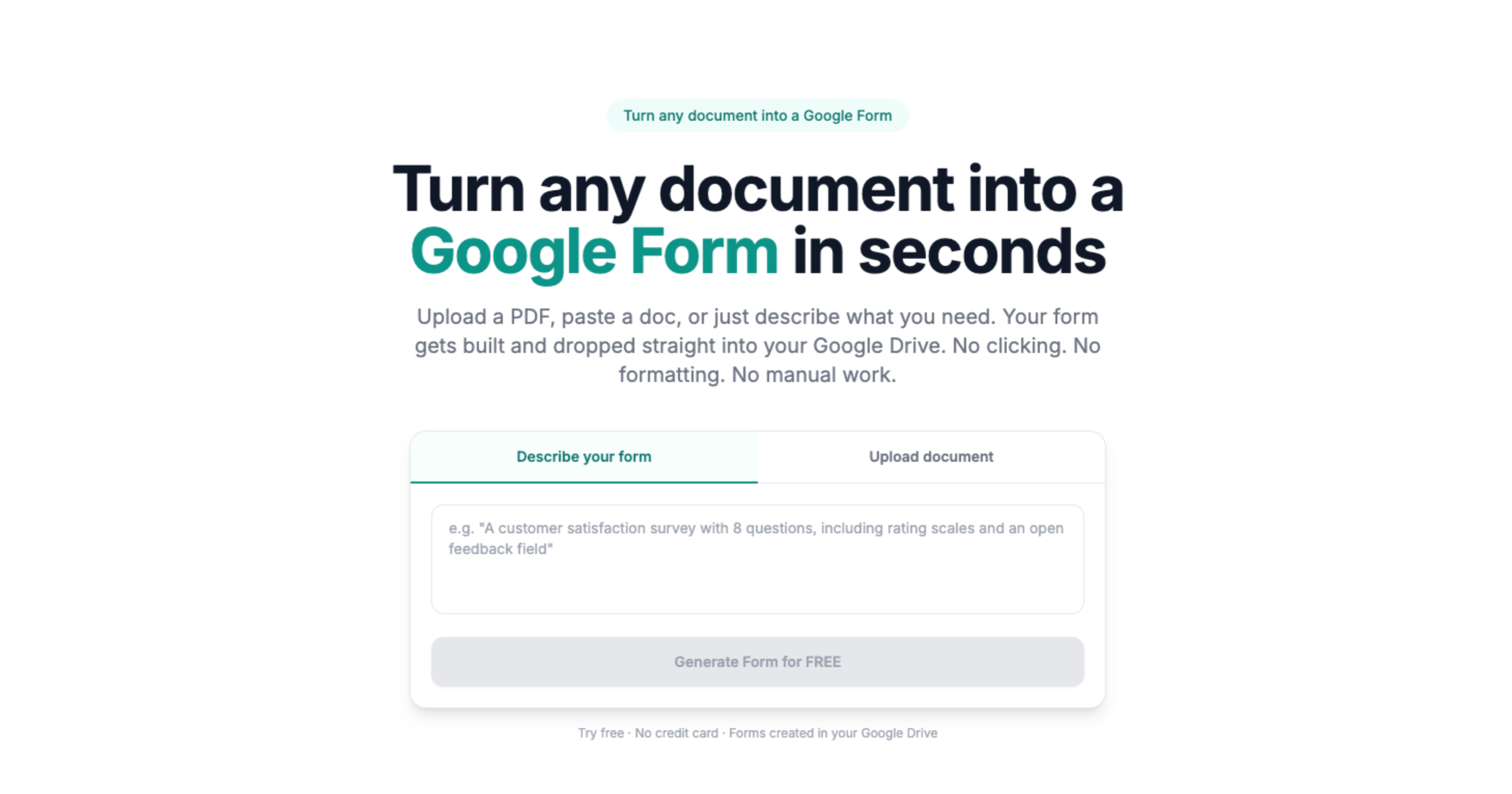
Doc2Form converts existing questionnaires and intake forms into Google Forms. Upload a PDF or Word file up to 5 MB and it detects the structure - text fields, checkboxes, dropdowns - and builds a matching form in your Drive. Share a link with the booking confirmation instead of attaching a file.
No document? Use describe mode: type a brief description of your shoot type and get a starting questionnaire to adjust.
All client responses organized in one place
Every Google Form connects to a Sheets spreadsheet. Inquiries, questionnaire responses, and feedback forms all aggregate automatically - no digging through email threads before a shoot.
Based on a sample of 1,775 Google Forms generated by Doc2Form users, containing 55,761 questions across 47 languages. That is an average of 31 questions per form - roughly 21 minutes saved per form versus rebuilding each question by hand in the Forms editor (assuming ~40 seconds per question).
Sources
- Google Forms API - native Forms created in your Drive after structure is extracted.
- Gemini API - document structure analysis for questions, options, and sections.
- Google Workspace for Education / business - Forms and Sheets stay under your org's Google account policies.
A real example
A wedding questionnaire PDF becomes a Form sent after the contract; shot-list answers land in Sheets the week of the shoot.
Common questions
What is the easiest way to create a client intake form for photographers?
Start from the questionnaire you already use. Upload the PDF or Word file to Doc2Form, review the Google Form it builds in Drive, then send clients one link with the booking confirmation instead of chasing email attachments.
Can clients fill this out on their phone?
Yes. Google Forms works on any device with a browser. Most clients complete it when they receive the booking confirmation.
Can I have different forms for different session types?
Yes. Create one base form per session type - weddings, portraits, commercial - in your Drive. Duplicate and adjust as needed. Each form gets its own link.
Is my form template reusable?
Yes. You own the form in Drive. After Doc2Form creates it, duplicate it for each client, clear previous responses if needed, and share a fresh link.
Does it cost anything?
The first form is free, no credit card required. Credit packs are available after that. The project is open source for photographers who prefer to self-host.