
Studio agility depends on structured client capture
In the fast-moving world of professional photography - weddings, commercial sets, and portrait studios - the "margin of error" is decided before the first frame is shot. Whether it is a wedding day timeline, a commercial model release, or a detailed wardrobe brief, most photographers and studio managers rely on multi-page PDF appendices and Word templates. The friction starts when you need a fast, digital way for a client or an assistant to answer those questions without retyping the entire contract appendix into a blank mobile app. They often miss critical family formal combinations, skip venue access rules, or use inconsistent terminology for "commercial rights" acknowledgments, leading to expensive post-production misunderstandings and missed shots.
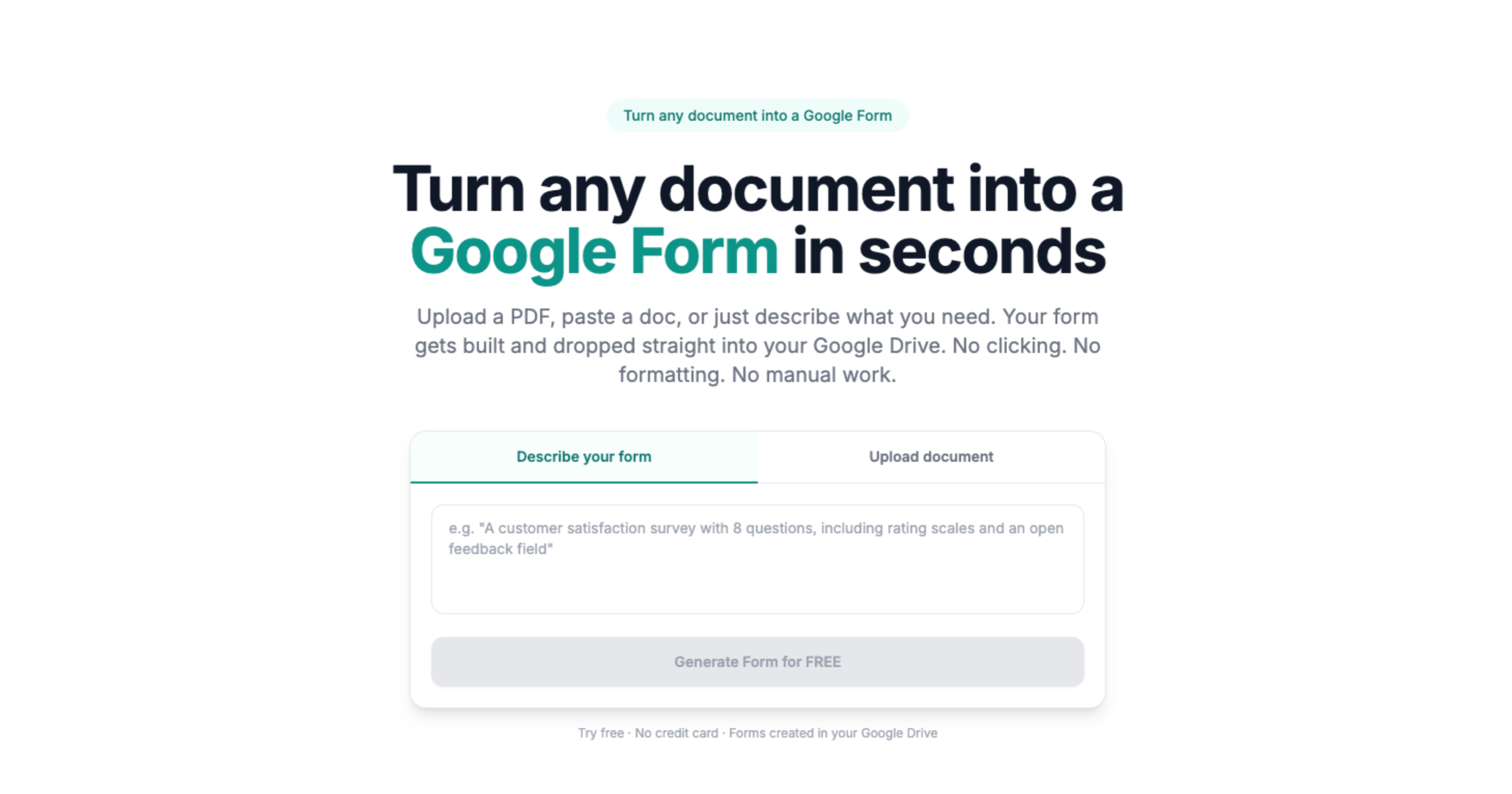
Doc2Form eliminates this "discovery drift" by reading your digitally authored PDF or Word templates - up to 5 MB - and drafting a structured Google Form in seconds. This ensures that every client and every second shooter sees the exact same prompts your attorney or strategy lead approved, which is mandatory for maintaining copyright integrity and avoiding "mis-communications" that burn studio hours. By maintaining the same terminology as the source script, you keep your "shoot-ready" documentation consistent from the booking to the final gallery delivery.
Session Operations: Timelines, Shot Lists, and Logistics
A wedding day or a commercial shoot is only successful if everyone is on the same page about the schedule and the "must-have" deliverables. If a lead photographer has to wait for a physical clipboard to be returned before the shot list is finalized, the risk of missing a key family formal or a specific product angle is high. By moving your session planners and shot lists into Google Forms, you can provide a structured interface for clients to submit their details right from their browser.
Importing your existing "Session Planner" or "Wedding Questionnaire" PDF ensures that you are not missing critical prompts about parking quirks, vendor contacts, or specific family dynamics. Once the Form is generated, you can add "File Upload" questions so that clients can attach a mood board or a floor plan directly to the intake. The data lands in a central Google Sheet that your second shooters and assistants can access from their phones on the day of the shoot, providing an auditable trail for "client-ready" planning without the need for a complex proprietary studio management suite.
Client Experience and Album Feedback Loops
The relationship with a client does not end when the session fee is paid or the gallery is delivered. Top-tier studios use post-session surveys and album-review instruments to track satisfaction and product choices. If your studio manual has a standard set of proofing questions or an album feedback rubric, you can convert that Word template into a Google Form in seconds. By sending a simple link instead of a PDF attachment, you increase response rates from busy brides or creative directors and get structured data into Sheets that you can use for your end-of-year business review.
By digitizing your existing feedback and discovery surveys, you maintain consistency in your business history. If your studio’s "Post-Wedding Review" has been using a 10-question PDF for years, importing that same PDF into Google Forms ensures that your longitudinal data on "Client Satisfaction" remains comparable across different seasons. Your data stays in your secure Google Drive, not on a third-party survey platform that might not meet your company's strict data-governance or copyright standards. This approach is particularly useful for managing model releases and "second shooter" onboarding where speed and structure are paramount.
Common questions
Does this replace our primary Studio Management tool like HoneyBook, Studio Ninja, or Pixieset?
No. Doc2Form is a productivity bridge for the "early discovery" and "specific feedback" phases. Photography teams use Google Forms for fast, client-facing intakes, model releases, or assistant audits, and then manually export or use API bridges to move high-value data into their system of record. It's a tool for the "gaps" where your main system might be too rigid or doesn't have a simple, external-facing portal for non-clients.
Can clients upload mood boards or wardrobe inspiration directly through the Form?
Yes. Once the Form is generated in Google Forms, you can add "File Upload" questions. This is mandatory for session discovery where you need the client to attach a screenshot of their inspiration, a specific venue requirement, or a wardrobe choice before the session fee is finalized. Files land in a secure folder in your Google Drive, linked to the client's discovery response.
How do we handle legally binding signatures for releases and contracts?
Google Forms allows for name entry and checkboxes which act as a digital acknowledgment. For formal "Model Releases" or high-stakes contracts, we recommend following up the Form intake with your firm's approved e-signature and document control platform. Many photographers use Forms for the information gathering phase and then use a specialized tool for the final legal sign-off.
Can we use "Describe mode" for a quick mini-session poll or holiday signup?
Absolutely. If you are running a weekend of "Holiday Minis" or a one-off community demo and do not have a PDF master yet, you can type "RSVP for [Event] with time-slot checkboxes, child names text, and pet yes or no" into Describe mode. Doc2Form will generate the structure so you can get a live link out to your social media or email list in seconds.
What is the cost for a boutique studio or freelance photographer?
Your first hosted conversion is free, allowing you to test your most complex wedding intake. For firms managing dozens of site-specific post-orders and DARs across multiple regions, we offer credit packs. The codebase is also open source for organizations that prefer to host the tool on their own private developer infrastructure to meet strict corporate-governance or client-NDA rules.