In short
- Free with no expiry and no vendor: Doc2Form self-hosted, the only tool here you can deploy from source into your own Google account and run indefinitely.
- Most generous hosted free tier: Form to Doc, free of charge on the Workspace Marketplace with no conversion counter, if you are comfortable with the scopes it asks for.
- Free with unlimited responses but not a Google Form: Weavely, which is the most common misunderstanding in this category.
Google Forms has no import button, so anything that turns a document into a form is a third-party workaround. That matters more for free tiers than for paid ones, because "free" in this category means six different things. One tool is free to run yourself from source. One is free of charge but asks for broad access to your Google Docs. One gives unlimited basic conversions but meters the AI. One resets a small allowance every day. One stops after about two files. One is free forever and does not produce a Google Form at all.
So the ranking below is not "who gives away the most clicks". It is how far you can get for free permanently, and what each free tier quietly costs you in something other than money: a scope grant you have to approve, a monthly AI cap, an add-on your admin has to allow, or a form that lives somewhere other than your Drive. For every entry the line that matters is Where it falls short, because that is where the real shape of a free tier shows up.
Free limits change more often than anything else on a pricing page. Treat every number here as accurate at the time of writing and check before you commit a workflow to it.
The short list
| Tool | What "free" really means | Output | The cost that is not money |
|---|---|---|---|
| Doc2Form | Unlimited if self-hosted; 1 form free on the hosted app | Real Google Form in your Drive | Self-hosting needs a one-time setup; hosted use needs credits after form one |
| Form to Doc | Free of charge on the Marketplace, no counter | Real Google Form, and Forms back out to Docs | Broad Workspace scopes, add-on install |
| Formswrite | Unlimited basic conversions, ~10 AI questions/mo | Real Google Form + LMS exports | The AI cap bites hardest on messy files |
| FormGPT | Daily allowance, resets midnight UTC | Real Google Form via Drive export | Two separate daily caps stall a burst of work |
| GETMARKED Digitaliser | About 2 imports total | Real Google Form + LMS quiz formats | A trial rather than a free tier |
| Weavely | Free forever, unlimited forms and responses | Weavely-hosted form | Not a Google Form at all |
1. Doc2Form - the only one you can run yourself, free forever
Best for: anyone who wants a free converter with no counter and no vendor, and anyone whose document is a scan or a photo of paper.
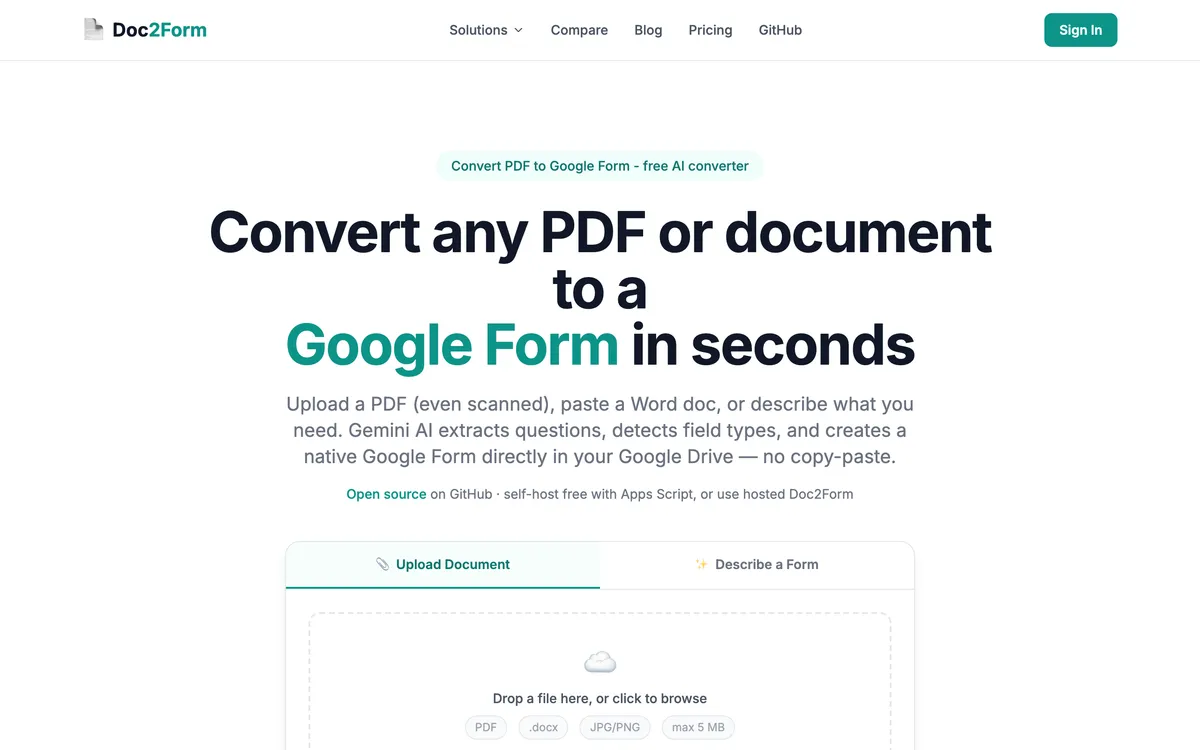
Every other tool on this page is free at somebody else's discretion. Doc2Form is open source Google Apps Script at github.com/kamilstanuch/doc2form, so you can deploy it into your own Google account with your own Gemini key and run it indefinitely: no conversion counter, no monthly AI allowance, no account with us, and no third party holding your files. For a school IT team, a clinic, or anyone whose security review wants to read the code before approving a tool, that is the only free tier on this page that actually survives the review.
The second reason it leads is capability rather than price, and it is the one gap the generous free tiers above cannot close. Doc2Form uses Gemini vision to read the document, so a scanned page or a phone photo of a paper form works. Most converters parse a PDF's text layer, which a scan simply does not have. If your source is a photocopied intake sheet, an unlimited free tier elsewhere is worth nothing and this one is worth the whole job: see scanned PDF to Google Form and document to Google Form.
If you would rather not self-host, the hosted app gives you one free form with no card and then charges credits. That headline free tier is genuinely smaller than Form to Doc's or Formswrite's, and we say so in the list below rather than burying it.
Where it wins:
- Free forever if you self-host from source, with no counter and no vendor in the loop
- Reads scanned PDFs and phone photos, not just clean digital files
- Real Google Form in your own Drive, with no add-on install and no separate form host
- Narrow
forms.bodyscope rather than blanket access to your documents - Credits never expire, so occasional hosted use never needs a subscription
- Describe mode builds a form from a plain-English brief when you have no document yet
Where it falls short:
- Only one free hosted form. If you will not self-host, Form to Doc and Formswrite give you more for nothing.
- Self-hosting is a real setup, not a click: you deploy the script and supply your own Gemini key.
- No bulk or batch upload, so a folder of legacy PDFs means one file at a time.
- No public REST API and no Zapier.
- Google Forms is the only output. No Moodle, Canvas, Kahoot, or QTI export.
- Matrix and grid questions often need manual cleanup after conversion.
- 5 MB file cap, which long scanned papers can exceed.
- No Excel, CSV, or Qualtrics QSF input, and hosted use requires Google OAuth.
Pricing: self-hosting is free. Hosted: first form free with no card, then credit packs at $5 for 10 credits, $12 for 30, or $29 for 100 (about $0.29 per form) at the time of writing. No subscription.
2. Form to Doc - the most generous hosted free tier
Best for: anyone who wants a genuinely free converter with no setup and is comfortable installing a Workspace add-on.
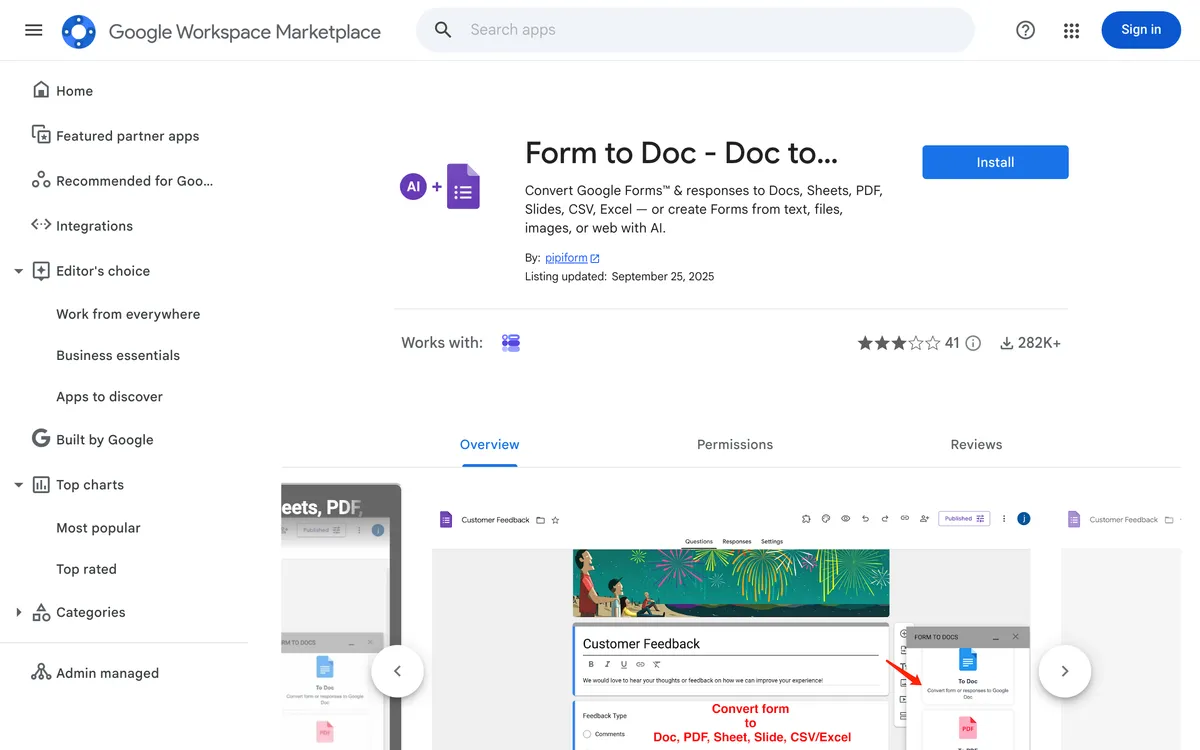
If you are measuring raw generosity on a hosted tool, Form to Doc (listed on the Marketplace as Doc to Form) wins and it is not close. The listing is free of charge, with no conversion counter and no monthly AI allowance to run out. It converts plain text, documents, images, videos, and web pages into Google Forms using built-in AI. It is also the only tool here that runs in reverse: it exports Google Forms and their response data out to Docs, Sheets, Slides, PDF, Excel, or CSV.
That reverse direction is worth more than people expect. If you need a printable paper copy of a form for a site visit, or a formatted response report for a committee, nothing else on this page does it. It also generates summaries from response data and makes QR codes for a form.
The price is paid in permissions. Installing it means granting scopes that include "see, edit, create and delete all your Google Docs documents" alongside managing your forms in Drive. That is wider than a converter strictly needs, and on a managed domain it is a conversation with your admin rather than a click. If that is acceptable to you, this is the most free value on the page and you should take it.
Where it wins:
- Free of charge on the Marketplace listing, with no conversion counter
- Two-way: documents into Forms, and Forms plus responses out to Docs, Sheets, and PDF
- Accepts images, videos, and web pages, not only documents
- Response reports, summaries, and QR codes included
Where it falls short:
- Broad Workspace scopes, including full access to every Google Doc you own
- Add-on install required, so there is no zero-setup path
- Lives inside Workspace rather than working as a standalone web app
- Not positioned around scanned or photographed paper
Pricing: free of charge per the Marketplace listing at the time of writing. Full detail in our Doc2Form vs. Form to Doc comparison.
3. Formswrite - unlimited basic conversions, capped AI
Best for: teachers converting well-structured documents who also need LMS exports.
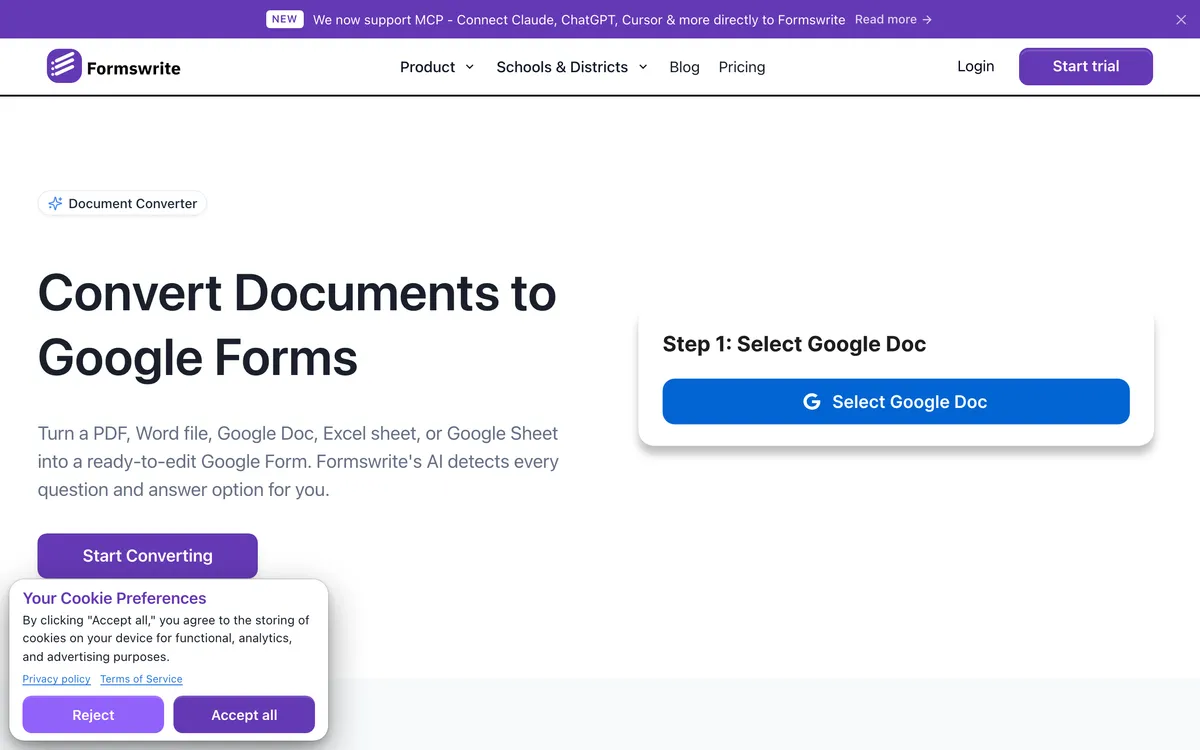
Formswrite's free tier is unusual in a useful way: basic conversions are unlimited, and only AI-assisted question generation is metered at roughly 10 questions a month. For clean, well-structured source files where the parser does the work without much AI help, you can convert a great deal for nothing. Formswrite says it is trusted by 41,000+ educators.
You also get its export breadth on the free tier, which is the real draw: Google Forms plus more than 25 LMS targets including Moodle, Canvas, Blackboard, Kahoot, and Quizizz. Nothing else on this page comes close.
The cap bites exactly when you need help most. A messy scan or an unstructured PDF is precisely the case where the AI has to generate rather than parse, and 10 questions a month does not go far. Its Word workflow also prefers a Google Docs link, which adds a step. Full breakdown in Doc2Form vs. Formswrite.
Where it wins:
- Unlimited basic conversions on the free tier
- Google Forms plus 25+ LMS export targets, included free
- Handles PDF, Word, Google Docs, Sheets, and YouTube input
Where it falls short:
- Roughly 10 AI questions a month, which messy documents burn through fast
- The Word workflow generally wants a Google Docs link first
- Scanned and photographed pages are not its strength
- Bulk conversion, API, and Zapier are Pro only
Pricing: free tier as described; Pro around $69/year or roughly $199 lifetime at the time of writing.
4. FormGPT - a small allowance that comes back every day
Best for: occasional conversions spread over time, and editing the draft before it becomes a form.
FormGPT's free tier is a daily allowance rather than a lifetime one, with separate limits for creating forms and for appending questions to an existing form. Both reset at midnight UTC. If you need three forms this month on three different days, that is effectively free. If you need three forms this afternoon, it is not.
The workflow earns the mention on its own. Upload a PDF, DOCX, TXT, or Markdown file up to 5 MB, or type a prompt, and FormGPT builds a draft in its Studio where you edit inline before exporting to Drive. Fixing a misread question type before the form exists is nicer than fixing it afterwards. It also appends AI-generated questions to a form that is already collecting responses, which nothing else here does.
Where it wins:
- The free allowance resets daily instead of running out permanently
- Review and edit the draft before it becomes a Google Form
- Appends questions to an existing live form
- Chrome extension sidebar, plus quiz grading with answer keys
Where it falls short:
- Two separate daily caps, so a burst of work stalls
- The paid tier is a subscription rather than pay-per-use
- 5 MB upload cap
- Scanned documents are not its stated focus
Pricing: free daily limits resetting at midnight UTC. Pro was $3.99/week, $12/month, or $39/year at the time of writing.
5. GETMARKED Digitaliser - the smallest free tier, for one specific job
Best for: trying out exam-paper digitisation before you pay for it.
GETMARKED Digitaliser gives you about two free imports, the thinnest allowance on this page. Treat it as an evaluation rather than a free tool. What you are evaluating is the best question-paper parser in this group: feed it a Word or PDF exam and it reads numbered questions, lettered options, and answer keys, then exports to Google Forms as well as Moodle, Canvas, Blackboard, and QTI.
If your documents are exam papers, spend those two imports on your hardest past paper and see whether the answer-key handling saves you the hour it usually saves. If they are intake forms or surveys, do not bother: it is looking for a structure your files do not have. More in Doc2Form vs. GETMARKED Digitaliser.
Where it wins:
- The best question-paper parsing here, including answer keys
- Exports to Google Forms plus Moodle, Canvas, Blackboard, and QTI
- Purpose-built for assessment, so quiz semantics survive the conversion
Where it falls short:
- About 2 free imports, so it is a trial rather than a free tier
- Weak on non-quiz documents such as intake forms and surveys
- No general-purpose conversion story
Pricing: about 2 free imports then paid; check current pricing.
6. Weavely - free forever, but it is not a Google Form
Best for: people who want a good-looking form for free and do not actually need it to be a Google Form.
Weavely has the best free plan on this page by any raw measure: unlimited forms, unlimited responses, free forever. It has a Google Docs add-on that turns a Doc into a form in one click, plus a PDF-to-form converter. The design quality is genuinely good, you can add conditional logic by chatting with the AI, and multipage forms work properly.
It is last here for one reason, and it has nothing to do with quality. Weavely produces Weavely forms, not Google Forms. There is no forms.google.com link, no Google Classroom integration, and no native Google Sheets response storage: it integrates with Sheets, HubSpot, Notion, and Salesforce rather than storing responses there the way a Google Form does. On a page about converting documents into Google Forms, a tool that does not produce one cannot rank above tools that do, however generous the plan.
The honest framing: if you searched for "document to Google Form" because you need a web form and Google Forms is simply the tool you know, Weavely is probably your best free answer and you should go and use it. If the deliverable genuinely has to be a Google Form in Drive, it does not solve your problem.
Where it wins:
- Free forever with unlimited forms and unlimited responses
- One-click Google Docs add-on plus a PDF converter
- Strong design, multipage forms, conditional logic via chat
- Integrations with Sheets, HubSpot, Notion, and Salesforce
Where it falls short:
- Does not produce a Google Form, which is disqualifying for most readers of this page
- No forms.google.com link and no Google Classroom integration
- Responses live in Weavely, with Sheets as an integration rather than native storage
- A paid plan is needed for a custom domain and multilingual forms
Pricing: free forever plan; Pro was around $180/year at the time of writing, so verify current pricing.
How to choose
| Your situation | Best pick | Why |
|---|---|---|
| You want a converter you can run yourself, free, forever, with no vendor account | Doc2Form self-hosted | Open-source Apps Script you deploy into your own Google account with your own key |
| The document is a photo or scan of a paper form | Doc2Form | Reads scans with AI vision; the more generous free tiers rely on a text layer a scan lacks |
| You want the most conversions for nothing and can install a Workspace add-on | Form to Doc | Free on the Marketplace with no conversion counter, and it converts both directions |
| You need a printable Doc or a response report out of a Google Form | Form to Doc | The only two-way tool here, and that direction is free too |
| You have a stack of clean, well-structured PDFs and no budget | Formswrite | Unlimited basic conversions on the free tier, plus LMS exports |
| The same quiz has to reach Google Forms, Moodle, and Canvas | Formswrite | 25+ LMS targets on the free tier; Doc2Form only outputs Google Forms |
| You need one form a day for the next week | FormGPT | The free allowance resets at midnight UTC instead of running out permanently |
| You are digitising past exam papers with answer keys | GETMARKED Digitaliser | Strongest question-paper parsing; spend the two free imports on your hardest paper |
| You need a free form with unlimited responses and it does not have to be a Google Form | Weavely | Free forever with unlimited forms and responses, though it hosts the form itself |
| Your IT team has to approve the tool before you can use it | Doc2Form self-hosted | The only option here where they can read the source and run it inside your own account |
Frequently asked questions
What is the best genuinely free document to Google Forms converter?
It depends on what "free" has to survive. For free with no expiry and no vendor, it is Doc2Form self-hosted: open source, deployed in your own Google account, no counter. For the most generous hosted free tier with no setup, it is Form to Doc, free of charge on the Marketplace, provided you accept the broad Workspace scopes it asks for at install.
Is Doc2Form free?
Both, depending on how you run it. The code is open source, so self-hosting it in your own Google account is free with no limit. The hosted app at doc2form.dev gives you one free form with no card and then charges credits that never expire, which is a smaller headline free tier than several tools on this page.
Can I convert a document to a Google Form without installing an add-on?
Yes. Doc2Form, Formswrite, and FormGPT are web apps: upload a file, connect your Google account once, and the form appears in Drive. Form to Doc and add-ons such as Automagical Forms need an install and a scope grant, which on a managed domain may require admin approval.
Which free tool handles a scanned PDF or a photo?
Doc2Form, because it uses AI vision rather than reading a text layer that a scan does not have. This is the one place where the more generous free tiers do not help you, since they expect a digital document with extractable text.
Do free converters keep my document?
Read each privacy policy, because the answers differ. Doc2Form processes the file to extract structure and then discards it, storing only the form title and link. Add-ons operate under the scopes you grant at install, which for Form to Doc includes every Google Doc in your account.
Will a free tool produce a real Google Form I can edit and share?
With Doc2Form, Form to Doc, Formswrite, FormGPT, and GETMARKED, yes: an ordinary Google Form in Drive that connects to Sheets and Classroom. Weavely does not, despite having the most generous free plan here, and that is the most common surprise in this category.
What if I only need one form ever?
Then almost anything here works and you should optimise for setup time rather than price. A single PDF to Google Form conversion is free on Doc2Form with no card and no install, free on Form to Doc after the add-on install, and free on Formswrite. Our full converter roundup compares them on output quality instead of pricing.
Try Doc2Form - first form free, no credit card.