In short
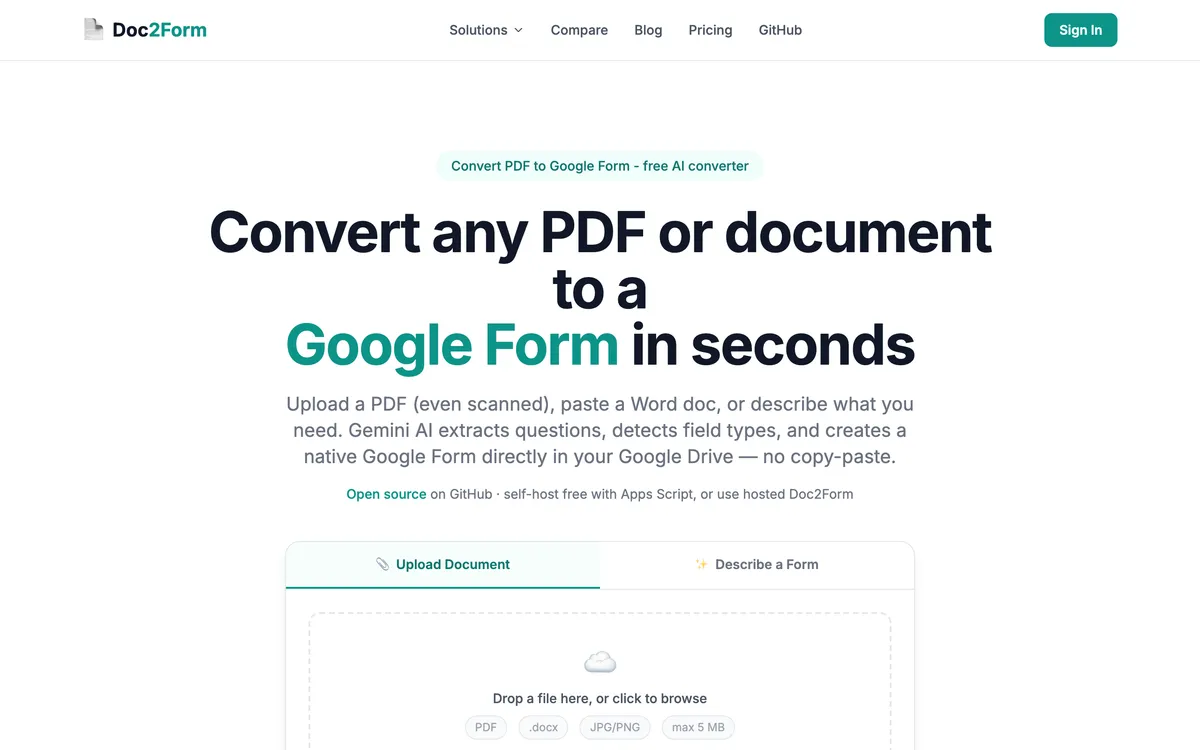
- Pick Doc2Form if you want no install, to convert PDF to Google Form from scans or photos, credits instead of a subscription, or open source.
- Pick Automagical Forms if you want a Drive sidebar, Google Slides as a source, images inside questions (on paid tiers), or unlimited plans when volume is high.
What is Automagical Forms?
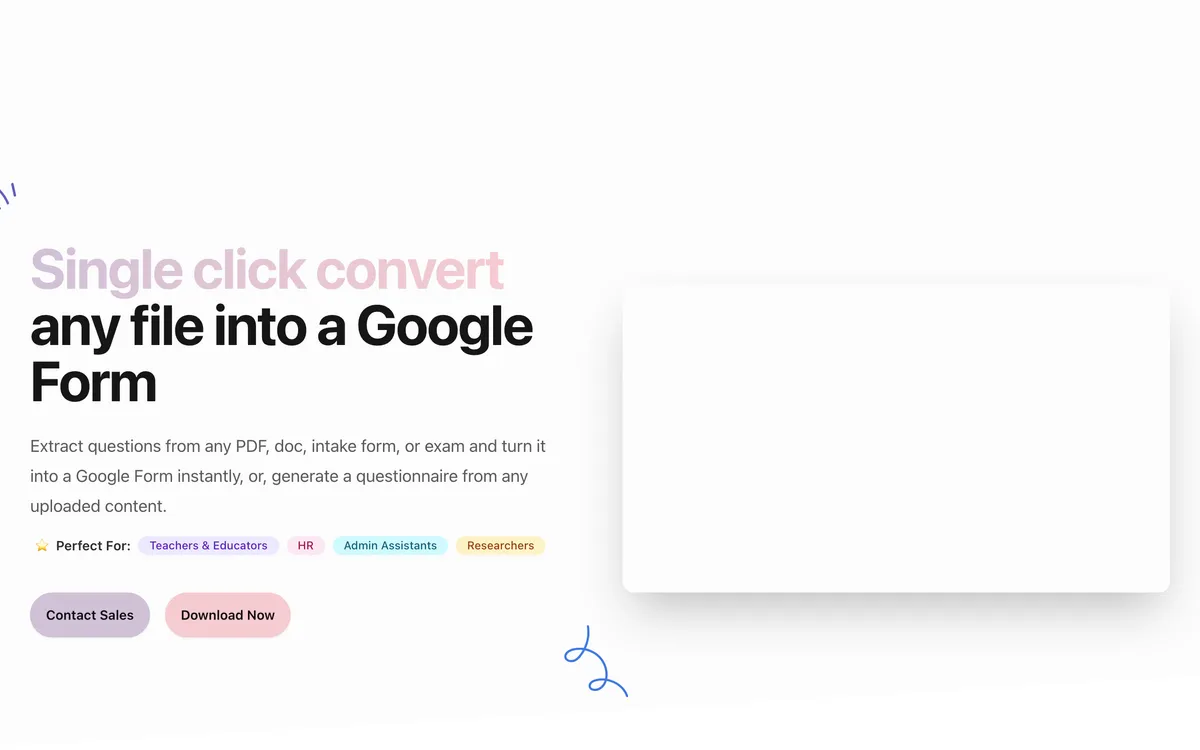
Automagical Forms is a Google Workspace Marketplace add-on that opens from the Drive sidebar and turns Docs, Slides, PDFs, and images into Google Forms (with QTI export for Canvas on some plans). It is built for teachers and admins who already live in Drive: install once, convert from the file you have open, and use paid tiers for handwriting, in-question images, and higher volume. Pricing is subscription-based after a small free allowance.
If you landed here from a search for "Automagical Forms" and mainly need a browser converter without a Marketplace install - especially for scanned PDFs and photos - Doc2Form is the no-install alternative. Compare the two below.
Quick comparison: Doc2Form vs. Automagical Forms
| Attribute | Doc2Form | Automagical Forms |
|---|---|---|
| Access | Web app (no install) | Drive add-on (install) |
| Output | Google Forms | Google Forms + QTI (Canvas) |
| PDF (digital) | ✅ | ✅ |
| Scanned PDF / handwriting | ✅ (vision) | ✅ (premium) |
| Google Docs | ✅ | ✅ |
| Google Slides | ❌ | ✅ |
| Images / screenshots as source | ✅ | ✅ |
| Audio / video | ❌ | ❌ |
| Images inside question stems | ❌ | ✅ (premium) |
| Math / LaTeX | ❌ | ❌ |
| AI from prompts | ✅ (describe mode) | ✅ (e.g. Unicorn Creator) |
| Open source | ✅ (Apps Script) | ❌ |
| Free tier | 1 form | 5 documents |
| Pricing | Credits (no expiry) | Subscription |
| FERPA / COPPA on site | Not stated | ✅ Listed |
| Files on vendor server | ❌ (stated) | ❌ (stated) |
People compare Doc2Form vs Automagical Forms when they want to turn worksheets, surveys, or quizzes into Google Forms without copying every field by hand. Both use AI to read your file and draft questions.
The split is simpler than it looks. Automagical lives inside Google Drive as an add-on with a huge Workspace footprint. Doc2Form is a browser app: sign in, upload, done - no Marketplace install. Doc2Form also leans into messy scans and images, pay-as-you-go credits (that do not expire), and an open-source codebase.
Which tool should you pick?
| Your situation | Better fit | Why |
|---|---|---|
| Your IT admin has locked down the Workspace Marketplace and approval takes weeks | Doc2Form | Runs in the browser after a standard Google sign-in, with no add-on to whitelist |
| The source is a Google Slides deck you already teach from | Automagical Forms | Converts Slides to Forms directly; Doc2Form has no Slides input, so you would export to PDF first |
| A parent emailed you a phone photo of a signed permission slip | Doc2Form | AI vision reads photos and scans, so an image goes straight to a Google Form |
| Every question in your worksheet has a diagram that must stay attached to the item | Automagical Forms | Premium tiers carry source images into the question stem; Doc2Form does not embed figures yet |
| You convert something once or twice a month and hate recurring charges | Doc2Form | Credit packs start at $5 and the credits never expire (check current pricing) |
| You are a department converting several documents every day of term | Automagical Forms | An unlimited annual plan works out cheaper than per-form credits at that cadence |
| Procurement wants to read the source code before approval | Doc2Form | Open-source Apps Script you can audit or self-host on your own Google account |
| The file lives on your laptop, not in Drive, and you do not want to upload it there first | Doc2Form | Upload straight from your machine; Automagical works from files already in Drive |
| You need FERPA and COPPA language on the vendor page for a district review | Automagical Forms | Publishes that compliance language; Doc2Form does not state it (verify current pages either way) |
Features compared: Doc2Form vs. Automagical Forms
Access and workflow
Doc2Form runs in the browser after Google sign-in. You upload or paste your content. There is no Workspace Marketplace step, which helps when IT limits add-ons or you need one quick conversion.
Automagical installs from the Marketplace and opens from the Drive sidebar. If your org already rolls out Workspace tools by default, that can feel natural; if getting add-ons approved is slow, Doc2Form sidesteps the wait.
- Doc2Form: Browser-first, no extension or add-on.
- Automagical: Drive-native; install and locate the sidebar.
- IT angle: Blocked add-ons point to Doc2Form; all-in-Drive teams may prefer Automagical.
Conversion quality and iteration
Both tools infer question types and options with AI. Automagical offers multiple models and a retry flow when something is missing. Doc2Form uses Gemini and writes the form through the Google Forms API. Neither promises perfect extraction on every layout.
- Automagical: Model choice and "try again" style passes.
- Doc2Form: Gemini + structured output to Forms API.
- Shared reality: Busy layouts, odd grids, or image-heavy pages may need manual cleanup - always preview before you share.
Scanned PDFs and photos
Doc2Form treats scanned PDF to Google Form and image to Google Form as core flows, with vision tuned for hard reads. Automagical supports handwriting and scans on paid tiers but is not framed first around fax-quality or phone-photo capture.
- Best for rough scans: Doc2Form's positioning and tooling.
- Handwriting on Automagical: Check current premium notes.
- Tip: A clean text layer in the PDF still helps both products.
Google Slides
Automagical converts Google Slides to Google Forms, which teachers and trainers often want. Doc2Form does not ingest Slides today. If your deck is the source of truth, Automagical maps directly; otherwise export to PDF or work from PDF to Google Form in Doc2Form.
- Slides in: Automagical only (for now).
- Workaround for Doc2Form: PDF or Doc export, then convert.
Images inside questions
On supported tiers, Automagical can carry figures from the source into the form question text. Doc2Form does not embed source images into stems yet. STEM quizzes with diagrams skew toward Automagical; text-first intake forms are fine on either.
- Diagrams in every stem: Automagical (premium).
- Text and structure fast: Either; Doc2Form if you also want no install.
Open source and self-hosting
Doc2Form ships as Google Apps Script you can read and self-host. Automagical is closed-source SaaS.
- Auditability / roll-your-own: Doc2Form.
- Vendor-hosted add-on only: Automagical.
Pricing: Doc2Form vs. Automagical Forms
| Plan | Doc2Form | Automagical Forms (typical public tiers) |
|---|---|---|
| Free | 1 form | 5 documents |
| Entry paid | $5 / 10 credits (~$0.50/form) | ~$26/mo unlimited (verify live) |
| Mid | $12 / 30 credits (~$0.40/form) | ~$199/yr unlimited |
| Larger | $29 / 100 credits (~$0.29/form) | Domain ~$404/yr (verify live) |
| High volume per-form | ~$0.29 min | ~$0 on unlimited |
| Subscription | Optional; credits do not expire | Yes for unlimited |
Prices move - confirm on each site before you buy. Credits you keep vs recurring unlimited is the real fork.
Which tool fits your use case? Doc2Form vs. Automagical Forms
Choose Doc2Form when:
- You want no add-on or Marketplace friction.
- You often work from scans, photos, or ugly PDFs.
- You convert sometimes, not daily, and prefer pay-per-use without another subscription.
- Open source or self-hosted Apps Script matters.
Choose Automagical when:
- You want the tool inside Drive all day.
- Google Slides is your starting format.
- You need images inside questions on a tier that supports it.
- You need FERPA/COPPA language for procurement (verify current pages).
- Unlimited annual pricing beats credits at your volume.
The verdict: Doc2Form vs. Automagical Forms
There is no single winner. Automagical is the established Workspace add-on path: Slides in, images in questions, unlimited tiers for heavy users. Doc2Form is for teams and individuals who want a lightweight web flow, scanned and image-first conversion, credits that stack, and code they can inspect.
Takeaway: If install-free access and occasional conversions matter most, start with Doc2Form. If you live in Drive, need Slides or inline diagrams, or want all-you-can-eat pricing, Automagical Forms is the better match.
Frequently asked questions
Is Automagical Forms safe?
Automagical Forms is a Google Workspace Marketplace add-on from a known vendor; both products state they do not keep your files on their servers after conversion. Doc2Form is open source so you can audit the Apps Script code or self-host. If your org blocks third-party add-ons, Doc2Form runs in the browser with no install.
Is Doc2Form an Automagical Forms alternative?
Yes. It targets the same job - document to Google Form - with a no-install web app and credit pricing instead of a Drive subscription.
Does Automagical work without installing anything?
No. It is a Workspace add-on. Doc2Form uses the browser only after sign-in.
Which is better for scanned PDFs?
Doc2Form emphasizes scanned PDF to Google Form as a first-class path. Automagical adds scans and handwriting on paid tiers - compare tiers before you decide.
Can Doc2Form open Google Slides?
Not directly. Use Automagical for Slides, or export to PDF and use Doc2Form.
Low volume vs high volume pricing?
Low volume: Doc2Form credits often cost less than a monthly unlimited plan because you buy only what you need. High volume: Automagical unlimited can win - estimate your year of conversions.
Is Doc2Form open source?
Yes - Google Apps Script you can review or self-host; Automagical is proprietary.
Try Doc2Form - first form free.