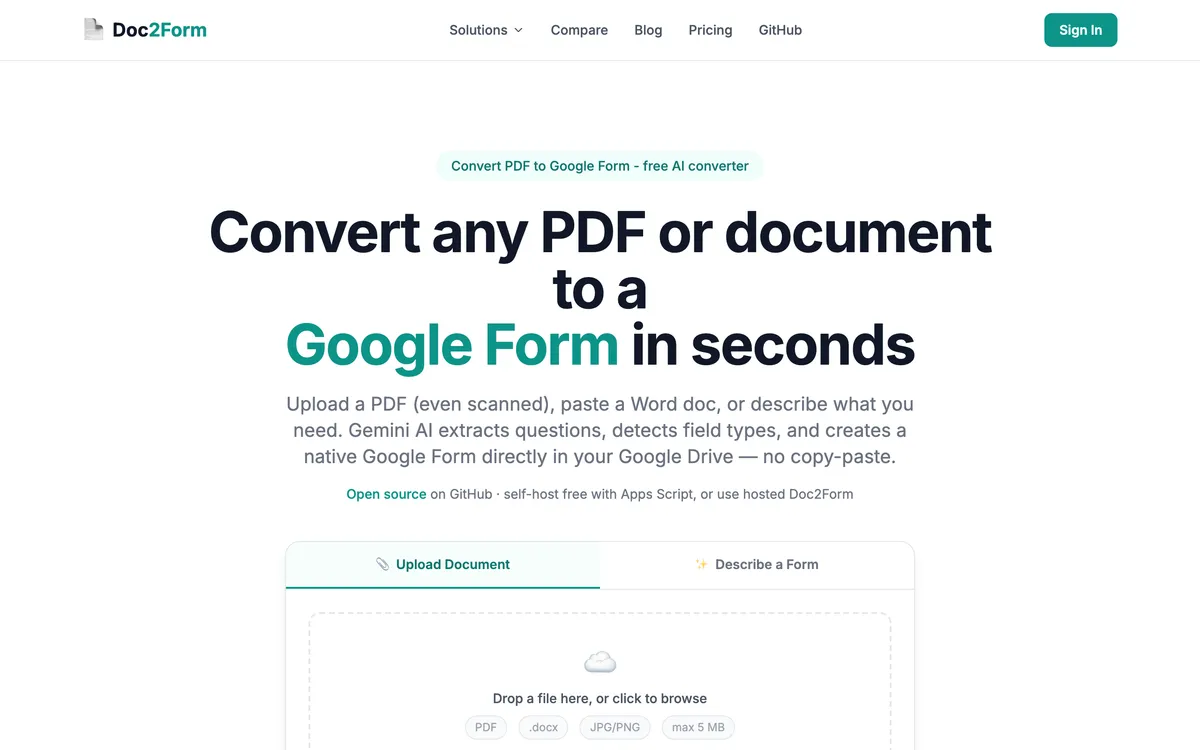
Google Forms now includes Gemini - built-in AI for prompts and Drive-linked files on paid plans. Doc2Form is built for uploading a PDF or image directly and getting a Form back, including scans and free accounts.
Both help you get to a Google Form faster, but not the same way. Gemini inside Forms works well when you're already on a paid Workspace plan and your content lives in Drive as a text doc. Doc2Form is the direct line when the file is an email attachment, a phone photo of a paper form, or anything that doesn't neatly live in Drive already - see scanned PDF to Google Form and convert PDF to Google Form.
In short
- Pick Doc2Form when you need true file upload, scanned PDFs, multi-language emphasis, or first conversions without a Business plan.
- Pick Google Forms Gemini when you're already on an eligible Workspace or Google AI plan, mostly use prompts or clean Drive docs, and want zero extra tools.
The thing to hold onto through the rest of this page: Google Forms still has no import button. "Help me create" can reference files on some paid Workspace tiers, and that is genuinely useful, but it is not the same as dropping a PDF into Forms and getting your questions back. Availability varies by plan, and scanned documents are where it struggles most.
Quick comparison: Doc2Form vs. Google Forms native AI (Gemini)
| Attribute | Doc2Form | Google Forms Gemini |
|---|---|---|
| Access | Web app | Inside Google Forms |
| PDF upload to convert | ✅ | ❌ (reference by URL / Drive, not drop-in upload) |
| Scanned PDF | ✅ | ❌ |
| Text description to form | ✅ | ✅ |
| Google Docs reference | ✅ | ✅ |
| Multi-language | ✅ (via Gemini pipeline) | English-first limitations (check current notes) |
| Free personal use | 1 form free | Often gated; labs/paid plans (verify) |
| Open source | ✅ | ❌ |
| Editing | Opens in your Form | Native Forms iteration |
Which tool should you pick?
| Your situation | Better fit | Why |
|---|---|---|
| Your district already pays for an AI-enabled Workspace tier for every member of staff | Google Forms Gemini | The marginal cost is zero and there is no second tool to learn or approve |
| A PDF arrived as an email attachment and is not in Drive | Doc2Form | Upload it straight from your machine; the native flow expects a Drive-resident, text-friendly reference |
| You are drafting a brand new survey from scratch with nothing to import | Google Forms Gemini | Prompting inside Forms keeps the iteration loop in one place, and Doc2Form's Describe mode covers the same ground only if you prefer a separate step |
| The source is a photocopy or a phone photo of a paper form | Doc2Form | AI vision reads scans and photos, which is the clearest gap in the native feature |
| Your policy says first-party Google tooling only, no outside OAuth apps | Google Forms Gemini | Doc2Form needs the forms.body scope to write into your Drive, and that is a genuine blocker for some institutions |
| You teach on a free personal Google account and keep hitting the AI paywall | Doc2Form | First form is free with no card, then credit packs from $5 that do not expire (check current pricing) |
| You need a parent-facing form in a language your Workspace AI rollout does not cover well yet | Doc2Form | Runs through Gemini for extraction, so non-English source documents are in scope; still check output quality for your locale |
| You are already mid-edit in a Form and want to add five more questions | Google Forms Gemini | The sidebar is right there; Doc2Form creates a new form rather than extending an open one |
| You have a stack of legacy PDFs to digitise and want a predictable per-form cost | Doc2Form | Around $0.29 per form on the 100-credit pack, with no subscription attached |
Features compared: Doc2Form vs. Google Forms native AI (Gemini)
The PDF on your desktop problem
Many real workflows start with a PDF not yet in Drive, or not text-selectable. Doc2Form accepts upload from your machine. Native Gemini flows assume Drive-native, text-friendly references for many cases - not a full "any PDF drag-and-drop" story. Check Google's latest docs for your account type.
- Email PDF to convert: Doc2Form upload.
- Doc already in Drive, paid plan: Gemini may suffice.
Paywalls
Workspace Business Standard and above, or Google AI Pro style plans, fund native AI for many users. Free personal accounts hit limits or betas. Doc2Form offers one free full conversion then credits, without a Google subscription.
- No Workspace bill: Doc2Form is often simpler to try.
- Org already pays for AI: Gemini's marginal cost may be zero.
Scans and photos
Doc2Form uses vision for scanned or photographed pages. Forms AI historically targets machine-readable sources - scans are a weak spot. For paper archives, Doc2Form stays ahead.
Trust and iteration in-product
Google's native flow keeps you inside Forms for prompt loops - familiar for Workspace teams. Doc2Form is a separate web step that drops the Form into your Drive when done. Fine for individuals; worth disclosing to enterprise buyers who prefer first-party-only tools.
Pricing: Doc2Form vs. Google Forms native AI (Gemini)
| Doc2Form | Google Forms Gemini | |
|---|---|---|
| Try free | 1 form | Varies - often limited without paid AI |
| Typical paid path | $5-29 credit packs | ~$20/mo AI bundles or per-user Workspace |
| Occasional user | Pay per conversion | Monthly even if you make few forms |
Verify Google's current pricing for your region.
Classroom anecdote
Teachers with free Google accounts regularly hit paywalls on native AI rollouts while still needing quiz to Google Form from a district PDF. That single scenario is why Doc2Form stays relevant: file in, Form out, first conversion free, no district procurement for another SKU. When a district buys Workspace Plus AI for all staff, reassess - native tools may cover describe-only tasks.
Which tool fits your use case? Doc2Form vs. Google Forms native AI (Gemini)
Choose Doc2Form when:
- You convert real PDFs, especially scans.
- You use a free Google account for side projects.
- You want open source or predictable per-form cost.
Choose Google Forms Gemini when:
- You already pay for AI-enabled Workspace.
- You mostly prompt or point at clean Drive files.
- Single-vendor workflow is mandatory.
Before you commit: Doc2Form vs. Google Forms native AI (Gemini)
Open the same PDF in an incognito window with a personal Gmail and try each path. If native AI won't ingest the file without workarounds, you have your answer. If your Workspace admin already has Gemini enabled for everyone, still test non-English instructions and scan photos - those edge cases decide churn later.
Teams building document to Google Form pipelines sometimes pair Gemini brainstorming in-product with Doc2Form ingestion for legacy PDFs - not irrational, just role split. Check language coverage for your region too: if Forms AI is English-centric this quarter, Doc2Form via Gemini-backed parsing may still cover parent-facing forms in other languages.
The verdict: Doc2Form vs. Google Forms native AI (Gemini)
Google will keep improving built-in AI. Today's gaps around upload-heavy and scan-heavy jobs leave room for Doc2Form. They're complementary: Gemini for in-Forms ideation on paid stacks, Doc2Form for file-in, Form-out on messy sources.
Takeaway: PDF/scans/no subscription - Doc2Form. Paid Workspace native UX - Gemini when it matches your file types.
Frequently asked questions
Can Gemini turn any PDF into a Google Form?
Not like a dedicated uploader - expectations are tighter. Confirm what your specific SKU supports.
Is Doc2Form cheaper for one form a month?
Often yes - credits vs a monthly AI bundle.
Does Doc2Form work in languages besides English?
It routes through Gemini with broader language support than early Forms AI scope - still verify output quality for your locale.
Will Google replace tools like Doc2Form?
Maybe over time - until upload, scan, and gating match, dedicated converters stay relevant.
Can I start in Doc2Form then edit in Forms?
Yes - output is a normal Google Form. Same editing experience as after a Gemini draft.
Does Doc2Form help with Word to Google Form?
Yes - upload DOCX when your workflow ends in Sheets-linked responses.
Try Doc2Form - first form free.