In short
- Turning scanned or photographed paper into a Google Form, occasionally, with no subscription: Doc2Form.
- Building a research survey with matrix grids, or keeping Qualtrics and REDCap open as an exit: Pirai AI.
- Staying inside Workspace and pushing forms and responses back out to Docs or PDF for free: Form to Doc.
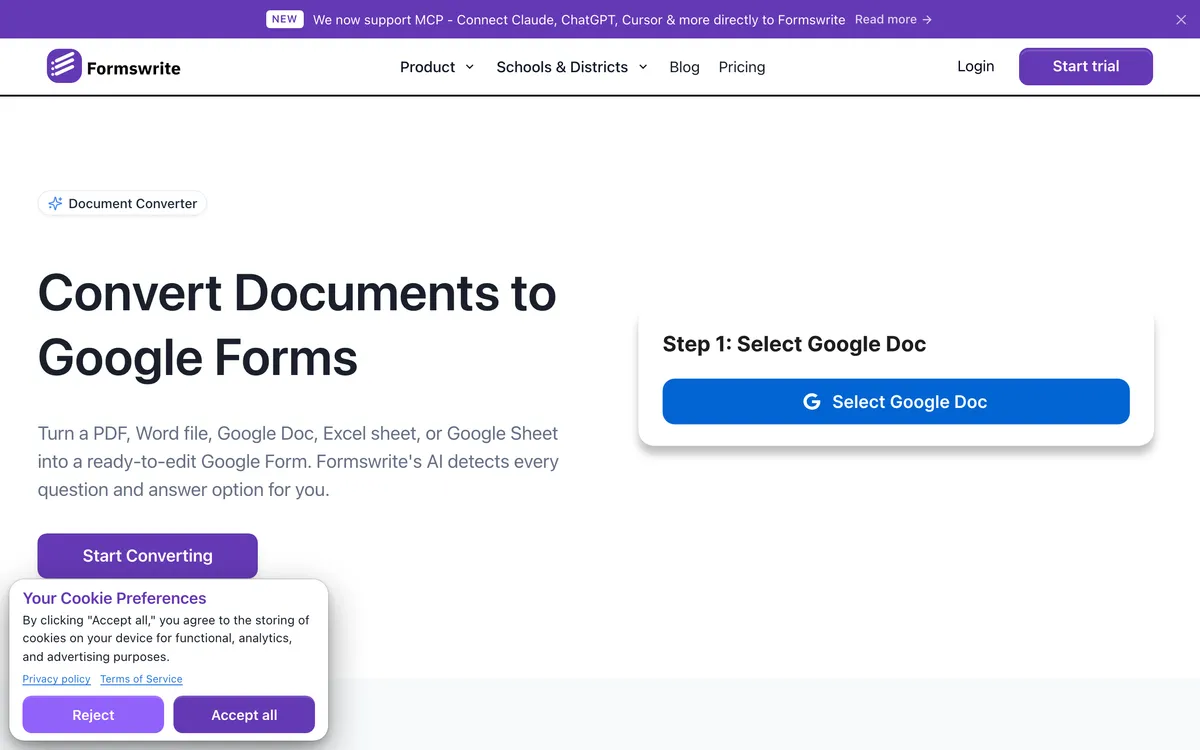
Formswrite earned its audience honestly. It turns a PDF, Word file, Google Doc, spreadsheet or YouTube video into a quiz that lands in Google Forms and in Moodle, Canvas, Kahoot, Quizizz and Blooket, and the company says it is trusted by 41,000+ educators. If your week involves the same assessment appearing in two or three systems, that fan-out is the whole product. Stay where you are.
People searching for alternatives have a different job. They do not teach, or they teach but only ever publish to Google Forms. Their source is a photocopied worksheet or a phone photo of a paper intake sheet, not a tidy curriculum file. They sit in HR, a clinic or an ops team where "Kahoot export" is not a sentence anyone says. Or they do not want another annual subscription for something they do four times a year.
Underneath it sits one fact: Google Forms has no import button. Every tool below is a workaround: a web app, an add-on your admin has to approve, a script you paste in yourself, or a form host that is not Google. To make the list, a tool had to take a real document and produce a usable form without a manual rebuild, which ruled out PDF editors like pdfFiller. I weighed the free tier, the install requirement, and how much cleanup the output needs.
The short list
| Tool | Best for | Output | Free tier |
|---|---|---|---|
| Doc2Form | Scans, photos, non-classroom files | Google Forms only | First form free, then credits |
| Pirai AI | Research surveys and matrix grids | Google Forms via script, plus 20+ platforms | Free for academics |
| GETMARKED Digitaliser | Question papers with answer keys | Forms, Moodle, Canvas, QTI | Around 2 imports |
| Automagical Forms | People working in a Docs sidebar | Google Forms | Add-on tiers, check listing |
| FormGPT | Adding questions to a live form | Google Forms | Daily limits |
| Form to Doc | Two-way conversion in Workspace | Forms in, Docs/Sheets/PDF out | Free on the listing |
| Weavely | Designed forms with conditional logic | Weavely forms, not Google Forms | Unlimited responses |
1. Doc2Form - when the source is paper, not a curriculum file
Best for: occasional conversions where the input is scanned or messy and Google Forms is the only destination.
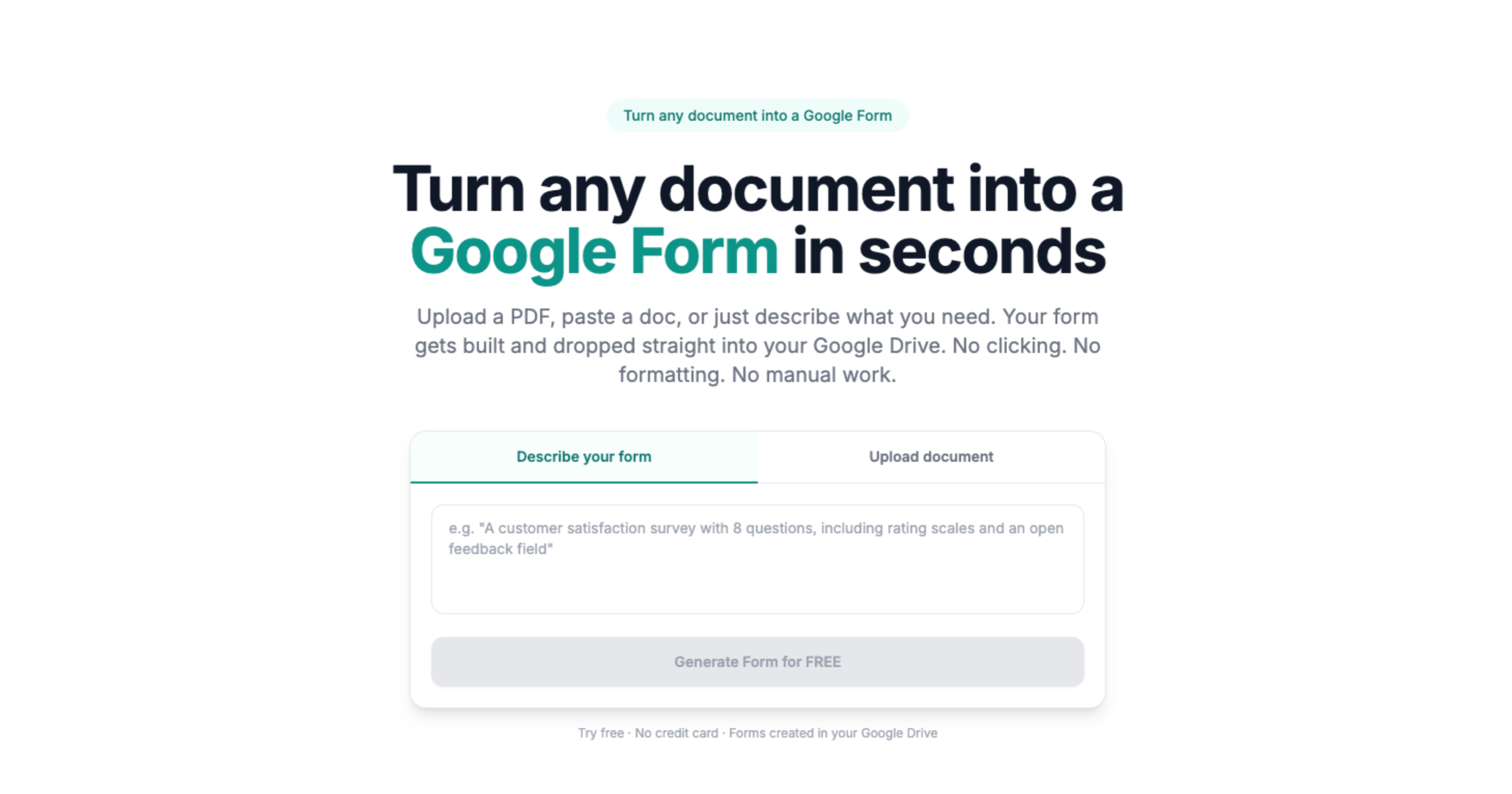
Doc2Form takes a PDF, Word file or image up to 5 MB and writes a native Google Form into your own Drive. Extraction runs on Gemini with vision, so photos of paper and low-quality scans work instead of failing at the OCR step. That is the usual reason a Formswrite user lands here: Formswrite assumes a file someone typed, and plenty of documents are a photocopy of a photocopy.
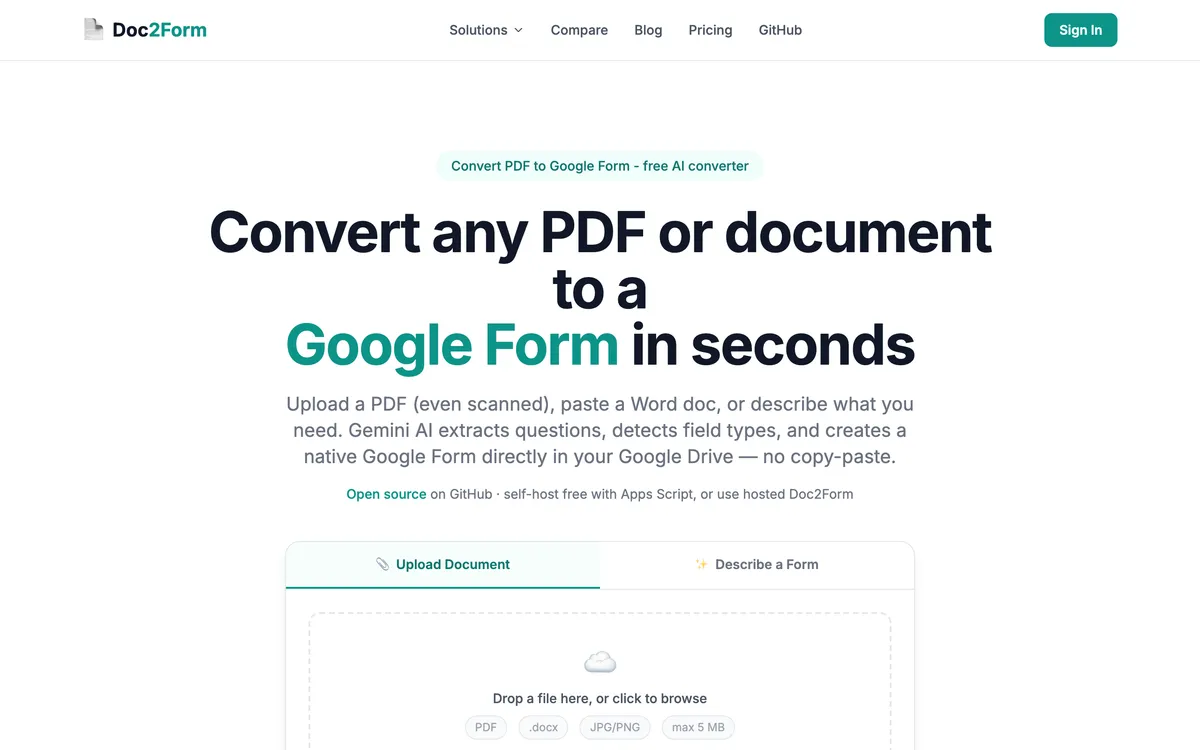
It is open source Apps Script at github.com/kamilstanuch/doc2form, so a reviewer can read it and a district that refuses hosted tools can self-host. The tradeoff is a Google OAuth grant with the forms.body scope, which some institutions will not allow.
Where it wins:
- Reads scanned PDFs and phone photos with AI vision
- Real Google Form in Drive, so Sheets and Classroom behave normally
- Credits never expire, so a quiet quarter costs nothing
- Treats surveys and intake form PDFs as first-class jobs
Where it falls short:
- No bulk or batch upload
- No public REST API, no webhooks, no Zapier
- Google Forms only: no Moodle, Canvas or Kahoot
- Matrix and grid questions can need manual cleanup
- 5 MB cap, and no Excel, CSV or QSF input
- Requires a Google OAuth grant that some domains block
Pricing: first form free, then $5 for 10 credits, $12 for 30 or $29 for 100, about $0.29 a form. No subscription. Check current pricing.
2. Pirai AI - the survey specialist that never touches your Drive
Best for: researchers whose instruments contain matrix grids, and teams whose IT refuses OAuth grants.
Pirai AI comes from academic survey research rather than classroom assessment. It reads Word, PDF, Excel, CSV, TXT, XML and Qualtrics QSF, and exports to Qualtrics, REDCap, SurveyMonkey, QuestionPro and 20+ other platforms. Google Forms works differently here: Pirai generates an Apps Script you paste into the Forms editor and run yourself, so it never touches your Drive. It also handles matrix and checkbox grids, the question types that trip up most converters, Doc2Form included. Pirai says it is an official QuestionPro partner used at 40+ institutions including Stanford, Harvard and Oxford.
Where it wins:
- Matrix and checkbox grids, the weak spot in almost every rival
- No OAuth and no Drive access
- Reads Excel, CSV and Qualtrics QSF
- Free tier for academic researchers, teachers and students
Where it falls short:
- Paste-and-run Apps Script is a barrier for non-technical users
- Survey-first, so graded quizzes are not the sweet spot
- No LMS quiz targets, so it does not replace Formswrite
Pricing: free for academic use, paid plans beyond. Verify current terms.
3. GETMARKED Digitaliser - the closest like-for-like, minus the platform
Best for: teachers who want question papers parsed properly without Formswrite's wider suite.
If you like what Formswrite does with assessments but not the rest of it, this is the narrower version of the same idea. It converts Word and PDF question papers into Google Forms and into Moodle, Canvas, Blackboard and QTI, and its answer key handling is genuinely good.
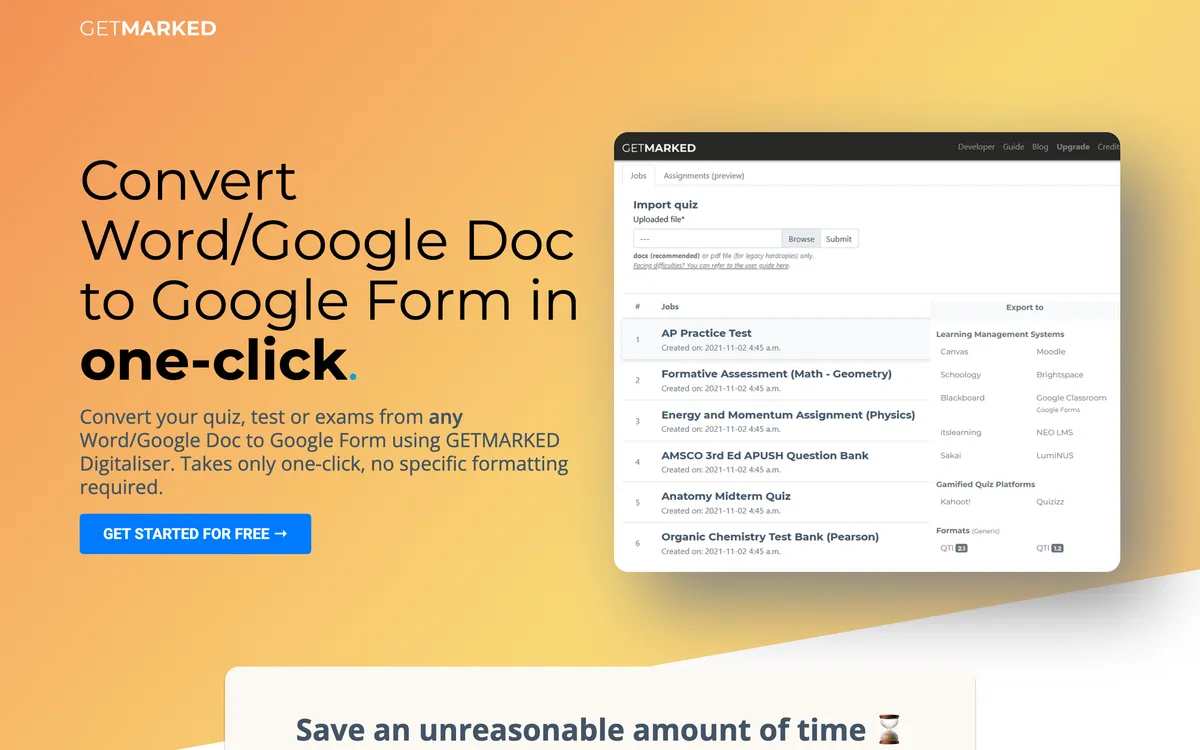
Know the limit first: it expects a question paper. Give it an intake form or a customer survey and the parser returns a poor match. The free tier is around two imports.
Where it wins:
- Answer key extraction from real exam papers
- Google Forms plus Moodle, Canvas, Blackboard and QTI
- Focused product, less to learn than a full platform
Where it falls short:
- Around two free imports, then paid
- Weak on documents that are not question papers
- No general survey or intake use case
Pricing: limited free imports, then paid. Check current pricing.
4. Automagical Forms - if you already live in a Docs sidebar
Best for: Workspace users whose source is already a Google Doc or a PDF sitting in Drive.
Automagical Forms is a Workspace add-on, not a web app. It reads Docs and PDFs in Drive and builds a Google Form without you leaving the Docs interface. Friction appears when the source is not already in Drive: a Word file wants converting to a Google Doc first, and an admin has to allow the install, which in many schools is a two-week email thread. See Doc2Form vs Automagical Forms.
Where it wins:
- No context switch if you already work in Docs
- Reads files straight from Drive with no upload
- Familiar Workspace permissions
Where it falls short:
- Add-on install and admin approval on managed domains
- Word content usually needs converting first
- Google Forms only, no LMS targets
Pricing: check the current listing, as add-on tiers change.
5. FormGPT - the one that can edit a form you already published
Best for: anyone who needs to add questions to a live form rather than build a new one.
FormGPT drafts Google Forms from a PDF, DOCX, TXT or Markdown file up to 5 MB, or from a prompt. You review the draft in FormGPT Studio, edit inline, and push to Drive only after a one-time Google connection, which helps when a document is messy. Its standout feature is one nobody else here has: paste the edit URL of an existing Google Form and it appends AI-generated questions to the live form. If you keep bolting sections onto a long-running feedback form, that alone can justify the subscription.
Where it wins:
- Appends questions to an existing live form
- Edit the draft before anything reaches your Drive
- Quiz answer keys and the usual question types
- Chrome extension sidebar
Where it falls short:
- Subscription rather than pay per form
- Free tier capped by daily limits that reset at midnight UTC
- 5 MB ceiling and no LMS export
Pricing: free tier with daily caps; Pro around $3.99 a week, $12 a month or $39 a year at the time of writing.
6. Form to Doc - free, and the only one that runs in reverse
Best for: Workspace teams needing conversion in both directions with no budget.
Form to Doc converts text, documents, images, videos and web pages into Google Forms with built-in AI, then exports Google Forms and their responses back out to Docs, Sheets, Slides, PDF, Excel or CSV. Nothing else here does the return trip, and for a teacher assembling records that can matter more than import quality.
It is free on the Marketplace listing. The cost is permissions: the install asks to "see, edit, create and delete all your Google Docs documents" and to manage your forms in Drive. Compare that to a web app scoped to form creation and pick knowingly.
Where it wins:
- Free on the Marketplace listing
- Two-way: documents in, forms and responses back out
- Response reports, summaries and QR codes
Where it falls short:
- Broad OAuth scopes covering all your Docs
- Add-on install, so admin approval applies
- Difficult scans are not its selling point
Pricing: free on the listing at the time of writing.
7. Weavely - when the output does not have to be a Google Form
Best for: public-facing forms where design and conditional logic matter more than living in Drive.
Weavely is here with an asterisk. Its Docs add-on turns a Doc into a form in one click and there is a PDF converter, but it produces Weavely forms, not Google Forms: no forms.google.com link, no Classroom, no native Sheets storage. If that disqualifies it, skip this entry. If not, it is the best-looking option here, with conditional logic added by chatting to the AI and a free plan covering unlimited responses.
Where it wins:
- Design quality and multipage forms
- Unlimited forms and responses on the free plan
Where it falls short:
- Not a Google Form, so Classroom and Drive workflows break
- Pro runs around $180 a year at the time of writing, so verify first
How to choose
| Your situation | Best pick | Why |
|---|---|---|
| The same midterm has to appear in Google Forms, Canvas and Kahoot | Stay with Formswrite | Nothing else here fans out to 25+ LMS targets from one upload |
| You photographed a paper intake form and need it live in Drive today | Doc2Form | Reads photos and scans with AI vision, then writes a native Google Form |
| Your survey has a 12-row matrix grid you cannot rebuild by hand | Pirai AI | Grids convert properly; other tools flatten them |
| Finance rejected another annual subscription line item | Doc2Form | Credit packs start at $5 and never expire |
| You need three more questions on a form already collecting responses | FormGPT | Paste the form edit URL and it appends to the live form |
| Someone needs the responses as a formatted Doc, not a spreadsheet | Form to Doc | Exports forms and response data to Docs, Sheets, Slides or PDF |
| You have exam papers with answer keys and one LMS to feed | GETMARKED Digitaliser | Answer key parsing is its core strength |
Frequently asked questions
Is there a free Formswrite alternative?
Several, though "free" means different things. Form to Doc is free on its Marketplace listing, Weavely has a free-forever plan but does not produce Google Forms, and Pirai AI is free for academics. Doc2Form gives one full conversion free.
What is the best Formswrite alternative for scanned worksheets?
Doc2Form, because it reads scans and phone photos with AI vision rather than expecting clean digital text. That is the most common reason people leave a tool built for typed files.
Can any of these export to Moodle, Canvas or Kahoot?
GETMARKED Digitaliser exports to Moodle, Canvas, Blackboard and QTI, and Pirai AI exports to Qualtrics and REDCap. Nothing here matches Formswrite's full LMS spread, so if multi-platform publishing is the job, Formswrite is still the answer.
Is Doc2Form actually better than Formswrite?
For one job, yes: getting a scanned or non-classroom document into a Google Form without a subscription. For teaching at volume, no. Formswrite has bulk conversion, an API, webhooks, Zapier and LMS export, and Doc2Form has none of them. Full read: Doc2Form vs Formswrite.
Can I keep Formswrite and use something else alongside it?
Many people do. Formswrite handles quizzes that must reach several platforms, and a per-use tool handles the awkward scans or the survey PDF that has nothing to do with a lesson.
Try Doc2Form - first form free, no credit card.