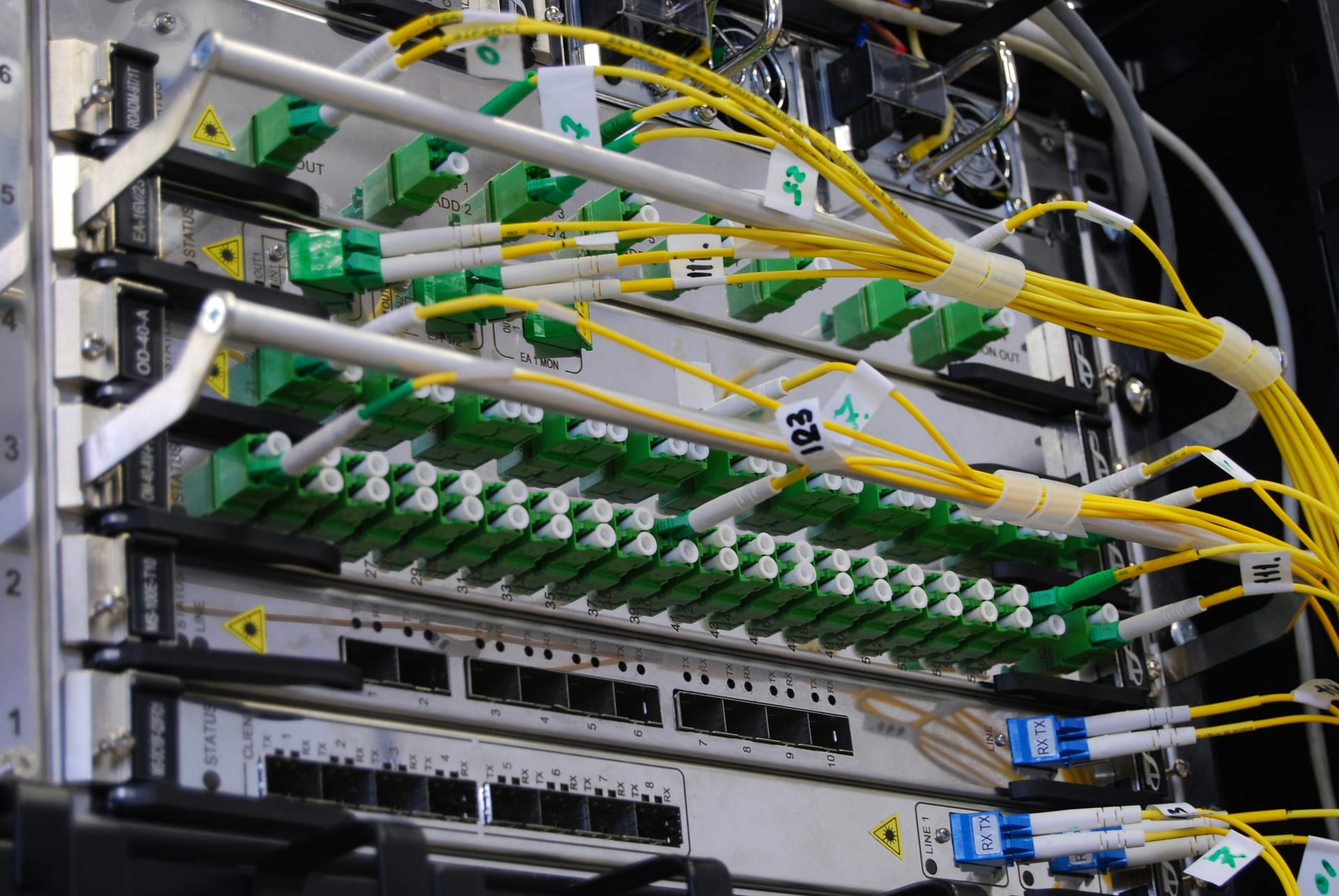

Network reliability begins with structured field capture
In the telecommunications and ISP (Internet Service Provider) industry - from fiber-to-the-home (FTTH) builds to wireless field services - the "margin of error" is decided at the customer's demarc or the fiber splice box. Whether it is an install checklist, a splicing attestation, or a high-stakes tower safety audit, most network engineering and field ops teams rely on multi-page PDF Standard Operating Procedures (SOPs) and Word-based field manuals. The friction occurs when a technician or contractor has to "freestyle" a close-out report in a legacy mobile app or on a paper clipboard. They often miss critical metadata like exact Signal-to-Noise Ratio (SNR) readings, CPE (Customer Premises Equipment) serial numbers, or grounding-check timestamps, leading to network inventory errors and FCC or local regulatory reporting failures.
Doc2Form eliminates this "capture drift" by reading your agronomist or engineer-approved PDF or Word templates - up to 5 MB - and drafting a structured Google Form in seconds. This ensures that every technician and every truck-roll captures install data using identical terminology, which is mandatory for maintaining clean network inventory truth and meeting strict SLA (Service Level Agreement) requirements for prime customers. By maintaining the same terminology as the source script, you ensure that your field data is "audit-ready" for the NOC (Network Operations Center) or your regulatory affairs team.
Field Work: Install Checklists, Splicing Logs, and Tower Safety
Fiber deployment and wireless maintenance are only effective if they are documented at the point of work. If a technician has to wait until they return to the Central Office (CO) or the warehouse to retype their notes, the risk of "memory drift" and missing serial numbers is high. By moving your install checklists and tower safety briefings into Google Forms, you can provide a structured interface on a phone or rugged tablet that techs use right at the demarc or splice case. You can organize the Form by "Optical Power Levels," "ONT Registration," and "Inside Wiring," ensuring that every job is closed out with an automatic Google timestamp.
Importing your existing "Provisioning" or "Safety Walk" PDF ensures that you are not missing critical prompts about RF awareness, climber harness checks, or weather-specific grounding rules. Once the Form is generated, you can add "File Upload" questions so that techs can attach a photo of a clean fiber face, a speed-test screenshot, or a correctly labeled cabinet, providing visual evidence that beats a handwritten note when closing out a work order in your OSS/BSS (Operations and Business Support Systems). This transparency is vital for defending your network stability record and proving a robust safety culture to your insurer.
Customer Experience: Provisioning and Repair CSAT Loops
Actionable customer feedback is most useful when it is captured immediately after service activation or repair. If your CX or marketing lead provides a satisfaction survey instrument in a Word document, you do not have to wait for a marketing agency build or a specialized survey tool. Bring it into Google Forms in seconds. You can then have techs provide a QR code or send a text link after a truck-roll to get immediate "provisioning" scores, technician ratings, and "Why" prompts into a Sheet that your GMs can trend in real-time. This flexibility allows telecom leaders to use a single tool for everything from "How was our installer's professionalism?" to "Rate your new fiber-to-the-home speed."
By digitizing your existing feedback and dealer-onboarding surveys, you maintain consistency in your customer history. If your ISP’s "Post-Install Survey" has been using a 10-question PDF for years, importing that same PDF into Google Forms ensures that your longitudinal data on "Likelihood to Churn" remains comparable as you expand into new markets. Your data stays in your secure Google Drive, not on a third-party platform that might not meet your company's strict cybersecurity or CPNI (Customer Proprietary Network Information) standards. This approach is particularly useful for managing dealer compliance and MVNO (Mobile Virtual Network Operator) partner intakes.
Common questions
Does this replace our primary OSS/BSS or FSM like Salesforce Field Service, Netcracker, or Oracle?
No. Doc2Form is a productivity bridge for the "early field capture" and "partner intake" phases. Telecom teams use Google Forms for high-volume technician checks, customer sentiment pulses, or dealer onboarding, and then manually export or use API bridges to move key data into their system of record. It's a tool for the "gaps" where your main system might be too rigid or doesn't have a mobile-friendly front end for third-party contractors.
Can technicians collect photos of fiber-splice results or serial tags directly through the Form?
Yes. Once the Form is generated in Google Forms, you can enable "File Upload" questions. This is mandatory for network audits and quality checks where you need the technician to attach evidence of a clean fiber face, a correctly labeled cabinet, or a signal-strength screenshot before the site is energized. Photos land in a secure folder in your Google Drive, accessible only to authorized staff.
How do we handle CPNI and sensitive network data?
Because the Forms live in your own ISP's Google Workspace tenancy, you maintain full control over data residency and access. We strongly recommend against collecting highly sensitive CPNI or customer billing details in plain-text Forms unless your company's Workspace security policies have been especÃficamente hardened for that workload. Use Forms for the operational metadata (e.g., "Was the SNR within range?") and then use your approved billing channel for sensitive account changes.
Can we use "Describe mode" for a flash outage or storm-restoration survey?
Absolutely. If a major outage hits and you need a fast way to gather status data from different field districts, or you want a quick answer on a fiber-cut location, you can type "3-question outage survey with district dropdown, fiber-cut location text, and estimated restoration time" into Describe mode. Doc2Form will generate the structure so you can get a live link out to your district managers in seconds.

What is the cost for a regional ISP, fiber operator, or MVNO?
Your first hosted conversion is free, allowing you to test your most complex install checklist. For firms managing dozens of site-specific SOPs and dealer intakes across multiple regions, we offer credit packs. The codebase is also open source for firms that prefer to host the tool on their own private developer infrastructure to meet strict corporate-governance or IP-protection rules.

