Related conversion guides: PDF to Google Form · Word to Google Form
In short: Upload a PDF or Word template and get a Google Form in your Drive. Built for real estate agents. Files up to 5 MB. First form free.
Your listing and client forms are already written - stop rebuilding them
Real estate agents collect structured information constantly: buyer preferences, property details, showing feedback, open house contacts. Most of it exists as PDFs, Word templates, or paper forms that get re-created from scratch each time.
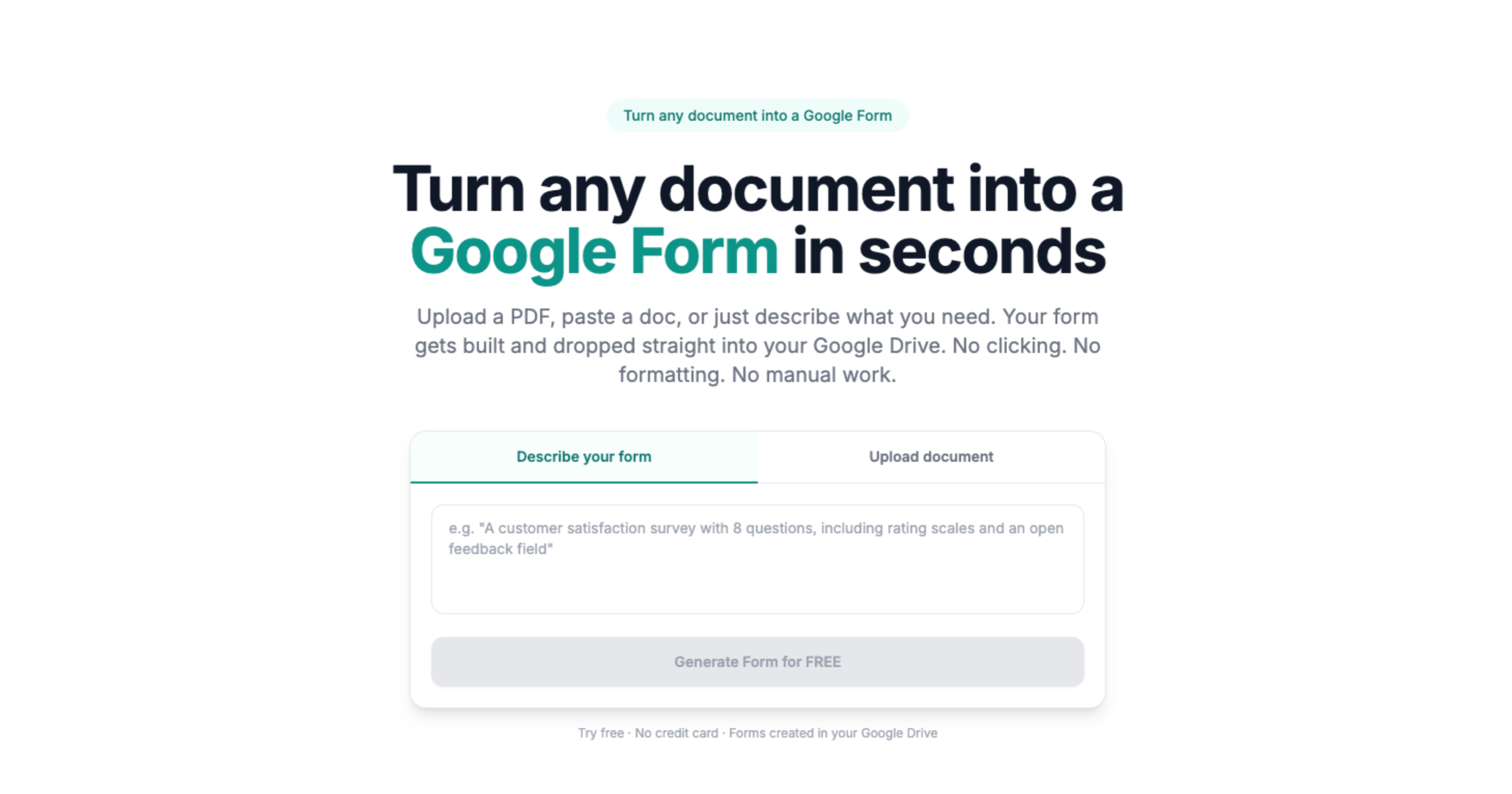
Doc2Form converts your existing documents into Google Forms. Upload a PDF or Word file up to 5 MB and it detects the structure - text fields, checkboxes, dropdowns - and builds a matching form in your Drive. Share a link instead of carrying clipboards or emailing attachments.
No document? Use describe mode: type what you need and get a working form in seconds.
All contacts and responses in one spreadsheet
Every Google Form connects to a linked Sheets spreadsheet. Open house sign-ins, buyer questionnaires, and showing feedback all aggregate automatically - no manual data entry before follow-up.
Based on a sample of 1,775 Google Forms generated by Doc2Form users, containing 55,761 questions across 47 languages. That is an average of 31 questions per form - roughly 21 minutes saved per form versus rebuilding each question by hand in the Forms editor (assuming ~40 seconds per question).
Sources
- Google Forms API - native Forms created in your Drive after structure is extracted.
- Gemini API - document structure analysis for questions, options, and sections.
- Google Workspace for Education / business - Forms and Sheets stay under your org's Google account policies.
A real example
A buyer-needs PDF becomes a Form for open-house QR codes; leads export to Sheets for CRM import.
Common questions
Can I use this for buyer representation agreements?
Doc2Form creates forms for information collection, not legally binding agreements. For contracts and e-signatures, use a dedicated real estate e-signature platform. Doc2Form is best for intake, questionnaires, sign-ins, and feedback.
Can people fill out the form without a Google account?
Yes. Google Forms can be shared as open links that anyone fills out without signing in - useful for open house visitors and showing feedback.
What if my buyer form changes by client?
You own the form in Drive. Duplicate it, adjust a few questions for a specific client situation, and share the updated link. The base form stays intact.
Does it cost anything?
The first form is free, no credit card required. Credit packs are available after that. The project is open source for agents and brokerages that prefer to self-host.