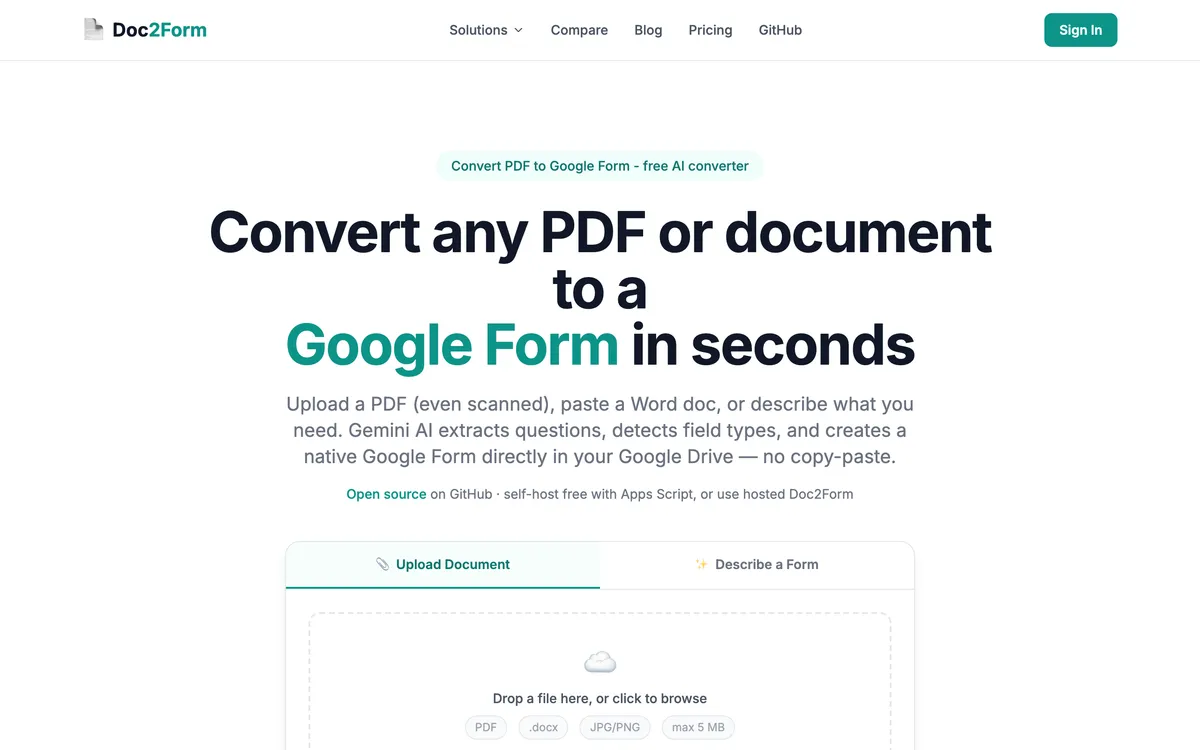
Doc2Form vs pdfFiller catches people who searched something like "make this PDF interactive" and got two completely different answers. pdfFiller keeps the PDF as the thing: you edit pages, place fillable fields, collect e-signatures, merge and redact, and pull from a large template library. Doc2Form changes the format entirely, reading your PDF or image and building a Google Form so responses flow into Google Sheets like any other Form.
Before the feature tables, the useful thing to say is that these tools are not really competing. They are answers to two different questions that sound identical when spoken aloud. And in a lot of cases pdfFiller is the correct answer: if the signed, filled PDF is the record your organisation keeps, converting it to a web form destroys the artifact you actually need. Doc2Form is right when the PDF was only ever a container for questions.
In short
- Pick Doc2Form when you want to convert PDF to Google Form (or scanned PDF to Google Form) and have responses collect in Sheets.
- Pick pdfFiller when the PDF itself has to stay the deliverable: signatures, redaction, page editing, template libraries, batch document work.
What is pdfFiller?
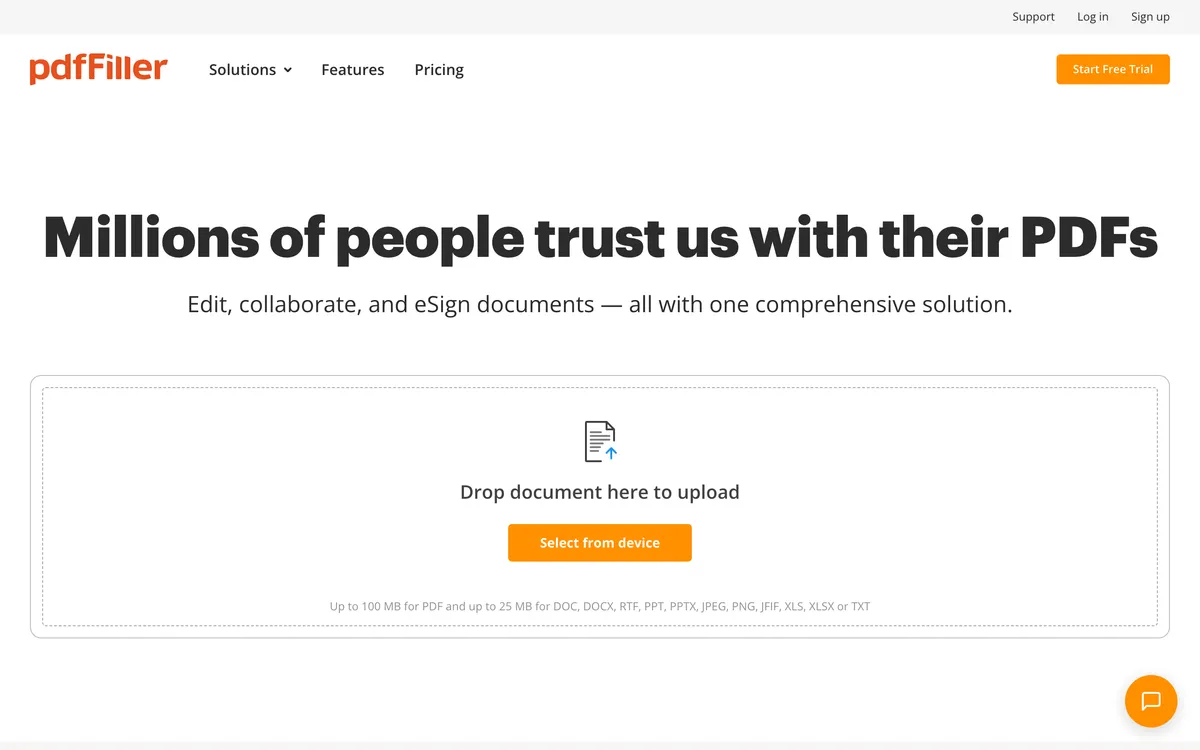
pdfFiller is a browser-based PDF editor and document workflow product. Upload a file and you can type into it, add or move fillable fields, annotate, redact, reorder and merge pages, and send it out for e-signature with an audit trail. It has OCR for scanned documents, which makes the text inside a scan searchable and editable while keeping it a PDF. There is a large template library, particularly strong in the US legal, tax, real estate and HR verticals where the exact government or industry form matters.
It also has the operational plumbing that document-heavy teams need: shared folders, approval and signing order, reusable templates, bulk send, and integrations with cloud storage. Its upload limits are generous, up to 100 MB for a PDF at the time of writing, which is a different scale from a lightweight converter.
Confusingly for search results, pdfFiller also ships add-ons that go the other direction: taking Google Forms responses and merging them into PDF templates. That is the reverse of what Doc2Form does. Doc2Form reads a document and produces a form; that add-on reads form responses and produces documents. Both appear for similar queries, which is most of why this page exists.
Quick comparison: Doc2Form vs. pdfFiller
| Attribute | Doc2Form | pdfFiller |
|---|---|---|
| Output artifact | Native Google Form in your Drive | Fillable, signable, managed PDF |
| What the respondent touches | A web form URL | A PDF document |
| PDF page editing | ❌ | ✅ |
| Fillable PDF fields | ❌ | ✅ |
| PDF to Google Form | ✅ | ❌ not its purpose |
| Word (.docx) input | ✅ | ✅ |
| Image / phone photo input | ✅ JPG, PNG | ✅ |
| Scanned document handling | ✅ vision extracts questions into Form fields | ✅ OCR adds a text layer, stays a PDF |
| Max file size | 5 MB | Up to 100 MB for PDF (verify current limits) |
| E-signature with audit trail | ❌ | ✅ |
| Redaction | ❌ | ✅ |
| Merge, split, reorder pages | ❌ | ✅ |
| Template library | ❌ | ✅ very large, strong in US legal and tax |
| Batch / bulk document jobs | ❌ | ✅ |
| Responses in Google Sheets | ✅ native | Via export or add-on |
| Google Classroom compatible | ✅ | ❌ |
| Open source and self-hostable | ✅ Apps Script | ❌ |
| Free tier | 1 form, no card | Trial-led, verify current terms |
| Billing model | Credits, never expire | Per-user subscription |
Which tool should you pick?
| Your situation | Better fit | Why |
|---|---|---|
| A signed lease or contract has to be filed as the legal record | pdfFiller | E-signature with an audit trail on the PDF itself; a Google Form submission is a spreadsheet row, not an executed document |
| You have a paper intake form and want the answers in a Sheet for reporting | Doc2Form | Reads the scan and produces a native Google Form, so every submission becomes a row you can pivot |
| The exact government or industry form must be preserved, field for field | pdfFiller | Regulators want the form, not a reinterpretation of it, and pdfFiller's template library carries the official versions |
| You need to redact personal data before sharing a document | pdfFiller | True redaction, page editing and merging; Doc2Form cannot modify a PDF at all |
| A teacher wants a paper quiz gradeable in Google Classroom | Doc2Form | Output is a real Google Forms quiz with an answer key that Classroom attaches and grades |
| Your file is a 60 MB scanned packet | pdfFiller | Doc2Form caps uploads at 5 MB, so a large scan needs splitting or compressing first |
| Someone said "make this interactive" and meant a link they can text to parents | Doc2Form | A Google Form URL opens on any phone with no PDF reader and no download step |
| You run document workflows every day, with signing order and shared templates | pdfFiller | It is built as a document operations platform; Doc2Form is a one-shot converter with no folders, workflow or bulk send |
| You convert three or four documents a year and want no recurring bill | Doc2Form | Credit packs start at $5 for 10 credits and credits never expire (check current pricing) |
Features compared: Doc2Form vs. pdfFiller
Same intent, different deliverable
The whole comparison resolves with one question: what file does the respondent touch? If the answer is a web page they fill in on a phone, with rows appearing in a spreadsheet behind it, that is the Doc2Form path from document to Google Form sources. If the answer is a PDF they open, complete, sign and send back as a PDF, that is pdfFiller and no converter will substitute for it.
When stakeholders say "interactive", ask which one they mean: interactive as a browser form, or interactive as Acrobat-style fields inside the document. That single clarification ends most of the confusion in the room, and it is faster than any trial.
OCR versus question extraction
Both tools do something with a scan, and the results are not comparable. pdfFiller's OCR adds a searchable text layer so you can select and edit words inside the PDF. The document stays a document. Doc2Form's vision extraction reads the page, infers that "3. How did you hear about us? ☐ Friend ☐ Search ☐ Other" is a multiple-choice question with three options, and creates that as a Google Forms item.
Same input, entirely different output. If you need the PDF to become editable and searchable, OCR is what you want. If you need the questions to become form fields you can collect answers into, that is extraction. Doc2Form's image to Google Form path exists because photographed pages are common in this workflow.
Where the data ends up
pdfFiller keeps evidence in PDF form, which is often exactly what compliance, legal and records teams have built their processes around. A completed PDF with a signature block and an audit trail is a self-contained record you can hand to an auditor. That is not a small thing, and a form response row does not replace it.
Doc2Form inherits Google Forms storage. Responses go to a linked Sheet, which means pivot tables, charts, formulas, Apps Script automation and every other spreadsheet habit your team already has. For a survey PDF to Google Form job, or a quiz to Google Form conversion where you want per-question statistics, that is far better than parsing fifty returned PDFs by hand.
Document operations Doc2Form does not attempt
Listing these plainly saves you a trial. Doc2Form cannot edit a PDF, merge or split pages, redact, annotate, collect a signature, run a bulk send, manage shared template folders, or work on files larger than 5 MB. It has no template library, no public API, no Zapier and no bulk upload. It reads a document once and writes a Google Form.
pdfFiller does all of the above as core product. If more than one item on that list is a requirement, you are not really shopping for a converter.
Access, permissions and the tradeoff each one asks for
Doc2Form needs Google OAuth with the forms.body scope in order to create the form in your Drive, which some organisations will not approve without a review. Uploaded documents are processed to extract structure and then discarded, with only the form title and link retained. Because it is open source Apps Script at github.com/kamilstanuch/doc2form, a team that cannot grant an external token can self-host it instead.
pdfFiller asks for something different: you are uploading complete documents, often containing personal or financial data, to a commercial SaaS platform, and it retains them because retention is the product. That is normal for document management and comes with the usual vendor paperwork, but it is a heavier data-handling story than a converter that discards the input.
Cost shape
pdfFiller is priced per user per month, which makes sense for a tool someone opens every day. Doc2Form is credits that never expire, which makes sense for something you use a handful of times a year. Neither model is wrong, they just punish the wrong usage pattern: a daily PDF worker on credits would burn through packs, and an occasional converter on a per-seat subscription pays eleven months for nothing.
Pricing: Doc2Form vs. pdfFiller
| Doc2Form | pdfFiller | |
|---|---|---|
| Try it | First form free, no card | Free trial window, verify current terms |
| Entry paid | $5 for 10 credits, one-time | Per-user monthly, cheaper billed annually (verify) |
| Mid | $12 for 30 credits, $29 for 100 credits | Higher tiers per seat, add signature and API features |
| Billing model | Credits, never expire, no subscription | Recurring per-user subscription |
| Best fit | Event-driven, occasional conversion | Daily document work across a team |
Prices at the time of writing and both vendors change them, so check current pricing. The honest read is that they are priced for different customers rather than competing on value. If your team handles documents every day, pdfFiller's seat price is buying a workflow platform and comparing it to a $5 credit pack is not a meaningful comparison. If you convert something twice a term, the credit model is obviously cheaper.
Before you commit: Doc2Form vs. pdfFiller
Trial both against one real file and judge them on what comes out. pdfFiller should let you click fields and send the document for signature within a few minutes. Doc2Form should give you a shareable Google Form link you can open on your phone and a linked Sheet behind it. Look at those two outputs side by side and the decision usually makes itself, because they are not the same object.
If stakeholders are still talking past each other, write "output file type" on a whiteboard before the meeting. Half of these evaluations are actually a vocabulary problem, not a tooling problem.
It is also completely reasonable to run both. Finance standardises on pdfFiller for records management while People Ops uses Doc2Form for internal pulse surveys, and nobody is duplicating spend because nobody is doing the same job. What causes trouble is leaving it undocumented, so write down which tool owns which document type.
The verdict: Doc2Form vs. pdfFiller
This is disambiguation, not scoring. pdfFiller owns PDF mechanics: editing, fields, signatures, redaction, page operations, templates, batch work, big files. If the PDF is the deliverable, pdfFiller is the right answer and Doc2Form is not a substitute at any price.
Doc2Form owns one narrow transformation: this paper or PDF contains questions, and I want them as a Google Form in my own Drive with responses in Sheets. That includes the awkward inputs, phone photos and image-only scans, where the goal is extraction rather than a text layer. Most teams need one or the other for any given document, and rarely both for the same one.
Takeaway: The PDF is the record? pdfFiller. The PDF was just holding the questions? Doc2Form.
Frequently asked questions
Should I just use pdfFiller instead?
Quite possibly, and more often than a page on this site might suggest. If the finished document needs a signature, has to match an official template, or is the artifact your organisation files and retains, pdfFiller is doing the right job and converting to a web form would throw away what you need. Choose Doc2Form only when the PDF was a container for questions rather than the record itself.
Does pdfFiller create Google Forms from PDFs?
No. Its core product is the fillable PDF, and some of its add-ons run the opposite direction by merging Google Forms responses into PDF templates. For PDF to Google Form in the sense of building a real Google Form from a document, that is Doc2Form's job, not pdfFiller's.
Which tool supports e-signatures?
pdfFiller, with signing order and an audit trail. Doc2Form outputs a Google Form, and Google Forms has no signature field, so a typed name in a text box is not an e-signature in any legal sense. If a signature is required, do not try to solve it with a form.
I have a scanned application packet. Which one?
It depends on what you need afterwards. If you want the answers as spreadsheet rows you can report on, use Doc2Form via scanned PDF to Google Form. If you want typed fields inside the PDF that applicants complete and return as a document, use pdfFiller's OCR and field placement. Note Doc2Form's 5 MB cap, which a long scanned packet can exceed.
Is Doc2Form cheaper for a handful of jobs per year?
Usually yes, because credits never expire and there is no seat cost. Model it against your actual volume and headcount, though: as soon as more than one person needs daily document tools, a per-seat subscription that also handles signing and redaction stops looking expensive. Verify both vendors' current pricing.
Can Doc2Form merge, split or redact PDFs?
No. It reads a document and writes a Google Form, and that is the whole feature set. Merging, splitting, redacting, annotating and page reordering are pdfFiller territory and there is no partial overlap to exploit.
What about very large or multi-page files?
pdfFiller has the clear advantage: it accepts PDFs far larger than Doc2Form's 5 MB limit, up to 100 MB at the time of writing. For a big scanned packet you would need to compress or split it before Doc2Form could read it, which is extra work and a genuine reason to rule it out.
Can I use both on the same document?
Sometimes, and it can be the best answer. A common pattern is pdfFiller for the version that gets signed and filed, and Doc2Form for a Google Form that collects the same information quickly from a lot of people before the formal document is produced. Just be explicit about which one is the record, because two sources of truth for one process causes more problems than either tool solves.
Try Doc2Form - first form free, no credit card.