In short
- Pick Doc2Form if the source is a scan or a photo of paper, you want a web app with no add-on install, or you need open-source code your security team can read.
- Pick Form to Doc if you also need to go the other direction (Google Forms and their responses out to Docs, Sheets, Slides or PDF), or if the conversion has to cost nothing.
What is Form to Doc?
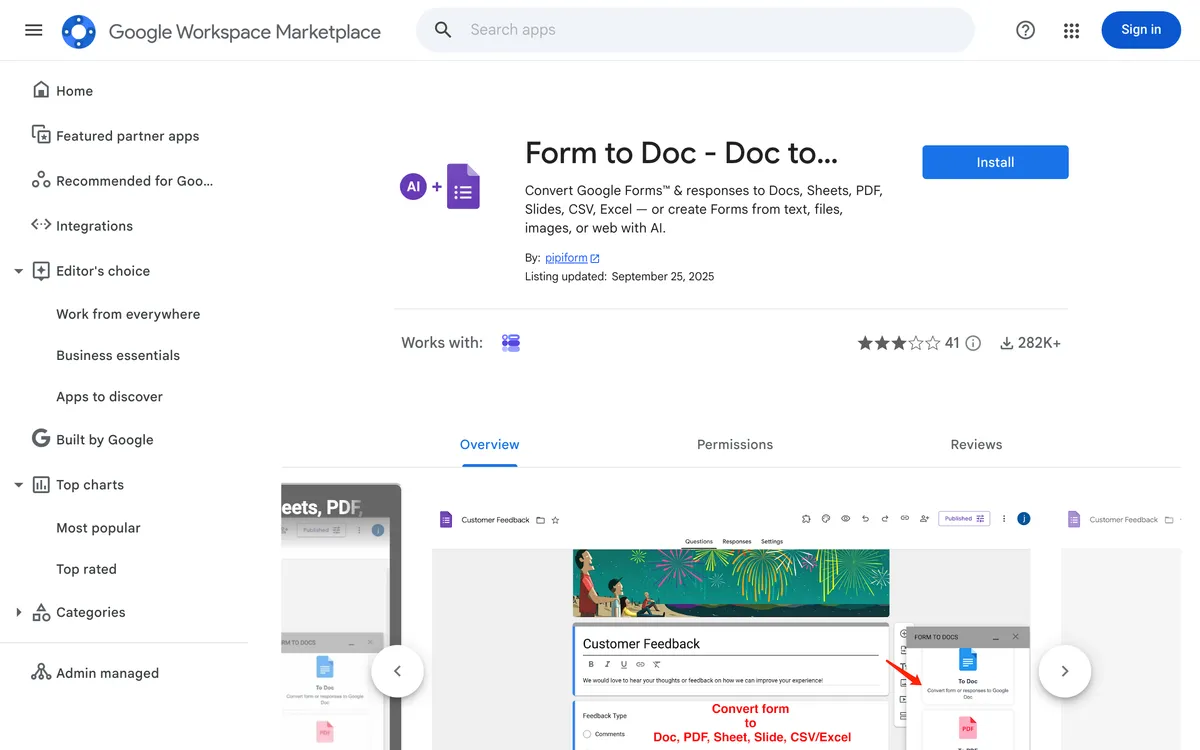
Form to Doc - Doc to form is a Google Workspace Marketplace add-on that does something no other tool in this category does: it converts in both directions. On the way in, it takes plain text, documents, images, videos and web pages and builds a Google Form with built-in AI. On the way out, it takes an existing Google Form and its response data and writes them into Docs, Sheets, Slides, PDF, Excel or CSV.
That second direction is the interesting part. Once responses start arriving, the add-on will generate reports and summaries from them, and it will produce a QR code for the form so you can print it on a flyer or a classroom handout. It is aimed squarely at people already living inside Workspace: educators collecting assignments, HR teams running intake, marketers who need a survey summary in a Doc before Friday.
It is also free of charge on the Marketplace listing. That is worth stating plainly at the top rather than burying it, because for a lot of readers it settles the question before they get to row three of any table.
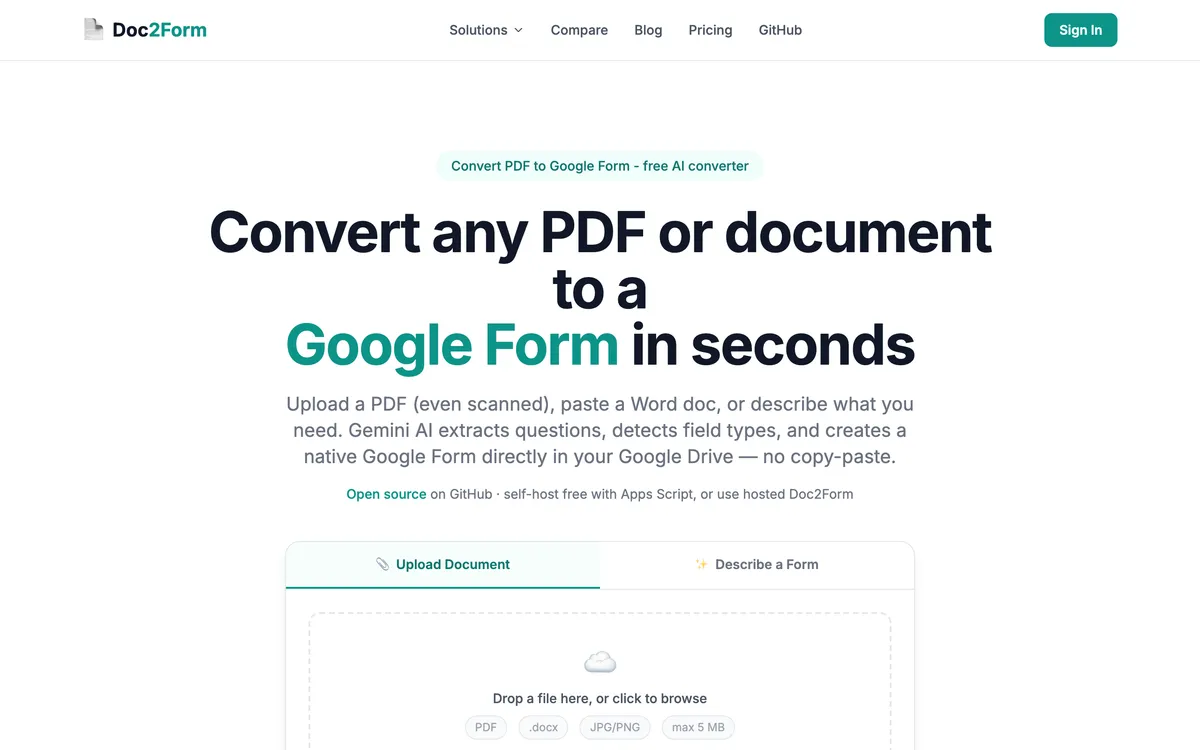
Doc2Form is narrower on purpose. It is a web app at doc2form.dev that takes a PDF, a Word file or an image up to 5 MB and produces a native Google Form in your own Drive, using Gemini to read the structure. It also has a Describe mode where you type a brief ("10-question NPS survey, anonymous") and get a form back. It goes one way only: documents in, Google Forms out. There is no export path, no report builder, no QR generator.
Quick comparison: Doc2Form vs. Form to Doc
| Attribute | Doc2Form | Form to Doc |
|---|---|---|
| Access | Web app, nothing to install | Workspace Marketplace add-on |
| Direction | Documents to Forms only | Both ways: documents to Forms, Forms to documents |
| Output format | Native Google Form in your Drive | Native Google Form in your Drive |
| Export Forms to Docs / Slides / PDF | ❌ | ✅ |
| Export responses to Sheets / Excel / CSV | ❌ | ✅ |
| Reports and summaries from responses | ❌ | ✅ |
| QR code for a form | ❌ | ✅ |
| PDF input | ✅ | ✅ |
| Word (.docx) input | ✅ | ✅ |
| Scanned PDF and phone photos | ✅ (AI vision, a core use case) | ❓ (images are supported, scans are not the pitch) |
| Video and web page input | ❌ | ✅ |
| Describe a form in plain English | ✅ | ✅ (AI generation from text) |
| Google permissions requested | forms.body only |
Full access to all your Docs plus view and manage your Forms |
| Open source | ✅ | ❌ |
| File size cap | 5 MB | Not published |
| Bulk conversion / API | ❌ | ❌ |
| Price | First form free, then credits from $5 | Free |
Read that table honestly and Form to Doc wins more rows than Doc2Form does. It is free, it does more jobs, and it lives where your documents already are. The rows Doc2Form takes are narrow but they are not trivial: scanned paper, a scope that does not touch your Docs, and source code you can audit.
Which tool should you pick?
| Your situation | Better fit | Why |
|---|---|---|
| You need a Google Form and its 400 responses turned into a formatted Docs report | Form to Doc | Export is its whole second half; Doc2Form has no way to get data out of a form at all |
| You photographed a paper intake form on your phone and need it live in Drive this afternoon | Doc2Form | AI vision reads scans and photos of paper and writes a native Google Form in one pass |
| Your budget for this is zero and it is going to stay zero | Form to Doc | Free of charge on the Marketplace; Doc2Form gives one free form then charges credits |
| IT will not approve an add-on that can see, edit and delete every Doc in your account | Doc2Form | Runs as a web app with the narrower forms.body scope and nothing installed in Workspace |
| You want a monthly summary deck of survey results in Slides without rebuilding it by hand | Form to Doc | Generates reports and summaries from response data straight into Workspace formats |
| Security review needs to read the source before anyone can use the tool | Doc2Form | Open source at github.com/kamilstanuch/doc2form and self-hostable if procurement insists |
| You want to print a QR code so students can open the quiz from a paper handout | Form to Doc | QR generation is built in; Doc2Form stops once the form exists |
| Your source material is a YouTube video or a web page rather than a file | Form to Doc | Videos and web pages are supported inputs; Doc2Form takes documents, images and text briefs |
| You are converting one messy legacy PDF and never want to think about this tool again | Doc2Form | No install, no uninstall, one upload, and credits that never expire if you come back |
Features compared
Two directions versus one
This is the honest headline. Doc2Form converts documents to Google Forms and stops. If your form already exists and the job is getting the questions or the responses back out into a Doc, a slide deck or a PDF, Doc2Form has no answer for you and Form to Doc does. There is no clever workaround worth writing here. Use the add-on.
The export path also matters more over time than it looks on day one. Forms accumulate responses, and somebody eventually has to turn those responses into something a manager or a faculty committee will read. Form to Doc collapses that into a menu item.
Scanned paper and photos
This is where Doc2Form is genuinely different rather than just different-shaped. Old registration forms, a photocopied worksheet, a phone photo of a clipboard sheet taped to a wall: scanned PDF to Google Form and image to Google Form are the workflows Doc2Form was built around, and Gemini's vision reading is doing the heavy lifting.
Form to Doc accepts images as an input type, so it is not incapable here. But scanned and degraded paper is not what the listing is positioned for, and positioning usually tells you where the tuning went. If most of your backlog is paper, test both on your ugliest file before you commit.
Permissions and installation
Two different tradeoffs, and which one is worse depends entirely on your organisation.
Form to Doc is a Workspace add-on. Installing it means granting scopes that include seeing, editing, creating and deleting all your Google Docs documents, plus viewing and managing your forms in Drive. That is a broad grant, and it is broad because the add-on genuinely needs to write Docs for you. Plenty of admins will refuse it on principle.
Doc2Form asks for Google OAuth with the forms.body scope so it can create the form in your Drive, and nothing else. Your documents are processed to extract structure and then discarded; only the form title and link are stored. But it is still a third-party web app receiving your file, and plenty of other admins will refuse that on principle. Neither position is unreasonable. Know which kind of IT team you have before you pick.
Open source
Doc2Form is open source and self-hostable, which turns "trust a vendor" into "read the code, or run it yourself." Form to Doc is proprietary. If you work somewhere that treats a GitHub repository as a prerequisite for approval, this row decides the page. If you do not, it is a footnote.
Everything neither one does
Worth saying so you do not go looking. Neither tool does bulk or batch conversion of a whole folder, and neither exposes a public REST API or a Zapier connector. Complex matrix and grid questions can need manual cleanup after any AI conversion, Doc2Form included. And Doc2Form caps uploads at 5 MB, which real scanned PDFs sometimes exceed.
Pricing: Doc2Form vs. Form to Doc
| Plan | Doc2Form | Form to Doc |
|---|---|---|
| Free tier | First form free, no card | Free of charge |
| Entry | $5 / 10 credits | Not applicable |
| Mid | $12 / 30 credits | Not applicable |
| Larger pack | $29 / 100 credits (about $0.29 per form) | Not applicable |
| Subscription | None, credits never expire | None |
There is no volume at which Doc2Form is cheaper than free. If cost is the deciding variable, the decision is already made, and pretending otherwise would waste your time. Prices change, so check doc2form.dev and the Marketplace listing before you plan a budget around either number.
What the credits buy is a different shape of tool rather than a better price: no install, a narrow permission scope, auditable code, and a converter tuned for the paper-to-Drive case. Some teams find that worth $0.29 a form. Others reasonably do not.
The verdict
Form to Doc is the bigger product. It converts in both directions, it turns response data into readable documents, it makes QR codes, it accepts videos and web pages, and it costs nothing. If you are inside Workspace already and the add-on install clears your IT policy, it will handle more of your week than Doc2Form will.
Doc2Form wins on a shorter list, but it is a real list. Scanned and photographed paper is the case it was built for and the case it is tuned for. It asks for a narrower Google permission and installs nothing. It is open source, so a security review ends with reading code rather than trusting a listing. Those three things do not matter to everyone. Where they matter, they matter a lot.
Takeaway: Need to get forms and responses out of Google Forms, or need it free? Form to Doc. Need messy paper scans turned into a Google Form without installing an add-on that can touch every Doc you own? Doc2Form.
Frequently asked questions
Is Form to Doc really free?
The Marketplace listing states the add-on is free of charge. Free add-ons do sometimes add paid tiers later, so check the current listing before you build a workflow around it, but at the time of writing there is nothing to pay.
Can Doc2Form export a Google Form back into a Word or Google Doc?
No. Doc2Form converts documents into forms and stops there. There is no export direction, no response report, and no plan to fake one. Form to Doc is the correct tool for that job.
Is Form to Doc better than Doc2Form for teachers?
Often yes, especially if your workflow spans the whole cycle: build the quiz, print a QR code for the handout, then summarise responses into a Doc for a parent meeting. Doc2Form is better if the raw material is a filing cabinet of photocopied worksheets, because reading degraded paper is what it is tuned for.
What permissions does each tool ask for?
Form to Doc requests access to see, edit, create and delete all your Google Docs documents, plus permission to view and manage your forms in Drive. Doc2Form requests the forms.body scope so it can create a form in your Drive, and nothing more. Uploaded documents are processed and then discarded.
Can either one convert a whole folder of PDFs at once?
Neither does bulk conversion. Both are one-file-at-a-time tools with no public API and no Zapier connector, so a 60-file migration is 60 uploads either way.
Which one handles a photo of a paper form better?
Doc2Form, in most cases. Reading scans and phone photos with AI vision is its core document to Google Form use case. Form to Doc accepts images, but it is not positioned around degraded paper, so test your worst file on both.
Do I have to install anything to use Doc2Form?
No. It runs in the browser at doc2form.dev. You connect your Google account so it can write the form into your Drive, but nothing is installed into Workspace and there is nothing for an admin to approve at the Marketplace level.
Can I use both?
Yes, and it is a reasonable setup. Convert the awkward scanned sources in Doc2Form, then use Form to Doc for exports, response reports and QR codes once the forms are live. They overlap less than the feature lists suggest.
Try Doc2Form - first form free, no credit card.