
Related conversion guides: PDF to Google Form · Intake PDF to Google Form · Document to Google Form
In short: Upload a client intake, patch-test consent, or aftercare PDF. Doc2Form drafts a Google Form in your Drive so artists stop retyping the same fields between bookings. First form free; files up to 5 MB.
Client intake should not mean retyping every appointment
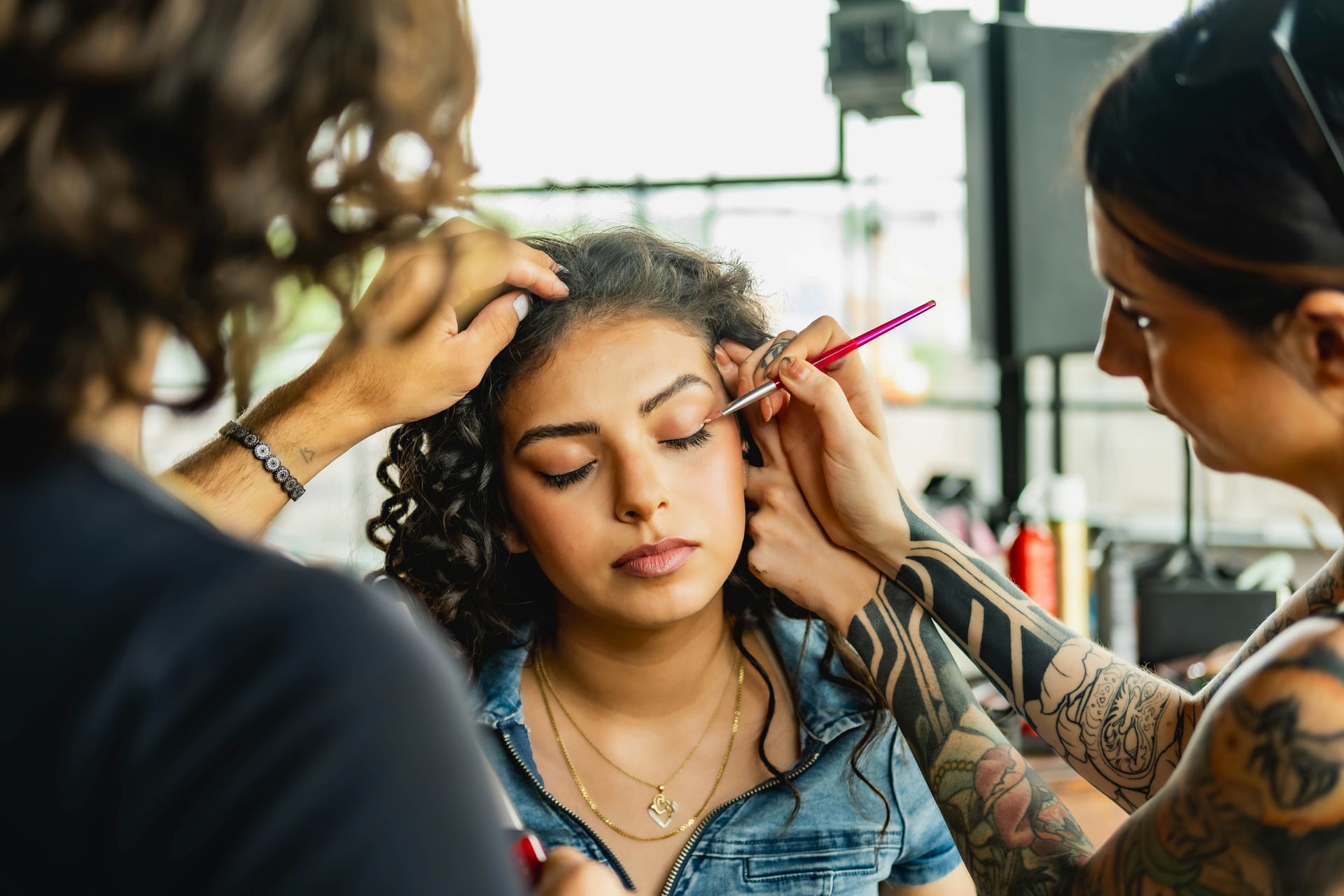
Makeup artists and beauty studios run on paper and PDF packets: allergies, skin history, look preferences, photo consent. Rebuilding that as a Google Form before every bridal season burns hours and invites missed fields.
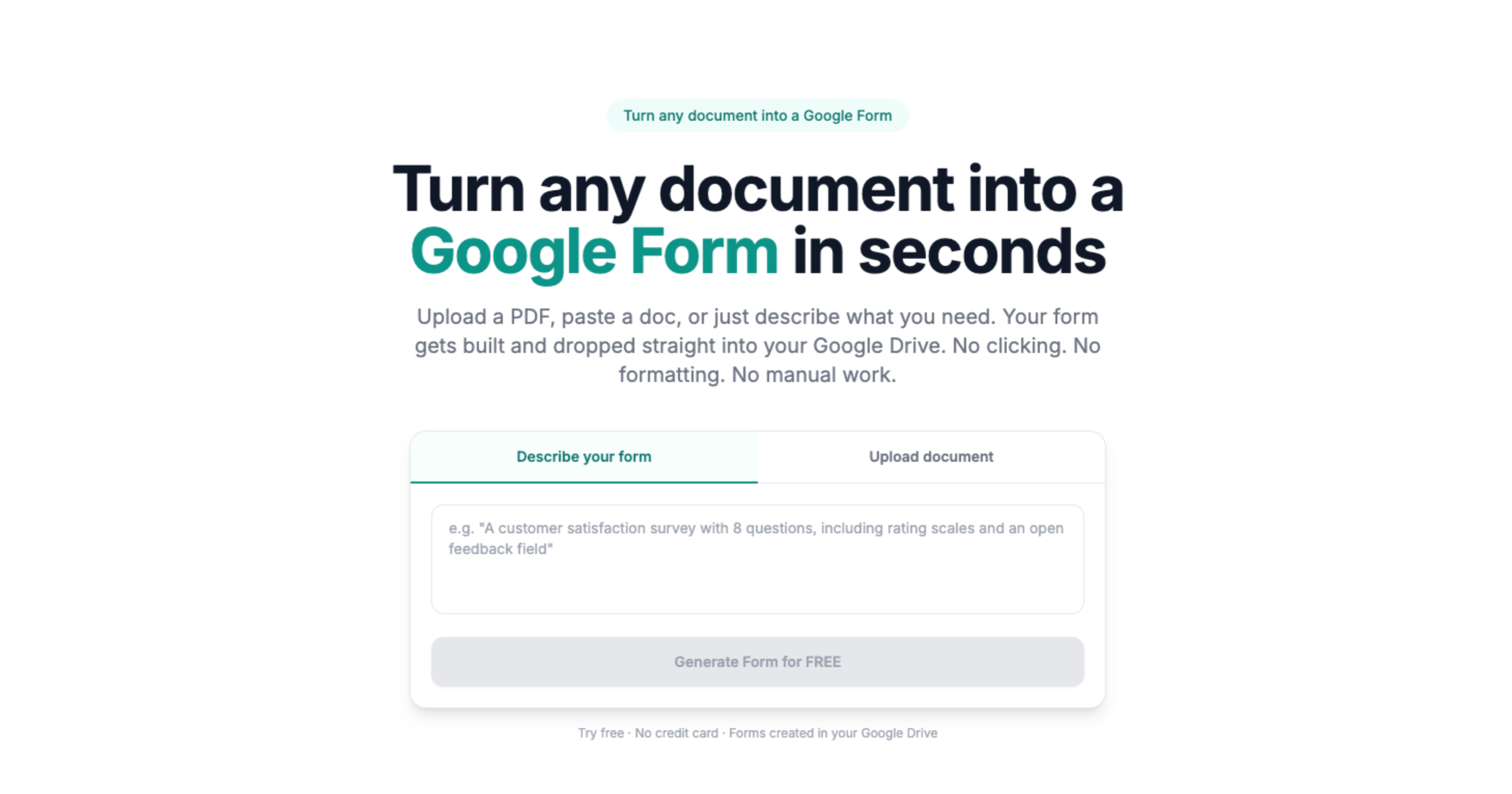
Doc2Form reads your approved PDF or Word template and maps sections into a Form you edit in Drive. Add file upload in Google Forms for inspiration photos when policy allows. Describe mode helps when you need a short aftercare survey tonight without a source file.
Based on a sample of 1,775 Google Forms generated by Doc2Form users, containing 55,761 questions across 47 languages. That is an average of 31 questions per form - roughly 21 minutes saved per form versus rebuilding each question by hand in the Forms editor (assuming ~40 seconds per question).
Your Drive, your consent language, clear limits
Forms stay in your Google account like any Form you build yourself. Doc2Form is not a booking or POS system. Blurry phone scans and handwritten notes may need a cleanup pass. Keep medical or allergy claims accurate - we convert structure, not clinical advice.
Sources
- Google Forms API - native Forms created in your Drive after structure is extracted.
- Gemini API - document structure analysis for questions, options, and sections.
- Google Workspace for Education / business - Forms and Sheets stay under your org's Google account policies.
A real example
A bridal kit PDF with allergies, preferred products, and photo release becomes one Form shared as a link in the booking confirmation. Responses land in Sheets so the artist reviews answers before the trial.
Common questions
Does this replace our primary booking or POS system like Schedulicity, Acuity, or GlossGenius?
No. Doc2Form is a productivity bridge for the "capture" and "screening" phases that precede or follow the formal booking record.
Can clients or students upload photos of their desired looks or IDs through the Form?
Yes. Once the Form is generated in Google Forms, you can enable "File Upload" questions.
How do we handle multi-language client bases?
Doc2Form imports the structure of your primary-language PDF. For artists serving multilingual populations, we recommend duplicating the generated Form and translating the labels into the target languages.
Can we use "Describe mode" for a flash student poll or event RSVP?
Absolutely. If you need a fast pulse on student interest for a new training session or a quick answer on a wedding RSVP, you can type "3-question survey about [Topic] with guest name, meal preference dropdown, and reason text" into Describe mode.