In short
- Pick Doc2Form if your sources include scans, photos of paper, or image-only PDFs, you want open source, or you prefer credits that never expire over a subscription.
- Pick FormGPT if you want to preview and edit the draft before it reaches Drive, or you need to append AI questions to a Google Form that is already live.
What is FormGPT?
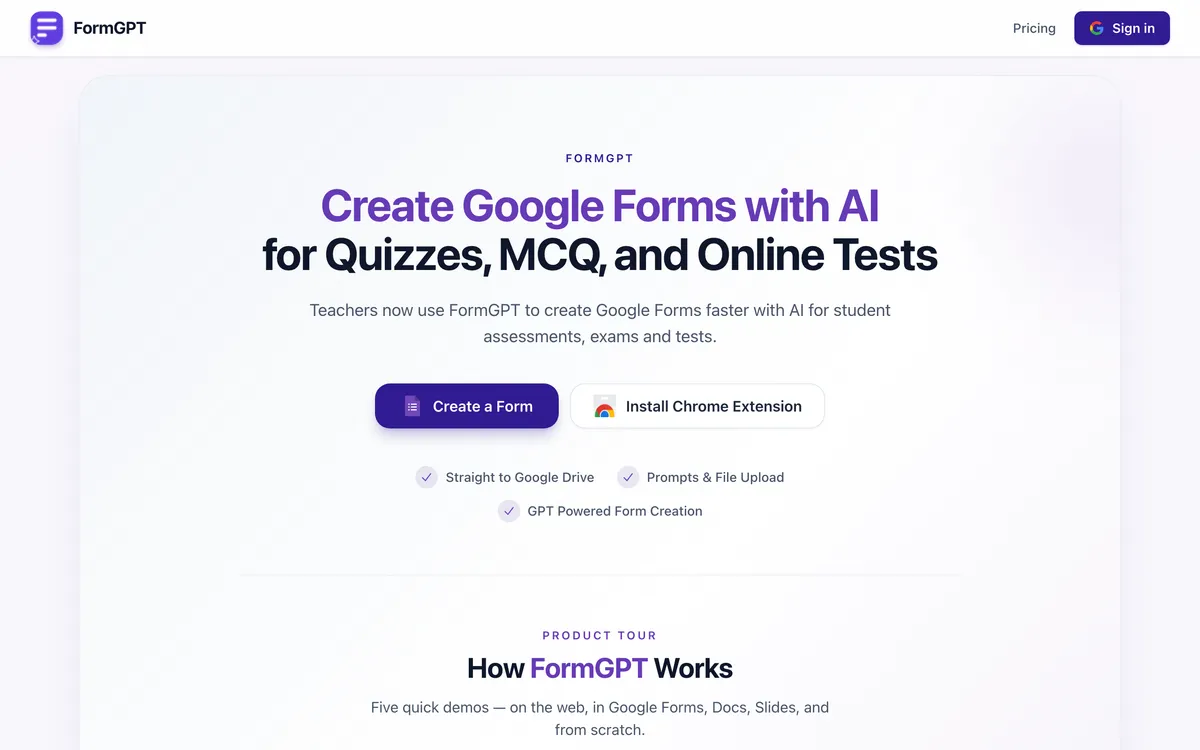
FormGPT is a web app that drafts Google Forms with AI. You upload a PDF, DOCX, TXT, or Markdown file up to 5 MB, or just type a prompt describing the form you want. It produces a draft inside FormGPT Studio, where you review and edit the questions inline, and then you export the finished thing to your Google Drive after a one-time Google connection. It supports multiple choice, checkboxes, short and long answer, dropdowns, linear scale, and quiz grading with answer keys. There is also a Chrome extension that puts it in a sidebar next to whatever you are working on.
The feature that genuinely sets it apart is append. Paste the edit URL of an existing live Google Form and FormGPT will generate additional questions and add them to that form. If you maintain a form over time, that is a different and useful motion from "generate a new form each time." Doc2Form does not do it.
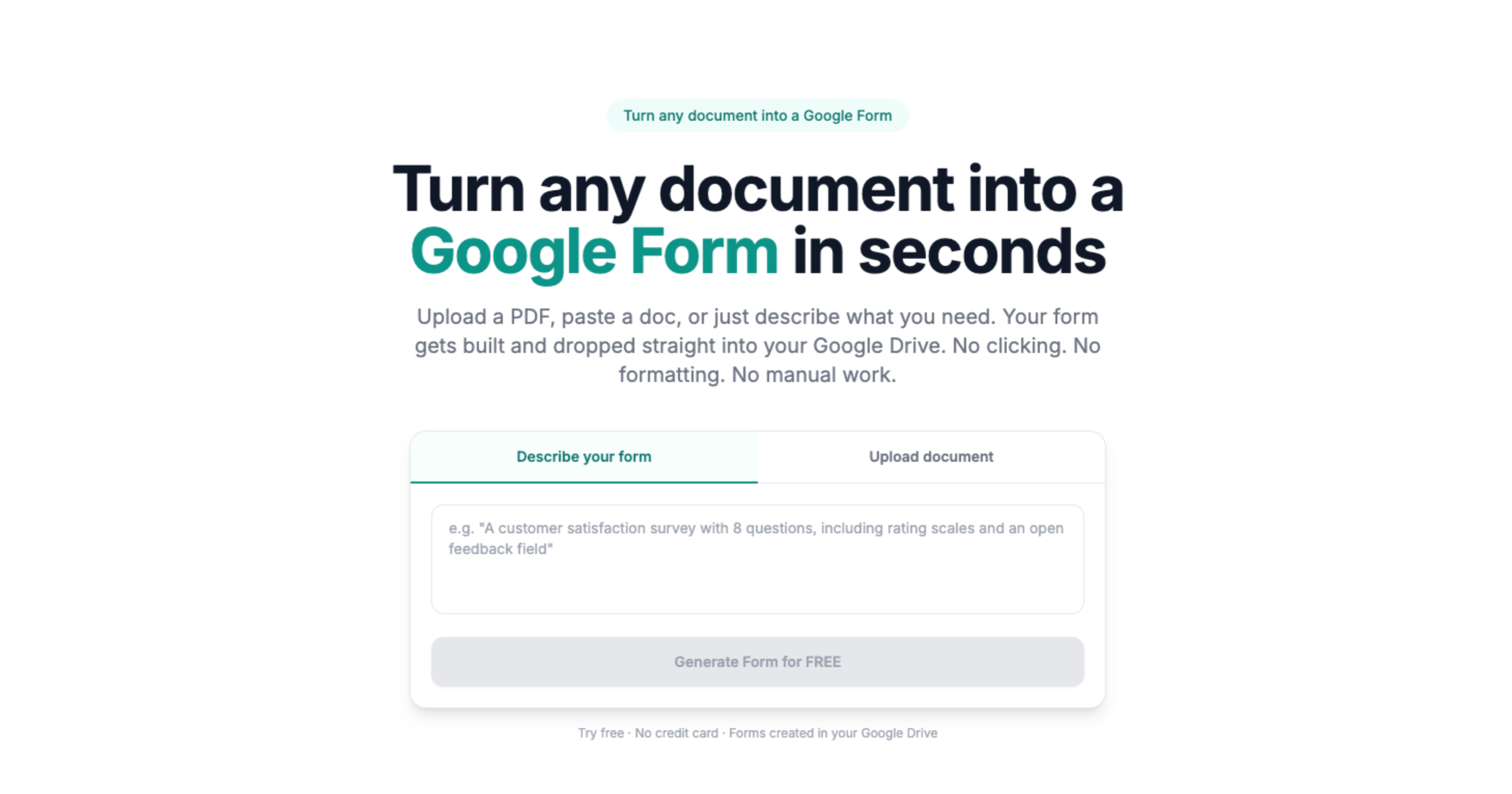
This is not a comparison where one tool is a converter and the other is something else entirely. FormGPT and Doc2Form do the same core job, with the same 5 MB cap, overlapping file types, and the same destination: a real Google Form in your own Drive. The differences sit in three places: what the input can look like, whether you get a preview step, and how you pay.
Quick comparison: Doc2Form vs. FormGPT
| Attribute | Doc2Form | FormGPT |
|---|---|---|
| Output | Native Google Form in your Drive | Native Google Form in your Drive |
| PDF (digital) | ✅ | ✅ |
| Scanned PDF or photo of paper | ✅ AI vision | ❌ |
| Images (JPG/PNG) | ✅ | ❌ |
| Word (.docx) | ✅ | ✅ |
| TXT / Markdown | ❌ | ✅ |
| Plain-English prompt mode | ✅ Describe mode | ✅ |
| Preview and edit before export | ❌ | ✅ FormGPT Studio |
| Append questions to an existing live form | ❌ | ✅ paste the form edit URL |
| Quiz answer keys | ✅ | ✅ |
| Chrome extension | ❌ | ✅ sidebar |
| File size cap | 5 MB | 5 MB |
| Google connection required | ✅ | ✅ |
| Open source / self-hostable | ✅ | ❌ |
| Free tier | First form free, no card | Daily limits, reset midnight UTC |
| Pricing model | Credits, never expire | Subscription: weekly, monthly, yearly |
| Bulk or batch upload | ❌ | ❌ |
| Public REST API | ❌ | ❌ |
FormGPT clearly wins the editing and maintenance rows. Doc2Form clearly wins the input rows and the ownership rows. Everything else is close enough that it should not decide your choice.
Which tool should you pick?
| Your situation | Better fit | Why |
|---|---|---|
| You want to check and fix the questions before anything reaches your Drive | FormGPT | Studio gives you an inline preview and edit step; Doc2Form writes the form and you edit it in Google Forms afterwards |
| You already have a live Google Form and want to add twenty more questions to it | FormGPT | Append takes a form edit URL and extends the existing form; Doc2Form only creates new forms |
| You generate several forms every week, all year | FormGPT | At that cadence the yearly Pro plan works out cheaper per form than buying credits |
| Your source is a photo of a paper form or an image-only scanned PDF | Doc2Form | AI vision reads scans and photographs; FormGPT takes PDF, DOCX, TXT, and Markdown only |
| You need three or four forms this quarter and nothing after that | Doc2Form | Credits never expire and there is no renewal to cancel, so occasional use costs less |
| Security review needs to see the code before you are allowed to use it | Doc2Form | It is open source and self-hostable; FormGPT is proprietary |
| Your questions live in a Markdown or plain text file | FormGPT | Those input types are supported directly; Doc2Form would need them as PDF or DOCX first |
| You want to draft a form from a one-line brief with no document at all | Either | Both do prompt-to-form well; pick on price model rather than capability |
| You work mostly inside a browser tab and want the tool always at hand | FormGPT | The Chrome extension sidebar sits next to whatever page you are on |
Features compared
Input types: where the real gap is
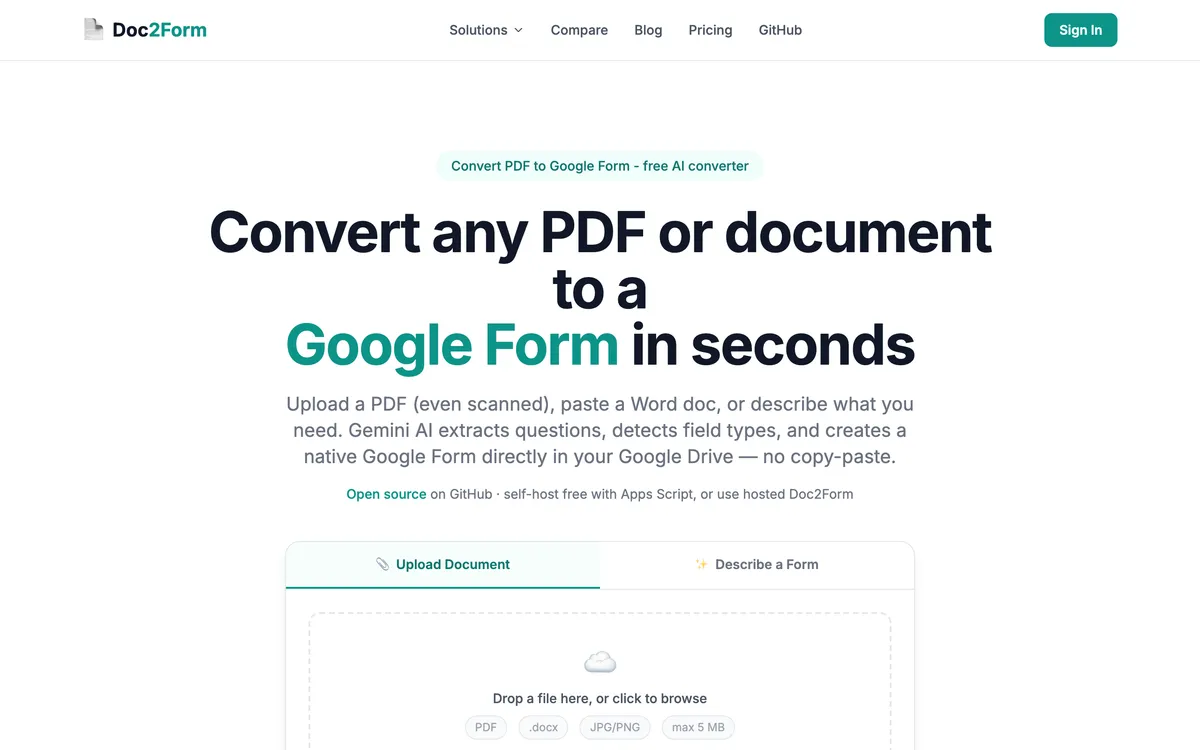
Doc2Form takes PDF, Word (.docx), and images (JPG/PNG) up to 5 MB, and uses Gemini with AI vision, which means a phone photo of a paper questionnaire or a fax-quality scan is a normal input rather than a problem. That is the single capability FormGPT does not match. If your documents arrive as paper, see scanned PDF to Google Form and image to Google Form.
FormGPT takes PDF, DOCX, TXT, and Markdown. The TXT and Markdown support is a small win in the other direction: if you keep question banks as Markdown, FormGPT reads them as they are, whereas Doc2Form would want a PDF or DOCX. For clean digital PDFs and Word files, which is most of what most people have, both tools are fine and you should test your own worst file rather than trust either claim.
The preview step
FormGPT Studio is a real workflow advantage and worth conceding plainly. You see the draft, you fix the question that the AI mislabelled, you delete the two it invented, and only then does anything reach your Drive. For long documents where you expect imperfections, that ordering saves cleanup.
Doc2Form goes the other way: it creates the form, and you edit it in Google Forms, which is the editor you already know and where you would end up anyway. That is fewer tools and fewer clicks when the extraction is clean, and slightly more annoying when it is not, because you are correcting inside a form that already exists.
Append to an existing form
This one Doc2Form simply does not have. FormGPT lets you paste the edit URL of a live Google Form and generate more questions into it. Think of a recurring intake form that grows a section each term, or a survey where a stakeholder asks for five more items after launch. Doc2Form would have you generate a new form and rebuild, or add the questions by hand in Google Forms.
If your forms are living documents rather than one-time conversions, this feature alone can be the deciding factor.
Open source and where your file goes
Doc2Form is open source at github.com/kamilstanuch/doc2form. You can read how extraction works, audit what leaves your machine, or self-host and skip the hosted product. Uploaded documents are processed to extract structure and then discarded; only the form title and link are stored. For a security questionnaire, being able to point at a repository shortens the conversation. FormGPT is proprietary, which is not a criticism of how they handle data: it just means you are trusting a policy document rather than reading the source.
Shared limits worth knowing
Neither tool does bulk or batch upload. Neither publishes a public REST API or a Zapier integration. Both cap files at 5 MB. Both require connecting a Google account, because writing a form into your Drive is not possible without permission to do so. If you need to convert fifty legacy PDFs unattended, neither of these is your answer, and you should look at tools built for volume in all comparisons.
Pricing: Doc2Form vs. FormGPT
| Plan | Doc2Form | FormGPT |
|---|---|---|
| Free | First form free, no card | Daily free limits for create and append, reset midnight UTC |
| Entry paid | $5 / 10 credits | $3.99 per week |
| Middle | $12 / 30 credits | $12 per month |
| Larger | $29 / 100 credits (about $0.29 per form) | $39 per year |
| Model | Credits, never expire | Subscription, unlimited while active |
| Renewal to cancel | ❌ | ✅ |
Prices are at the time of writing on both sides, so check current pricing before you commit to either.
The maths is not close once you know your volume. If you generate forms constantly, FormGPT Pro at $39 a year is very cheap and buying 100 credits would not carry you as far. If you convert a handful of documents a quarter, Doc2Form is cheaper and, more importantly, there is nothing to remember to cancel: ten credits sit in the account until you use them. FormGPT's free daily allowance is also genuinely usable for light, spread-out work, provided your needs fit inside a per-day cap rather than arriving in a burst.
The verdict
This is the closest comparison in the category, and pretending otherwise would waste your time. Both tools use AI to turn a document or a prompt into a real Google Form in your own Drive, both cap files at 5 MB, both overlap on PDF and DOCX, and neither does bulk work or offers an API.
The choice comes down to two questions. First, what do your source files look like? If any of them are scans, photographs, or image-only PDFs, Doc2Form handles a category FormGPT does not, and that decides it. Second, are your forms one-time conversions or living documents? If you maintain forms over months and want a preview before export, FormGPT's Studio and append features are real advantages that Doc2Form has no answer to. After that, it is a pricing shape question: subscription for heavy steady use, credits for occasional use.
Takeaway: Scans, images, open source, and pay-as-you-go point to Doc2Form. Preview-before-export, appending to a live form, and heavy weekly volume point to FormGPT.
Frequently asked questions
Is FormGPT better than Doc2Form?
For editing before export and for adding questions to a form that already exists, yes. FormGPT Studio and its append feature are things Doc2Form does not offer. For scanned documents, photographs of paper forms, open-source auditability, and occasional-use pricing, Doc2Form is the better fit.
Can Doc2Form add questions to an existing Google Form?
No. Doc2Form creates new forms. If you need to extend a live form, FormGPT's append feature does exactly that from the form's edit URL, or you can add the questions manually in Google Forms.
Do both tools produce real Google Forms?
Yes. Both export a native Google Form into your own Google Drive, editable in Google Forms, connectable to Sheets, usable in Classroom. Neither hosts the form on its own platform, which is the main thing separating both of them from tools like Jotform or Typeform.
Which one handles scanned PDFs?
Doc2Form. It uses AI vision, so an image-only PDF or a phone photo of a paper form is a normal input. FormGPT accepts PDF, DOCX, TXT, and Markdown, and is not positioned for scans. Start with PDF to Google Form if your files are digital and scanned PDF to Google Form if they are not.
Which is cheaper?
It depends entirely on volume. FormGPT Pro is a subscription at $3.99 per week, $12 per month, or $39 per year at the time of writing, which is excellent value at high steady use. Doc2Form sells credits from $5 for 10 up to $29 for 100, with no expiry and no subscription, which is cheaper for occasional use.
Can I try either one for free?
Yes. Doc2Form gives you the first form free with no credit card. FormGPT has daily free limits for creating forms and appending questions that reset at midnight UTC. Running the same document through both is the fastest way to settle this for your files.
Does either tool do bulk conversion or have an API?
Neither does, at the time of writing. No batch upload, no public REST API, no Zapier on either side. If you have dozens of legacy documents to convert unattended, look at tools built for that instead, such as the options covered in all comparisons.
Can I generate a form without any document?
Both can. Doc2Form's Describe mode and FormGPT's prompt input both take a plain-English brief such as "10-question anonymous NPS survey" and build the form from it. See Google Form from a description for how that works on our side.
Try Doc2Form - first form free, no credit card.