
Summer agility begins with structured camper intake

In the fast-paced world of summer camps and specialty programs, the "bottleneck" is often the gap between the camp director’s office and the parent’s smartphone. Whether it is an ACA-style health history, a specialized pickup permission packet, or a 10-page staff hiring manual, directors and program leads often rely on PDF templates that have been meticulously refined by legal counsel, insurance carriers, and state licensing agencies. The friction starts when a parent needs a fast, digital way to answer those questions without retyping the entire packet into a blank Google Form from their smartphone. They often miss critical "medication dosage" prompts, skip bunk-request acknowledgments, or use inconsistent terminology for "emergency contacts," leading to intake delays and coordination failures.

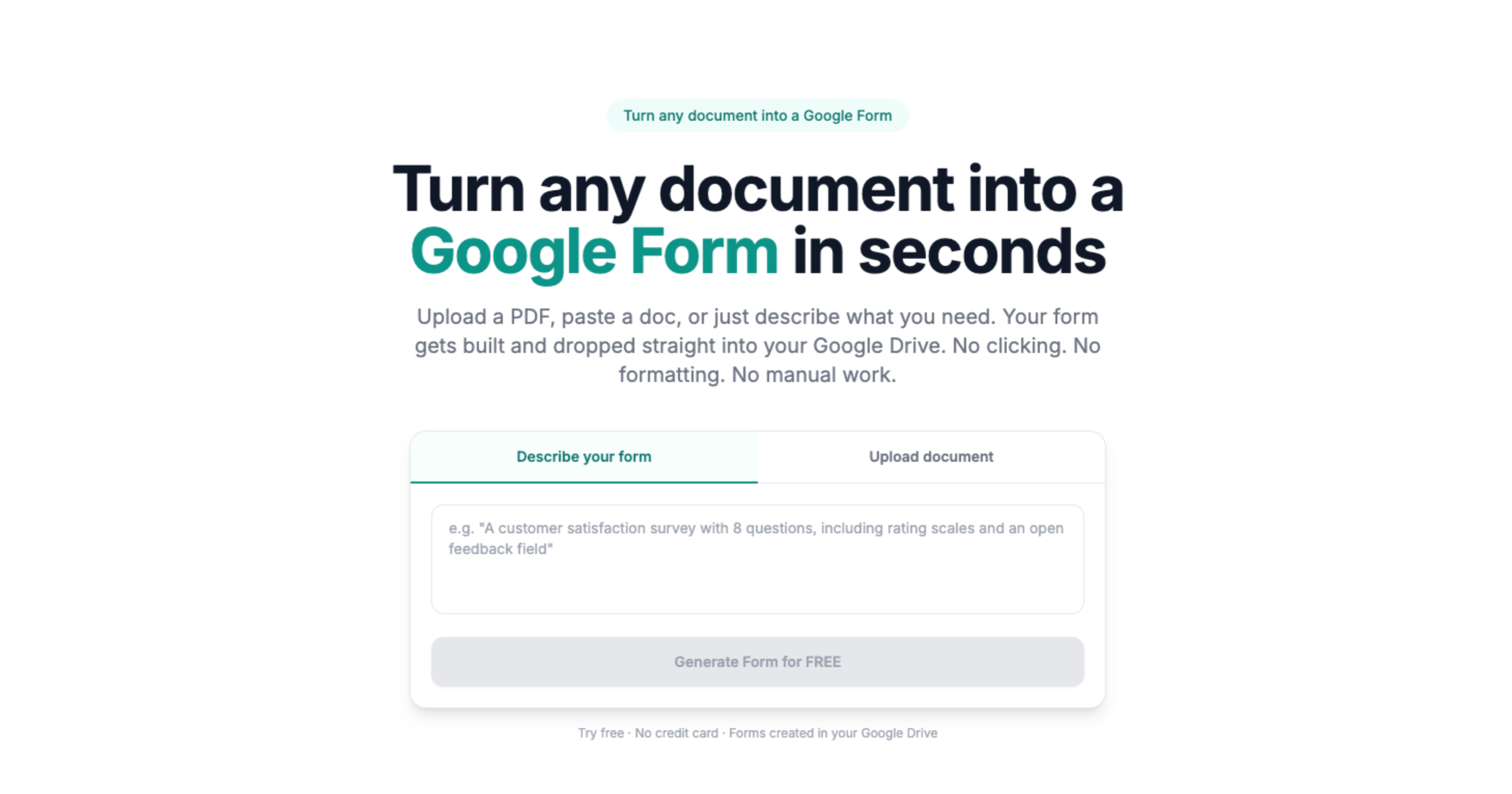
Doc2Form eliminates this "manual transcript" burden by reading your digitally authored PDF or Word templates - up to 5 MB - and drafting a structured Google Form in seconds. This ensures that every parent and every counselor sees the exact same prompts your camp office approved, which is mandatory for maintaining health integrity and meeting state or accreditation expectations. By maintaining the same terminology as the source script, you keep your "camp-ready" documentation consistent from the first discovery call to the final session checkout.

Health and Safety: Medical Histories, Waivers, and Parent Loops

Camper safety and parent satisfaction are only effective if they are documented consistently. If a camp nurse has to wait for a physical health card to be transcribed or a blurred scan of a waiver to be re-keyed into a spreadsheet, the delay can lead to missed "must-know" safety details or delayed medical interventions. By moving your intake scripts and health logs into Google Forms, you can provide a structured interface for families to submit their details right from their browser. You can organize the Form by "Allergy Profile," "Medication Schedule," and "Pickup Authorization," ensuring that every interaction is documented with an automatic Google timestamp and audit trail.

Importing your existing "Resident Camper Health History" or "Staff Onboarding Packet" PDF ensures that you are not missing critical prompts about epi-pen locations, dietary restrictions, or media releases. Once the Form is generated, you can add "File Upload" questions so that parents can attach a photo of a physician's signature or a scan of a vaccination record, providing visual evidence that beats a handwritten note in a backpack. This transparency is vital for defending your camp’s safety record and proving a robust quality-control culture to your board or accreditation body.

Compliance and Privacy: Minors, State Licensing, and Data Governance

Camps handle the most sensitive information, from camper medical histories and guardian contact lists to staff background checks and internal safety logs. Because the Forms live in your own camp's Google Workspace tenancy, you maintain full control over data residency, encryption, and access control. We strongly recommend ensuring your Workspace settings are configured for state licensing and ACA (American Camp Association) compliance, and that your health officer has cleared the specific workflow for digital collection, especially for programs serving minors.

By digitizing your existing feedback and intake surveys, you maintain consistency in your operational history. If your camp’s "Annual Parent Satisfaction Survey" has been using a 10-question PDF for years, importing that same PDF into Google Forms ensures that your longitudinal data on "Camper Engagement" remains comparable as you scale. Your data stays in your secure Google Drive, not on a third-party platform that might not meet your organization's strict data-governance or records-retention standards. This approach is particularly useful for managing non-sensitive workloads like t-shirt sizing for events and alumni surveys where speed and structure are paramount.

Common questions

Does this replace our primary camp management system like CampMind, Regpack, or Active Network?

No. Doc2Form is a productivity bridge for the "capture" and "survey" phases that precede or follow the formal camp record. Camps use Google Forms for high-volume intake helpers, internal operational checks, or experience pulses, and then manually export or use API bridges to move key data into their system of record. It's a tool for the "gaps" where your main system might be too rigid or doesn't have a simple, mobile-friendly front end for parents.

Can parents upload photos of physician forms or camper IDs through the Form?

Yes. Once the Form is generated in Google Forms, you can enable "File Upload" questions. This is mandatory for health triage and registration where you need the family to attach evidence of a physical exam, a birth certificate, or a vaccination record before the camper is authorized to participate. Files land in a secure folder in your Google Drive, linked to the intake response. We recommend creating specific, restricted folders for this sensitive PII.

How do we handle state-mandated paper signatures?

Some state licensing boards still require a "wet ink" signature for certain medical authorizations. For those cases, we recommend using Google Forms for the information gathering and then using a specialized tool or a physical printout for the final signature. Many camps use Forms for the primary intake and then have parents sign a summary sheet at check-in that matches the digital data.

Can we use "Describe mode" for a flash camper poll or staff RSVP?

Absolutely. If you need a fast pulse on camper interest for a new elective or a quick answer on a staff-meeting RSVP, you can type "3-question survey about [Topic] with camper name, elective choice dropdown, and reason text" into Describe mode. Doc2Form will generate the structure so you can get a link out to your camp's Slack or email list in seconds.

What is the cost for a solo camp director or a multi-location camp group?

Your first hosted conversion is free, allowing you to test your most complex health history packet. For camp organizations that need to digitize large libraries of SOPs, health forms, and parent surveys across multiple sessions, we offer credit packs. The codebase is also open source for firms that prefer to host the tool on their own private developer infrastructure to meet strict corporate-governance or HIPAA rules.