Related conversion guides: PDF to Google Form · Survey to Google Form
In short: Upload a PDF or Word template and get a Google Form in your Drive. Built for nonprofits & volunteer coordinators. Files up to 5 MB. First form free.
Your paper forms are slowing down programs that run on limited staff
Nonprofits typically have well-designed intake, registration, and assessment documents developed over years of programming. Converting them to digital forms manually - field by field - takes time that small teams and volunteers don't have.
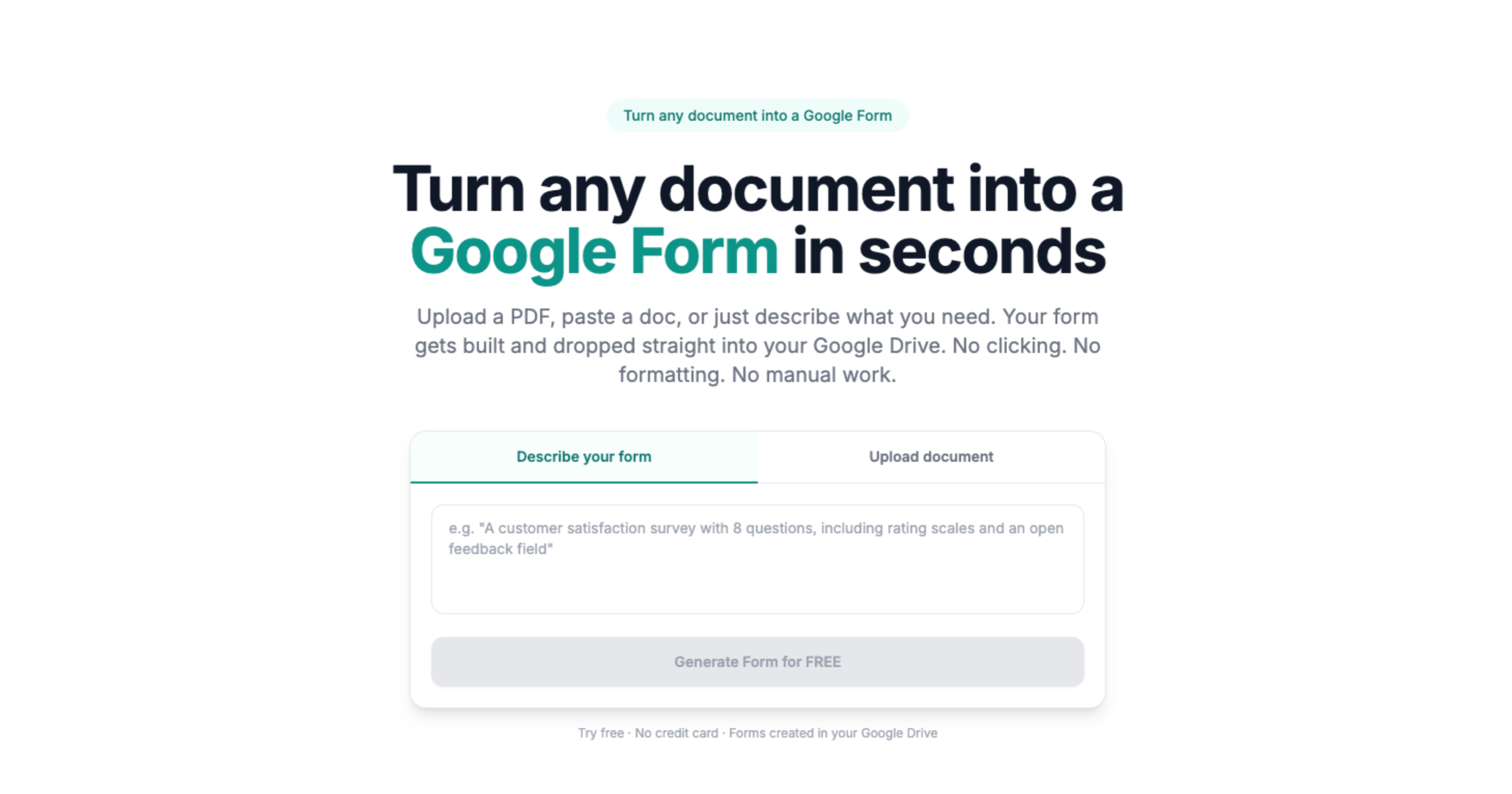
Doc2Form converts existing PDFs and Word documents into Google Forms. Upload a file up to 5 MB and it detects the structure - text fields, checkboxes, dropdown options, rating scales - and builds the matching form in your Drive.
No document to upload? Use describe mode: type a brief description of what you need and get a working form to review and adjust.
Free tools that fit a nonprofit budget
Google Forms is free. Doc2Form's first conversion is free. After that, credit packs are available at low cost - no subscription required. For organizations with technical capacity, the project is open source and self-hostable.
Based on a sample of 1,775 Google Forms generated by Doc2Form users, containing 55,761 questions across 47 languages. That is an average of 31 questions per form - roughly 21 minutes saved per form versus rebuilding each question by hand in the Forms editor (assuming ~40 seconds per question).
Sources
- Google Forms API - native Forms created in your Drive after structure is extracted.
- Gemini API - document structure analysis for questions, options, and sections.
- Google Workspace for Education / business - Forms and Sheets stay under your org's Google account policies.
A real example
A volunteer application PDF becomes a Form for weekend shifts; coordinators filter by skill tags in Sheets.
Common questions
Do we need a paid Google account?
No. Free Google accounts work. Google Workspace for Nonprofits accounts (Google's free tier for eligible organizations) work the same way.
Can volunteers access the form without a Google account?
Yes. Google Forms can be shared as an open link that anyone can complete without signing in. You control this setting when you share the form.
What if we need to update the form mid-program?
You own the form in Drive. Edit fields directly in Google Forms, then share the updated link. Responses from before and after the update both appear in the connected Sheets spreadsheet.
Does it cost anything?
The first form is free, no credit card required. Credit packs are available after that. The project is open source for organizations that prefer to self-host on their own infrastructure.