Related conversion guides: Intake PDF to Google Form · PDF to Google Form · Word to Google Form
Client information collection doesn't have to start with a legal pad
Insurance agents collect detailed client information repeatedly - needs analysis, policy review updates, claims details, referral intake. Most agents have this process documented in a PDF or Word template. Getting clients to fill it out digitally is the gap.
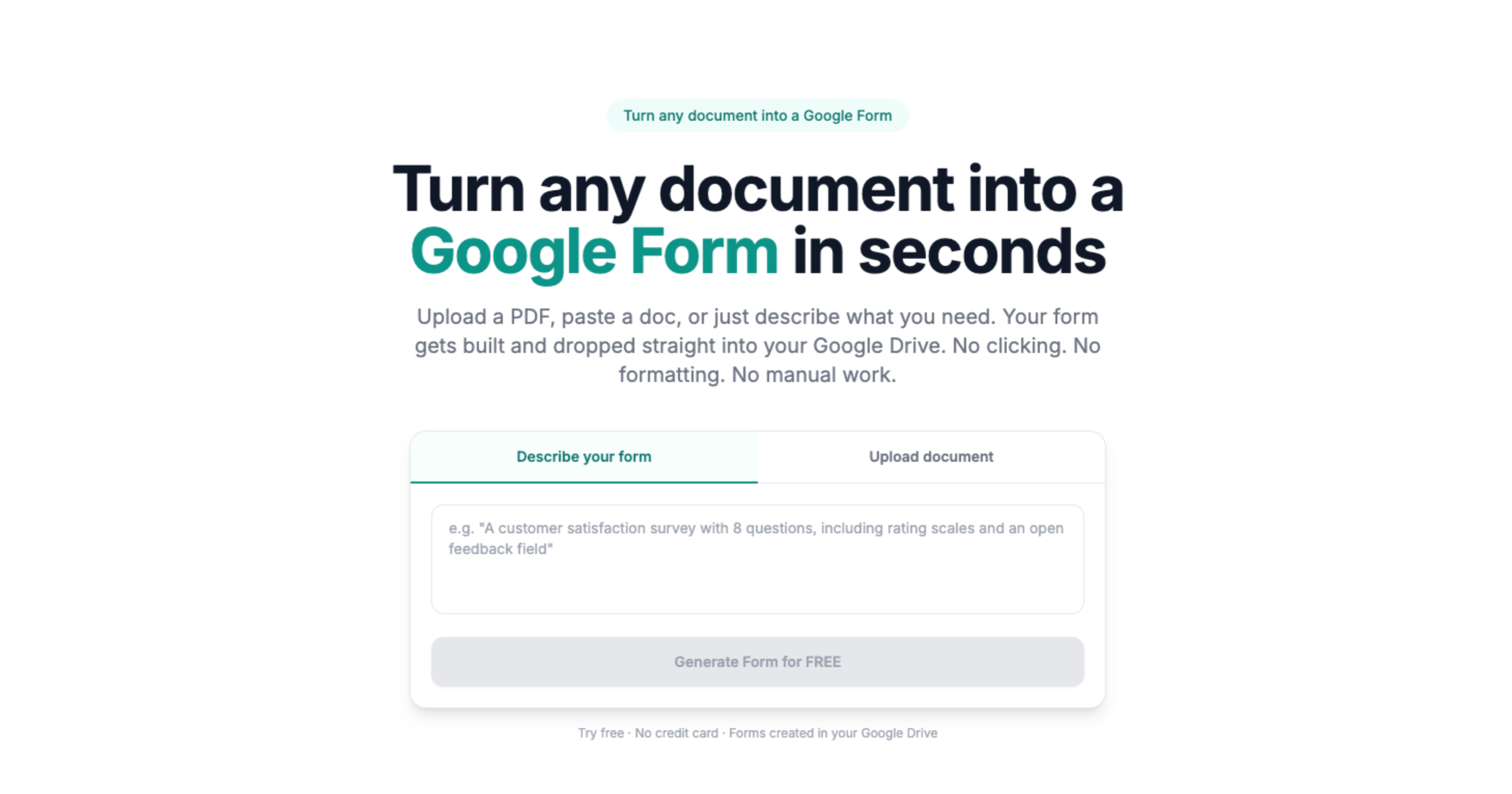
Doc2Form converts existing documents into Google Forms. Upload a PDF or Word file up to 5 MB and it detects the fields - text areas, checkboxes, dropdowns, yes/no questions - and builds a matching form in your Drive. Share a link before a meeting instead of taking notes during it.
No document? Use describe mode: describe what you need to collect from a new prospect and get a starting form in seconds.
Responses in a spreadsheet, ready to act on
Every Google Form links to a Sheets spreadsheet. Client responses, review requests, and update forms all aggregate automatically - no manual data entry before your next client meeting.
Common questions
Is client financial information secure?
Doc2Form uses Google OAuth. Uploaded documents are processed to build the form and not stored afterward. Responses go directly into your Google Drive under your account's settings.
For forms collecting sensitive financial or personal information, consider your obligations under applicable regulations and your firm's data handling policies.
Can clients fill out the form on their phone?
Yes. Google Forms works on any device with a browser. No app needed.
Can I share the same form with multiple clients?
Yes. One Google Form link can be used by unlimited respondents. Each submission shows up as a new row in the connected spreadsheet.
Does it cost anything?
The first form is free, no credit card required. Credit packs are available after that. The project is open source for agencies that prefer to self-host.