
Technical precision begins with structured lab capture
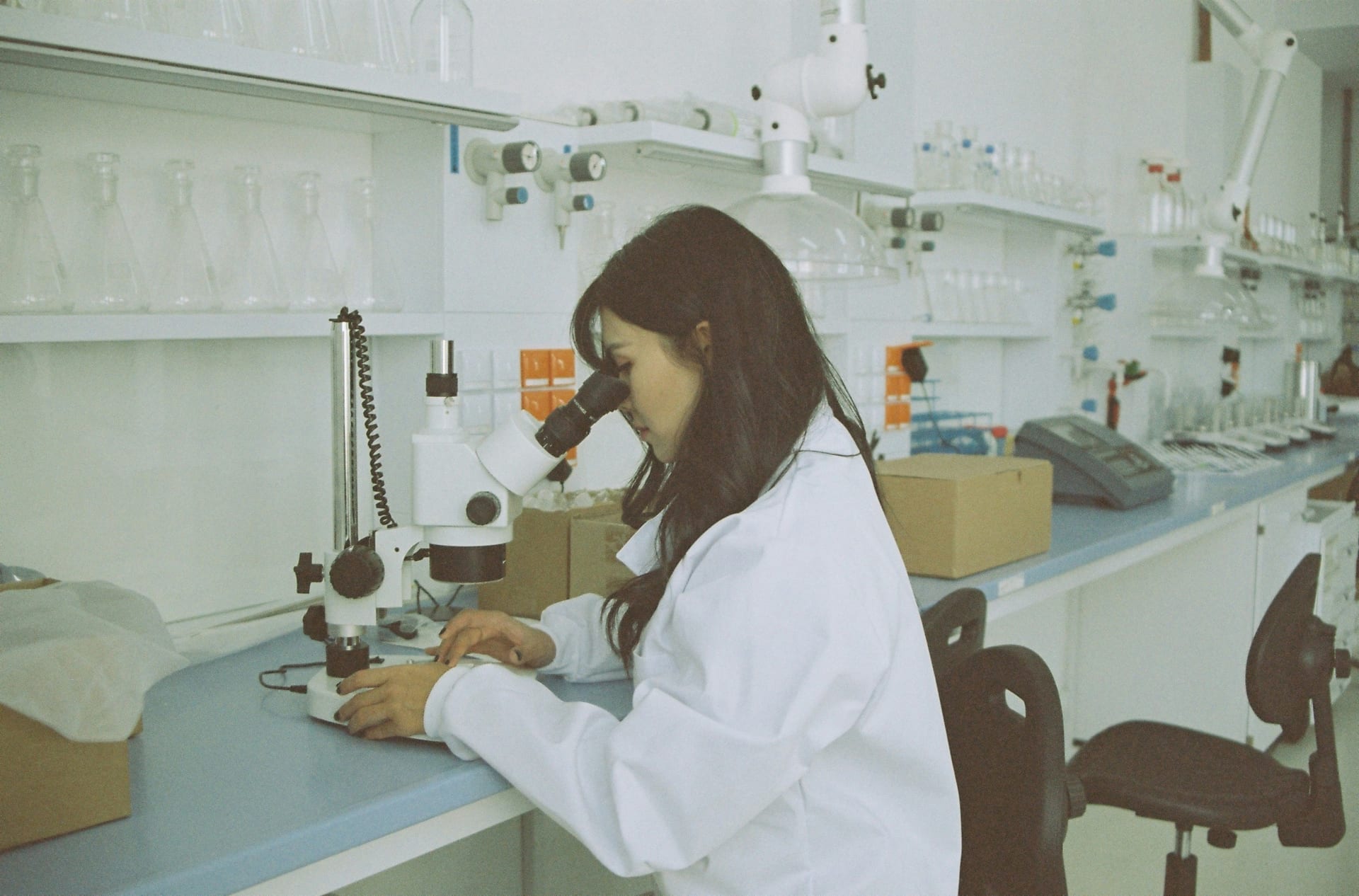
In the biotechnology and life sciences industry - from clinical-stage startups to global CROs - the "margin of error" is decided by the quality of your raw data. Whether it is a clinical site feasibility questionnaire, a GxP (Good Practice) training attestation, or an equipment qualification (IQ/OQ/PQ) checklist, most organizations rely on multi-page PDF SOPs and sponsor-approved Word templates. The friction starts when a study coordinator or lab manager has to manual retype those prompts into a functional spreadsheet or a blank Google Form. They often paraphrase critical inclusion/exclusion criteria, skip freezer serial numbers, or mis-label assay codes, leading to protocol deviations during a TMF (Trial Master File) audit or IRB (Institutional Review Board) review.
Doc2Form eliminates this "manual drift" by reading your approved PDF or Word templates - up to 5 MB - and drafting a structured Google Form in seconds. This ensures that every study site, lab tech, and partner captures data using identical terminology, which is mandatory for maintaining data integrity and meeting FDA or EMA expectations. By maintaining the same terminology as the source protocol, you ensure that your technical data is "audit-ready" for sponsors or regulatory inspectors.
Quality Assurance: SOP Attestations and GxP Training
In a regulated lab environment, a "read-and-understood" attestation is only useful if it is timestamped, version-controlled, and auditable. If a quality manager has to wait for physical sign-in sheets to be scanned and filed, the delay can hinder immediate line clearances and lead to training non-conformities. By moving your attestations into Google Forms, you can provide a structured interface on a tablet at the lab bench or in the training room. You can organize the Form by SOP Number, Revision Date, and Department, ensuring that every staff member is evaluating their training against the current version.
Importing your existing "SOP Acknowledgment" or "Validation Protocol" PDF ensures that you are not missing critical prompts about safety protocols, calibration status, or clean-room dress codes. Once the Form is generated, you can add "File Upload" questions so that techs can attach a photo of a pipette calibration sticker, a clean-room certification, or a shipping manifest, providing visual evidence that beats a handwritten logbook entry when presenting evidence to a sponsor. This transparency is vital for defending your quality record and proving a robust compliance culture.
Site Discovery and CRO Intake Loops
Beyond the lab bench, biotech firms handle a significant volume of intake for site feasibility, CRO assay menus, and patient pre-screening. If your BD or clinical ops team uses a Word-based site screener or a sample-submission worksheet, Doc2Form can bring it into Google Forms in seconds. By providing a simple link instead of a PDF attachment, you increase response rates from busy principal investigators (PIs) and get structured data into Sheets that your project team can use to filter for specific equipment tiers or patient volumes.
By digitizing your existing feedback and discovery surveys, you maintain consistency in your clinical history. If your firm’s "Site Feasibility" has been using a 10-question PDF for years, importing that same PDF into Google Forms ensures that your longitudinal data on "Site Performance" remains comparable across different trials. Your data stays in your secure Google Drive, not on a third-party platform that might not meet your company's strict data-governance or HIPAA standards. This approach is particularly useful for managing non-PHI workloads where speed and structure are paramount.
Common questions
Does this replace our primary EDC, LIMS, or CTMS like Castor, Veeva, or Benchling?
No. Doc2Form is a productivity bridge for the "capture" and "survey" phases that precede or feed formal regulatory record-keeping. Biotech teams use Google Forms for high-volume site feasibility, internal GxP surveys, or training checks, and then manually export or use API bridges to move key data into their validated system of record. It's a tool for the "gaps" where your main system might be too rigid or doesn't have a mobile-friendly front end for the lab.
How do we handle 21 CFR Part 11 or HIPAA compliance?
Doc2Form does not make Google Forms "compliant" - your organization's data governance program does. If your CISO and Quality Unit have already cleared Google Workspace for certain non-PHI or non-GxP workloads, Doc2Form speeds up that build. We recommend against using Forms for primary clinical trial data (Source Data) unless your specific Workspace tenancy has been specifically validated for Part 11. The Forms and response data live in your own firm's Google Workspace tenancy, not on Doc2Form's servers.
Can staff upload photos of lab issues or calibration tags?
Yes. Once the Form is generated in Google Forms, you can enable "File Upload" questions. This is mandatory for equipment qualification walks and sample-receiving inspections where you need the tech to attach evidence of a seal failure, a calibration sticker, or a shipping discrepancy before the task is marked complete. Photos land in a secure folder in your Google Drive, accessible only to authorized quality staff.
Can we use "Describe mode" for a flash research poll or outage triage?
Absolutely. If your principal investigator suddenly needs a quick pulse on equipment availability across several partner labs or a response to a freezer failure, you can type "10-question survey about [Equipment] with model dropdown, last service date text, and site name" into Describe mode. Doc2Form will generate the structure so you can get a link out before the coordination call ends.

What is the cost for a clinical-stage startup or global CRO?
Your first hosted conversion is free, allowing you to test your most complex site-feasibility packet. For organizations that need to digitize large libraries of SOPs, lab intakes, and training forms across multiple sites, we offer credit packs. The codebase is also open source for firms that prefer to host the tool on their own private developer infrastructure to meet strict corporate-governance or IP-protection rules.