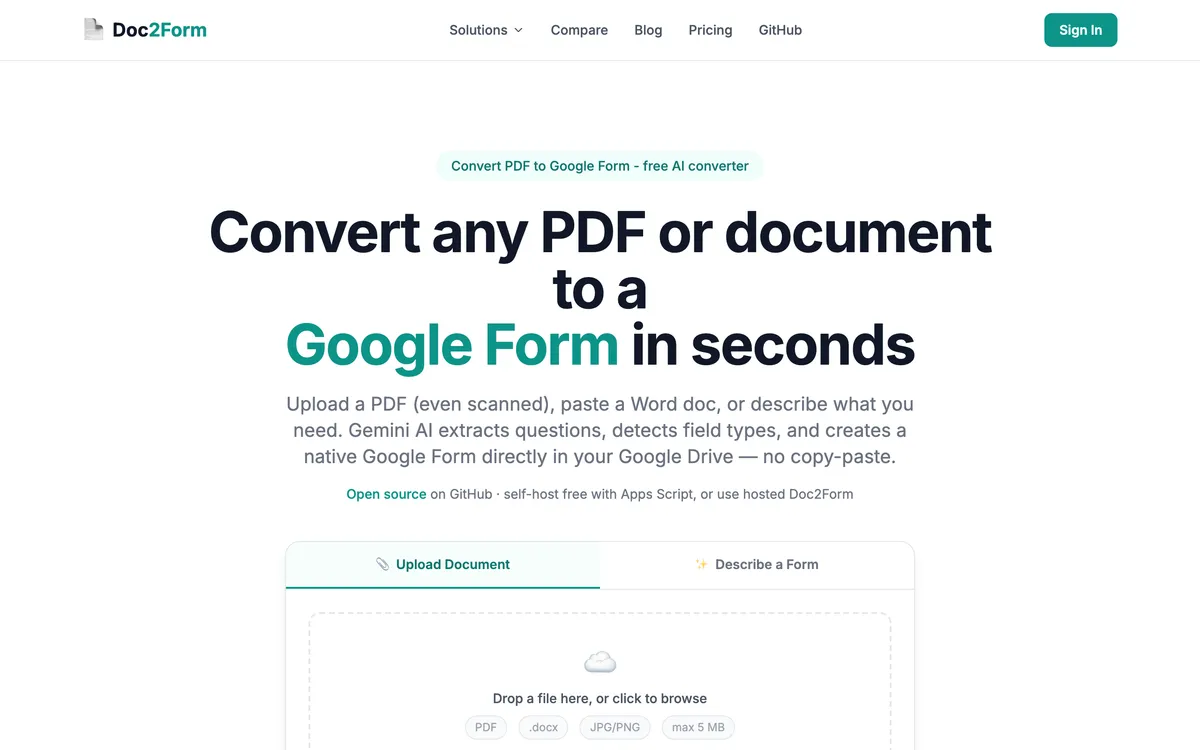
Doc2Form vs AI Form Maker is web app vs sidebar add-on, credits vs per-form fees, and how exotic your inputs are. AI Form Maker (Google Workspace add-on) accepts audio, video, Excel, URLs, and Markdown - inputs Doc2Form doesn't handle. To convert PDF to Google Form from plain PDF, Word, scan, or text description, Doc2Form is often cheaper per conversion and needs no Marketplace install.
Watch the free tiers: AI Form Maker may offer text prompts cheaply while file conversion bills per PDF from day one. Doc2Form's first conversion is genuinely free for new users.
In short
- Pick Doc2Form for PDF/Word/image/describe inputs, lower cost per form, no install, and open source.
- Pick AI Form Maker when inputs include audio, video, Excel, or web URLs, and you're comfortable with the add-on setup.
What is AI Form Maker?
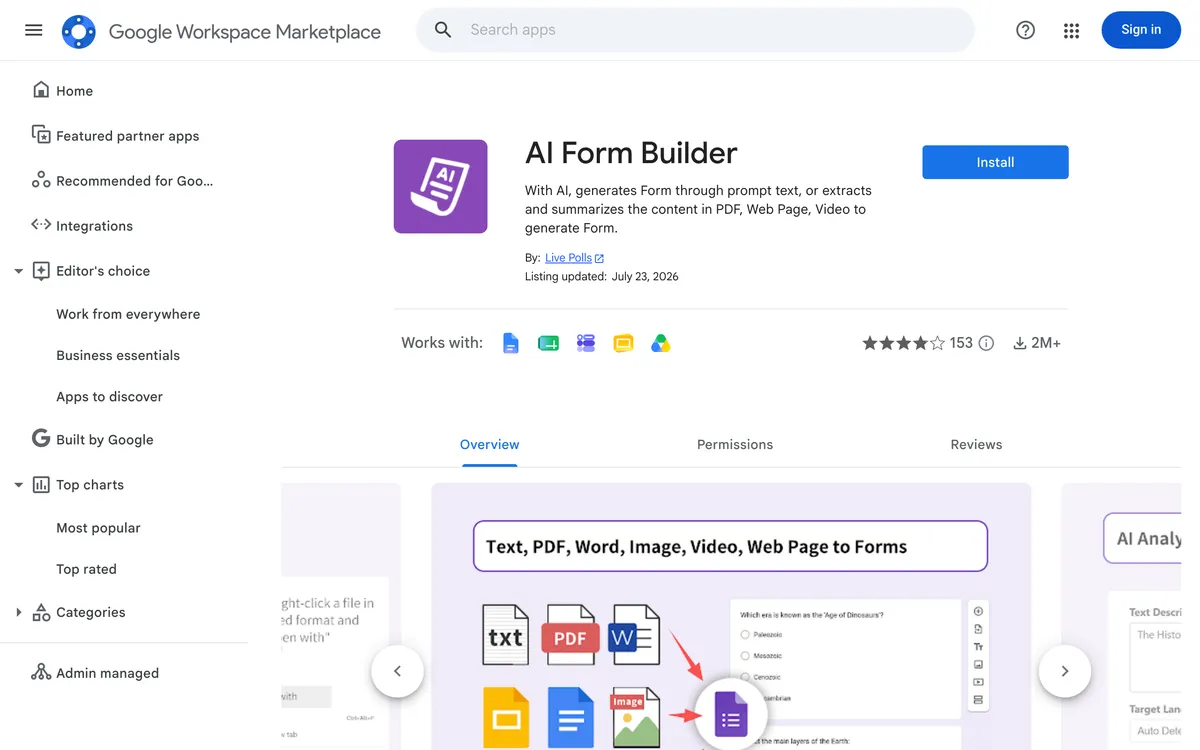
AI Form Maker is a Google Workspace Marketplace add-on that generates Google Forms from prompts and documents without leaving Workspace. You install it once, open a Google Form, and work from a sidebar: describe the form you want, or point the add-on at a source file and let it draft the questions. Because it lives inside Forms, the draft appears where you were already going to edit it, which removes a context switch.
Its selling point is input breadth. Alongside PDF and Word it advertises spreadsheets, audio, video, web page URLs, and Markdown, which is a wider menu than any document-to-form converter in this category. If your question bank is a spreadsheet column or your source material is a recorded lecture, that matters and Doc2Form has no answer for it.
The costs are the ones you would expect from a Marketplace add-on. Someone has to approve the install, the sidebar becomes another surface your team learns, and file conversion is generally billed per use rather than bundled into a generous free tier. Verify the current terms on the listing before you plan around them.
Quick comparison: Doc2Form vs. AI Form Maker
| Attribute | Doc2Form | AI Form Maker |
|---|---|---|
| Access | Web app | Google Forms sidebar add-on |
| ✅ | ✅ | |
| Scanned / image | ✅ | ✅ |
| Word | ✅ | ✅ |
| Excel | ❌ | ✅ |
| Audio / video | ❌ | ✅ |
| Web page URL | ❌ | ✅ |
| Markdown | ❌ | ✅ |
| Quiz answer detection | ✅ | ✅ |
| First file conversion free | ✅ (1 form) | Typically paid per PDF (verify) |
| Open source | ✅ | ❌ |
| Install | ❌ | ✅ |
Which tool should you pick?
| Your situation | Better fit | Why |
|---|---|---|
| Your question bank is a spreadsheet column your department maintains | AI Form Maker | Reads Excel and Sheets-style input; Doc2Form takes documents, images, and text briefs only |
| You want a comprehension quiz from a recorded lecture | AI Form Maker | Accepts audio and video sources, which Doc2Form cannot ingest at all |
| Someone emailed you a scanned PDF and you need the form before your next meeting | Doc2Form | Upload straight from your machine and AI vision reads the scan, no install step first |
| Your school blocks Workspace Marketplace add-ons | Doc2Form | Standard Google sign-in in the browser, so there is nothing for IT to approve |
| You want to build a form from a page on your intranet or a public web article | AI Form Maker | Takes a URL as a source; Doc2Form has no web page input |
| You convert around 100 documents a year and are watching the bill | Doc2Form | The $29 / 100 credit pack works out near $0.29 per form, and credits do not expire (check current pricing) |
| You want to try one real PDF conversion before paying anything | Doc2Form | First form is free with no card, and it is a full file conversion rather than a prompt-only trial |
| You already run three sidebar tools inside Forms and your team likes that workflow | AI Form Maker | One more sidebar is a small ask when the habit already exists |
| Your security team wants to read the code before approving the tool | Doc2Form | Open-source Apps Script at github.com/kamilstanuch/doc2form, self-hostable if needed |
Features compared: Doc2Form vs. AI Form Maker
Input breadth
AI Form Maker wins on exotic sources - lecture audio, video clips, spreadsheets, live URLs. Doc2Form stays in the document and description lane, which covers most office and school PDFs without any setup.
Be honest with yourself about how often the exotic inputs actually come up. A department that converts one podcast episode a year and forty PDFs is buying the wrong tool if it optimises for the podcast. Doc2Form takes PDF, Word, and JPG or PNG images up to 5 MB, and its Describe mode handles the case where there is no file at all: type "10-question NPS survey, anonymous" and you get a draft. That covers the great majority of school and office work. It does not cover Excel, and there is no workaround short of exporting the sheet to PDF first, which loses the structure that made the spreadsheet useful.
- Spreadsheet question bank: AI Form Maker.
- PDF worksheet: Either; cost may favor Doc2Form.
- Photo of a paper form: Doc2Form, via image to Google Form.
Price per form
Research suggests roughly $0.50 per PDF-style run on AI Form Maker vs $0.29-0.50 for Doc2Form depending on pack size - Doc2Form bulk packs often win at scale.
The shapes of the two bills differ more than the headline rates. Doc2Form sells credit packs at $5 for 10, $12 for 30, and $29 for 100 at the time of writing, with no subscription and no expiry date on what you bought. That suits seasonal work: buy a pack in August, spend it across the year, buy again when it runs out. Per-use add-on charges suit steady daily volume better, because you never pre-pay for capacity you do not use. Neither model is a trick, but one of them will match your calendar and the other will not.
- 10-100 conversions/year: Compare actual receipts, not marketing pages.
- First free conversion: Doc2Form's is a real PDF conversion, not just a text prompt.
- Bursty seasonal use: Credits that sit on the account until term starts.
Install friction
Doc2Form runs in the browser after sign-in. AI Form Maker requires a Workspace Marketplace install and uses a sidebar inside Forms. If IT limits add-ons or your use case is occasional, the difference matters.
The flip side is that once the add-on is installed, it is closer to hand than a separate site. You are already in Forms when the idea strikes, the sidebar is right there, and the draft appears in the document you were editing. Doc2Form asks you to go somewhere else, sign in, upload, and come back to a new form in your Drive. For a team that builds forms every day, that round trip is a real if small tax, and it is a fair reason to prefer the sidebar.
Worth naming plainly: Doc2Form needs Google OAuth with the forms.body scope so it can create the form in your own Drive. Some organisations wave that through and others do not. Documents are processed to extract structure and then discarded, with only the form title and link stored, but if your policy forbids granting write scopes to outside apps, neither the web app nor the add-on route escapes that conversation.
Where each one stops
Both tools end at a Google Form and neither pretends otherwise. Doc2Form has no bulk or batch upload, no public REST API, and no Zapier, so a folder of eighty legacy PDFs is eighty uploads. Complex matrix or grid questions can need manual cleanup in the Forms editor, and there is a hard 5 MB cap per file. There is no LMS export either, so Moodle, Canvas, and Kahoot are out of scope entirely.
AI Form Maker inherits the constraints of the add-on model: it lives where Workspace lets it live, and its behaviour depends on the listing's current terms rather than anything you can inspect. Check what the current version supports before you standardise on it.
Open source
Doc2Form only - Apps Script you can read, fork, or self-host from github.com/kamilstanuch/doc2form. That matters in two situations: a security review that wants line-by-line justification, and an institution that would rather run the converter inside its own tenancy than send documents anywhere. AI Form Maker is proprietary and rides Google's Marketplace trust model instead, which is simpler for most buyers and less transparent for the ones who need detail.
Pricing: Doc2Form vs. AI Form Maker
| Volume | Doc2Form (illustrative) | AI Form Maker (illustrative) |
|---|---|---|
| 10 | $5 pack | ~$5-10 at $0.50 each |
| 30 | $12 | ~$15 |
| 100 | $29 | ~$50 |
Verify live pricing on both sites before committing.
Sidebar vs browser trust
Some schools block Marketplace add-ons while allowing standard OAuth web apps. Doc2Form fits stricter baselines. AI Form Maker rewards teams that already use sidebar productivity tools inside Forms daily.
If your stack is PDF to Google Form plus occasional describe a form prompts, the extra input types may not justify the add-on setup.
Which tool fits your use case? Doc2Form vs. AI Form Maker
Choose Doc2Form when:
- Inputs are PDF, Word, scan, image, or text description.
- You want no add-on and an open-source option.
- Cost per form at your volume beats $0.50.
Choose AI Form Maker when:
- You need Excel, audio, video, or URL ingestion.
- You already use sidebar tools inside Forms daily.
Before you commit: Doc2Form vs. AI Form Maker
Install the add-on in a test Workspace and convert the same PDF you already ran through Doc2Form. Compare field accuracy, structure quality, and time to publish. If you never feed audio or Excel, the breadth may not justify the sidebar setup.
Security teams often treat Marketplace add-ons and standalone OAuth apps differently, even when both access Google Drive. Doc2Form lets security teams review the Apps Script in the open repo and scope exactly which folders run through conversion. AI Form Maker rides Google's add-on trust model - simpler for some organizations, but less transparent for teams that need line-by-line justification in SOC questionnaires.
The verdict: Doc2Form vs. AI Form Maker
AI Form Maker's wider input menu is real. For classic document conversion, Doc2Form is simpler and cheaper without the install.
Takeaway: Exotic inputs (audio, video, Excel) - AI Form Maker. PDF/Word/scan at value - Doc2Form.
Frequently asked questions
Are both using AI?
Yes - compare outputs on your own files to see which handles your document types better.
Can Doc2Form read Excel?
Not today - use AI Form Maker or export to PDF first.
Is the AI Form Maker add-on free for PDFs?
Usually not - expect per-use charges on file conversion. Text prompts may be priced differently.
What about image to Google Form?
Doc2Form handles screenshots and photos without the sidebar install.
How do I choose a default tool for a team?
If most inputs are PDF or Word, Doc2Form as the default works well. Add AI Form Maker when podcast URLs or Excel question banks become regular inputs. Choose based on actual usage, not one-time demos.
Is AI Form Maker better than Doc2Form for Workspace teams?
For teams that live inside Google Forms all day, often yes. The sidebar puts generation where you already are, the install is a one-time cost, and the input list is wider. Doc2Form is the better answer when the file is on your laptop rather than in Drive, when it is a scan, or when add-ons are blocked.
Can Doc2Form convert a scanned or photographed document?
Yes, and it is one of the clearer differences. Doc2Form uses AI vision, so a phone photo of a paper form or an old scanned PDF goes through the same upload path as a clean file. Keep it under 5 MB and preview the draft before you share it.
Does either tool support bulk conversion?
Doc2Form does not: there is no batch upload, no public API, and no Zapier connection, so each file is a separate upload. If you are migrating a folder of legacy documents, check whether the AI Form Maker listing offers anything for bulk work, and be prepared to look at a different category of tool entirely.
What happens to my document after conversion?
Doc2Form processes the file to extract its structure and then discards it, storing only the form title and the link. The form itself is created in your own Google Drive through the Google Forms API, so it behaves like any other form you made by hand: editable, shareable, and connectable to Sheets.
Try Doc2Form - first form free.