In short
- The document is not a question paper (a consent form, a parent survey, a clinic intake sheet): Doc2Form.
- You do want quizzes in an LMS and a free tier that outlasts two imports: Formswrite.
- The document is a research instrument full of matrix grids and you are at a university: Pirai AI.
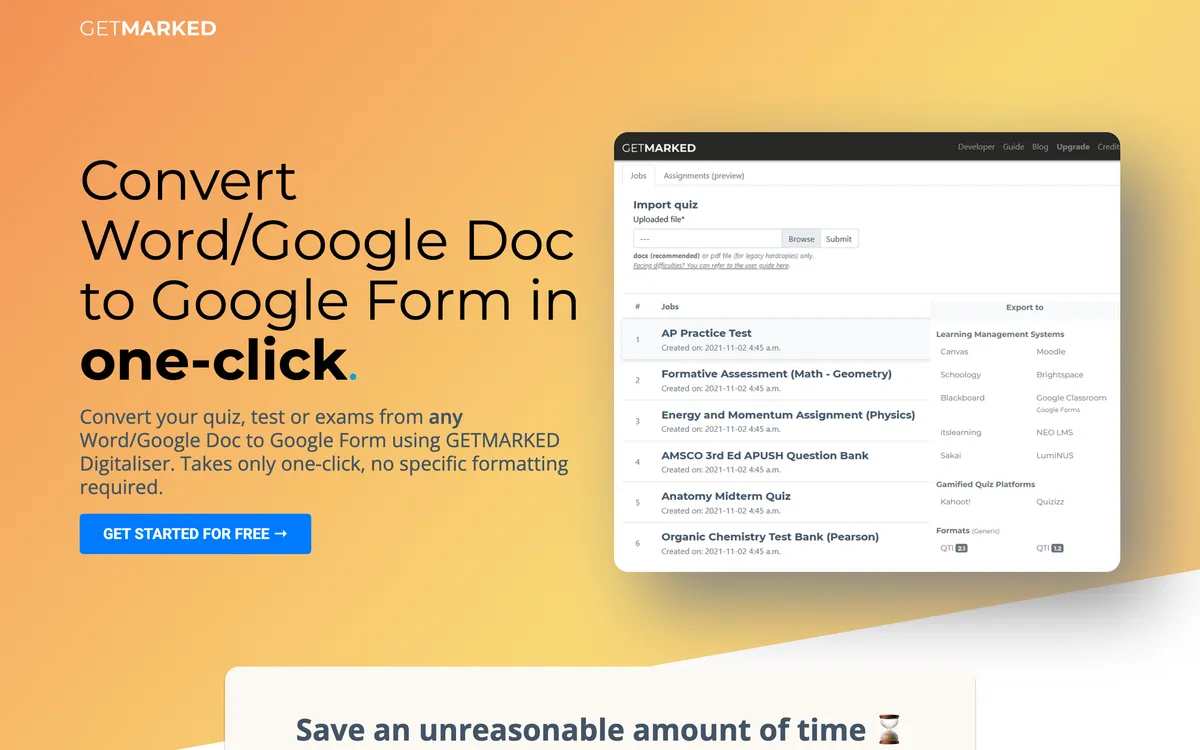
GETMARKED Digitaliser is a specialist, and specialists are usually right inside their specialty. Give it a Word or PDF question paper and it finds the numbered questions, the options and the answer key, then pushes the result into Google Forms and into Moodle, Canvas, Blackboard or QTI. Nothing here parses an exam paper better. If your term is spent digitising past papers, there is no reason to move.
The reasons people leave cluster into three. Most common: the document stopped being a question paper. A parent consent form, a permission slip, a staff feedback survey and a clinic intake sheet are all documents a school converts, and none have the numbered-question shape the parser hunts for. Feed one in and the output needs rebuilding. Second, the free tier: around two imports is enough to decide whether the tool works and not enough to do a week of work. Third, output, because if the destination was never an LMS quiz you are paying for formats you will never open.
All of these tools exist because Google Forms has no import button. Every option below is a different workaround: a web app with a Google connection, a Workspace add-on, or a script you run yourself. I looked at how each behaves when the source is not an exam, what the free tier covers, and whether the output can be an ordinary form.
The short list
| Tool | Best for | Output | Free tier |
|---|---|---|---|
| Doc2Form | Non-quiz documents and scanned paper | Google Forms only | First form free, then credits |
| Formswrite | Teachers who need LMS fan-out | Google Forms plus 25+ LMS targets | Unlimited basic, ~10 AI questions |
| Pirai AI | Research instruments and matrix grids | Google Forms via script, plus 20+ platforms | Free for academics |
| FormGPT | Cheap volume during marking season | Google Forms | Daily limits, resets midnight UTC |
| Automagical Forms | Material already in Google Docs | Google Forms | Add-on tiers, check listing |
| Form to Doc | Getting responses back out as records | Forms in, Docs/Sheets/PDF out | Free on the listing |
1. Doc2Form - for every document that is not an exam
Best for: the consent forms, surveys and intake sheets a quiz parser was never designed to read.
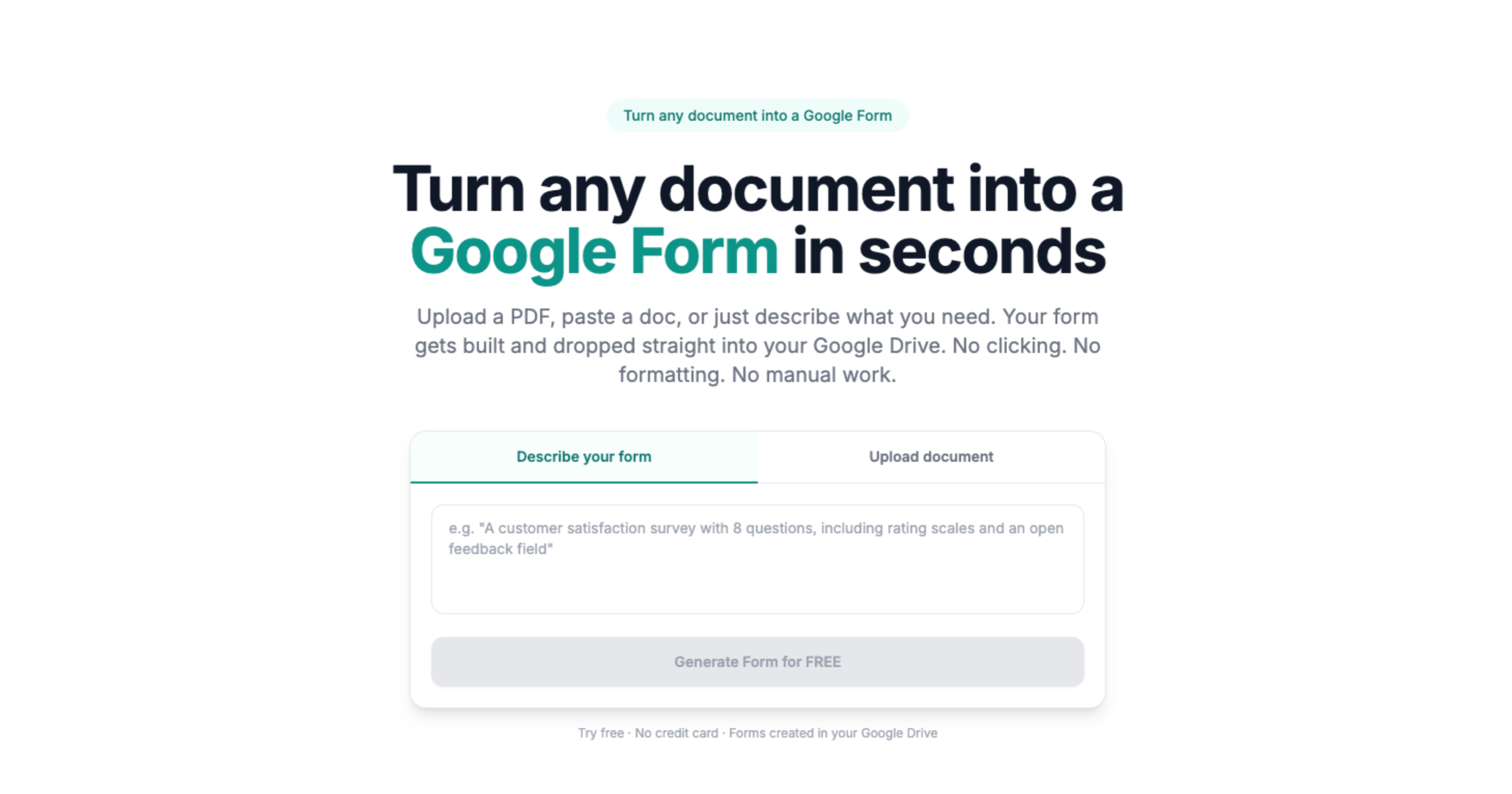
Doc2Form treats a document as a document rather than an assessment. It takes a PDF, Word file or image up to 5 MB and writes a native Google Form into your Drive, using Gemini to work out what the fields and questions are. With no assumption that the file contains numbered questions, a consent form or a table of contact details converts into something usable instead of a confused quiz.
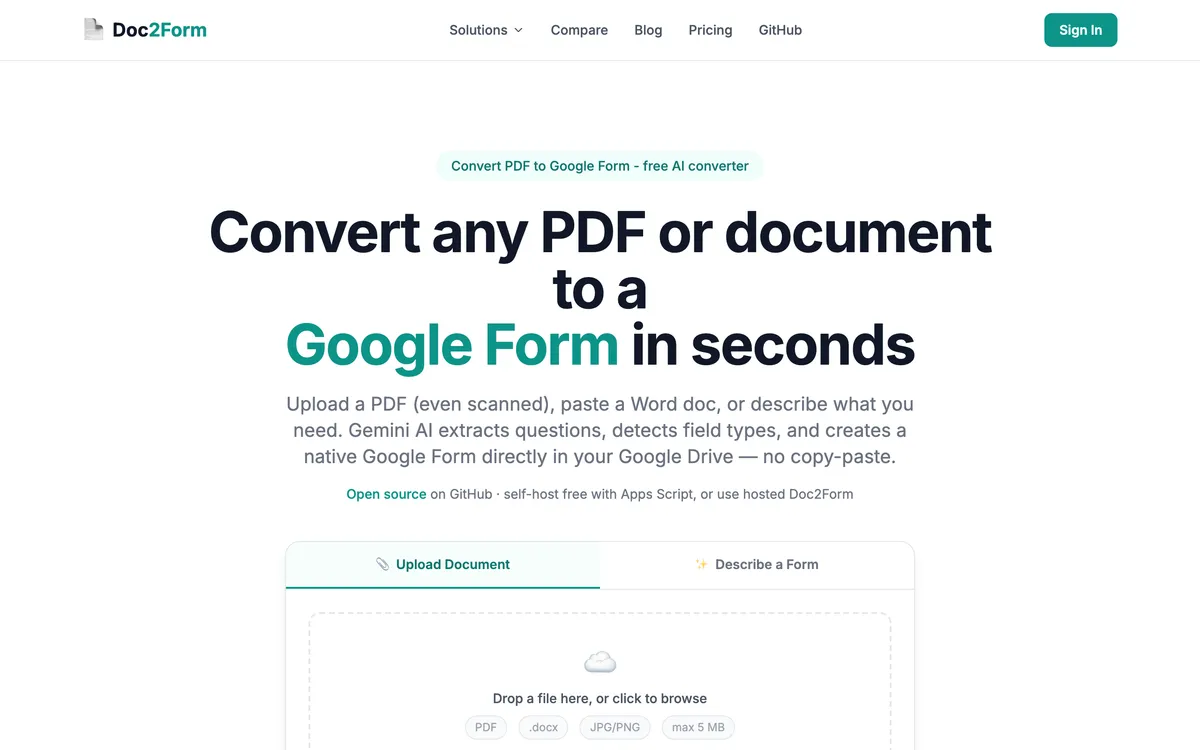
It also reads scans: a photocopied permission slip or a phone photo of a paper intake sheet is a supported input through AI vision, not an OCR gamble. Quizzes work too through quiz to Google Form, though answer key extraction from a formal exam paper is a place where GETMARKED is genuinely stronger.
Where it wins:
- No question-paper assumption, so surveys and intake forms convert cleanly
- Reads scans and phone photos through AI vision
- One form free, then credits that never expire
- Open source Apps Script at github.com/kamilstanuch/doc2form
Where it falls short:
- No LMS export at all: no Moodle, Canvas, QTI or Kahoot
- No bulk or batch upload
- No public REST API, no webhooks, no Zapier
- Matrix and grid questions can need cleanup
- 5 MB cap, and no Excel, CSV or QSF input
- Requires a Google OAuth grant, blocked on some domains
Pricing: first form free, then $5 for 10 credits, $12 for 30 or $29 for 100. No subscription. Check current pricing.
2. Formswrite - the same job at a bigger scale, with a free tier that lasts
Best for: teachers who liked GETMARKED but ran out of imports or need more export targets.
Formswrite is the direct scale-up. It converts PDF, Word, Google Docs, Sheets and YouTube into quizzes and publishes to Google Forms plus 25+ LMS destinations, and says it is trusted by 41,000+ educators. Where GETMARKED gives you a couple of free imports, Formswrite's free tier covers unlimited basic conversions with roughly ten AI questions a month, a different experience if you are testing across a department.
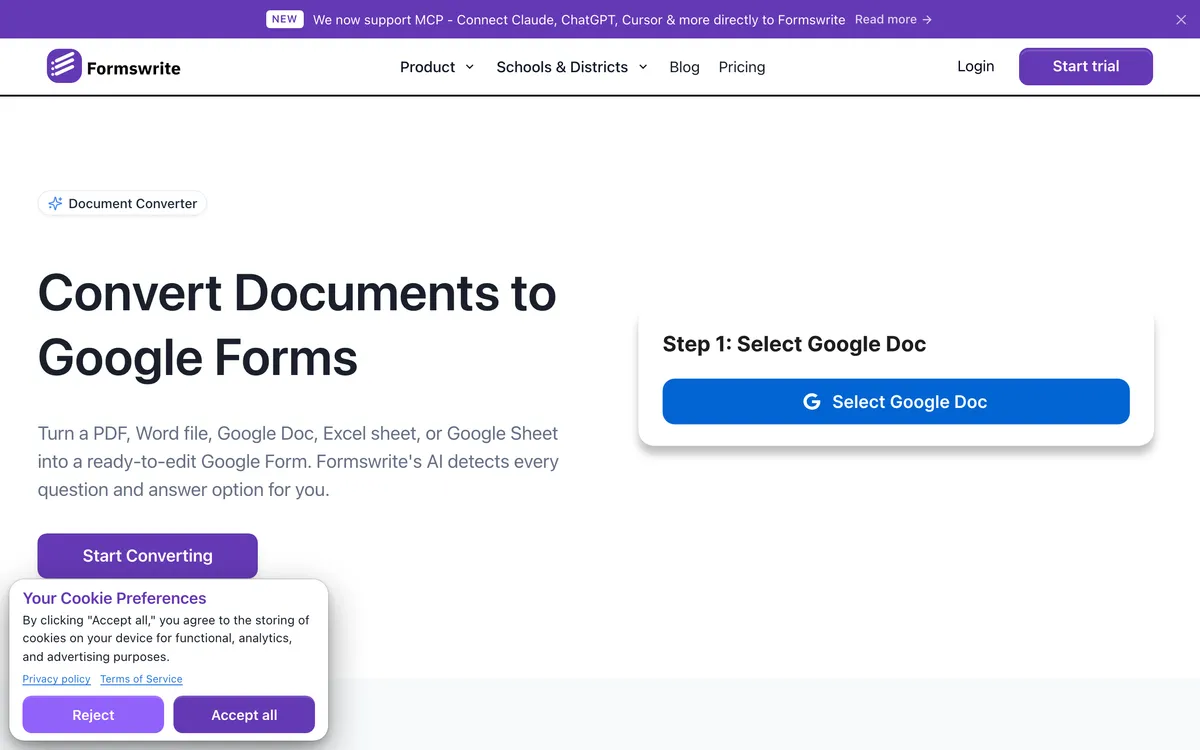
Pro adds bulk conversion, a REST API, webhooks and Zapier. The catch is another annual subscription and, like GETMARKED, a centre of gravity in assessment, so your consent forms are still out of scope. Longer list in Formswrite alternatives.
Where it wins:
- 25+ LMS export targets from a single upload
- Free tier that survives more than a couple of files
- Bulk conversion, API, webhooks and Zapier on Pro
- YouTube as an input, unique here
Where it falls short:
- Annual subscription, or a lifetime fee up front
- Assessment-focused, so non-quiz documents are not the target
- Word workflow prefers a Google Docs link
Pricing: free tier with ~10 AI questions a month; Pro around $69 a year or $199 lifetime at the time of writing.
3. Pirai AI - when the paper is a study instrument, not a test
Best for: research offices and anyone converting a validated questionnaire full of grids.
There is a category of academic document that is neither an exam nor a simple form: the survey instrument, with Likert matrices and wording nobody may paraphrase. Pirai AI is built for those. It reads Word, PDF, Excel, CSV and Qualtrics QSF, and exports to Qualtrics, REDCap, QuestionPro and 20+ others. For Google Forms it generates an Apps Script you paste into the script editor and run, so it never asks for Drive access.
It supports all eight common Google Forms question types including matrix and checkbox grids, the most common failure point elsewhere. Pirai says it is an official QuestionPro partner used at 40+ institutions including Stanford, Harvard and Oxford. Their own comparison page calls Doc2Form fast for simple documents but limited on matrix grids, which is a fair reading.
Where it wins:
- Matrix and checkbox grids converted properly
- Free for academic researchers, teachers and students
- Excel, CSV and Qualtrics QSF input
- No Drive access required, since you run the script
Where it falls short:
- Pasting a script into the editor is a barrier for many teachers
- Not built for graded quizzes or answer keys
- No LMS quiz export
Pricing: free for academic use, paid plans beyond. Verify current terms.
4. FormGPT - the cheap option when marking season arrives at once
Best for: a short burst of high-volume conversion without committing to a year.
FormGPT turns a PDF, DOCX, TXT or Markdown file up to 5 MB into a Google Form draft, or builds one from a prompt. It supports quiz grading with answer keys, a reasonable partial substitute on straightforward papers, and you review the draft in FormGPT Studio before anything is pushed to Drive.
The reason it earns a place here is the pricing shape. Around $3.99 a week at the time of writing covers a two-week assessment crunch and then stops, a different commitment from an annual plan. It also appends questions to a live form when you paste its edit URL.
Where it wins:
- Weekly pricing, so short bursts need no annual commitment
- Quiz grading with answer keys supported
- Review and edit the draft before export
- Appends questions to a published form
Where it falls short:
- Subscription rather than credits, so it renews unless you cancel
- Free tier capped by separate daily limits
- No LMS export and a 5 MB ceiling
Pricing: free tier with daily caps; Pro around $3.99 a week, $12 a month or $39 a year.
5. Automagical Forms - if the source is already a Google Doc
Best for: teachers whose worksheets live in Docs rather than as scanned PDFs.
Not every document reaching a quiz converter arrives as a scan. Plenty of teachers write in Google Docs, and for them the shortest route is an add-on that reads the Doc in place. Automagical Forms does that: point it at a Doc or PDF in Drive and it builds a Google Form without leaving the sidebar. Two caveats: on a managed school domain an administrator must approve the install, and a Word file or a scan sends you back to converting it into a Doc first. See Automagical Forms alternatives.
Where it wins:
- No upload step when the file is already in Drive
- Stays inside the Docs interface you already use
Where it falls short:
- Needs admin approval on managed domains
- Word files and scans add a conversion step
- Google Forms only, with no quiz-specific parsing
Pricing: check the current listing, as add-on tiers change.
6. Form to Doc - free, and it runs the other way for your records
Best for: the paperwork after the quiz, not just the quiz.
Every other tool here stops when the form exists. Form to Doc keeps going: it converts text, documents, images and web pages into Google Forms with AI, then exports Google Forms and their responses back out to Docs, Sheets, PDF, Excel or CSV. For a teacher filing printable records, or an administrator who needs consent responses as a formatted document, that return trip is the feature.
It is free on the Marketplace listing, the obvious first try when the free imports run out and the budget conversation has not happened. The price is in the permissions: the install asks to see, edit, create and delete all your Google Docs documents, and to manage your forms in Drive. On a school account that deserves a proper look.
Where it wins:
- Free on the Marketplace listing
- Exports responses into a formatted Doc, Sheet or PDF
- QR codes and response summaries built in
Where it falls short:
- Broad OAuth scopes covering all your Docs
- Add-on install, so admin approval applies
- Import quality on hard exam papers is not its focus
Pricing: free on the listing at the time of writing.
How to choose
| Your situation | Best pick | Why |
|---|---|---|
| The document is a parent consent form, not a test | Doc2Form | No question-paper assumption, so ordinary forms convert without rebuilding |
| You burned the free imports and need something usable at no cost | Form to Doc | Free on the Marketplace listing, with broad Docs permissions as the caveat |
| The same quiz has to reach Moodle, Canvas and Kahoot | Formswrite | 25+ LMS export targets from one upload, wider than GETMARKED's list |
| Your instrument is a validated questionnaire with Likert matrices | Pirai AI | Matrix and checkbox grids convert properly, and it is free for academics |
| You have one assessment crunch and do not want an annual plan | FormGPT | Weekly pricing covers a two-week burst and then stops |
| The worksheet is already a Google Doc and your admin allows add-ons | Automagical Forms | Reads the Doc in place with no upload or file conversion |
| You photographed a paper intake sheet and need it in Drive today | Doc2Form | AI vision reads scans and photos, then writes a native Google Form |
Frequently asked questions
What is the best GETMARKED Digitaliser alternative for documents that are not quizzes?
Doc2Form, because it does not expect numbered questions with options. Consent forms, intake sheets, surveys and registration forms convert into ordinary Google Forms rather than a mangled quiz.
Is there a free GETMARKED Digitaliser alternative?
Form to Doc is free on its Marketplace listing, and Formswrite's free tier covers unlimited basic conversions with a monthly cap on AI questions. Pirai AI is free for academics, and Doc2Form gives one full conversion free.
Which alternative still exports quizzes to Moodle or Canvas?
Formswrite covers Google Forms plus 25+ LMS targets including Moodle, Canvas, Kahoot and Quizizz. Pirai AI exports to research platforms such as Qualtrics and REDCap rather than LMS formats. Doc2Form, FormGPT, Automagical Forms and Form to Doc output Google Forms only.
Do any of these handle answer keys automatically?
GETMARKED Digitaliser is strongest here, which is why it is worth keeping if exams are your main workload. FormGPT supports quiz grading with answer keys and Formswrite is built around assessment. Doc2Form produces questions and options but is not an answer key extractor, so expect to set correct answers yourself.
Is GETMARKED Digitaliser still the better choice for a teacher?
For a teacher whose documents are genuinely question papers, often yes. Its parsing is tuned for that shape and its exports cover the systems schools use. The honest boundary is document type and free tier: outside exams, and past a couple of imports, these alternatives make more sense. Keeping the specialist for exam papers and adding a general converter for PDFs that are not assessments is a common outcome. See Doc2Form vs GETMARKED Digitaliser.
Try Doc2Form - first form free, no credit card.