In short
- Best for a scanned or photographed PDF you need as a real Google Form today: Doc2Form.
- Best if the same paper also has to become a Moodle, Canvas, or Kahoot quiz: Formswrite, or GETMARKED Digitaliser for exam papers specifically.
- Best if your IT policy will not let a third-party app into your Drive: Pirai AI, which hands you an Apps Script to run yourself.
Google Forms has no import button. That is the whole reason this category exists. Every tool below works around that gap differently: some call the Google Forms API on your behalf, some are Workspace add-ons living in a Docs sidebar, and one just generates a script and lets you run it yourself.
We judged each on five questions. Does it accept a PDF directly, or want a Google Doc first and quietly add a step? Does it produce a real Google Form that appears in Drive, attaches to Classroom, and writes to Sheets? Does it handle a scanned PDF, the hard case where there is no text layer to read? How many manual steps, counting add-on installs, scope approvals, and script pasting? And what does the free tier actually cover, since "free" ranges here from one form to unlimited conversions?
Two things disqualified a tool outright: producing something that is not a Google Form, and making you retype question text by hand. That ruled out fillable-PDF editors and hosted form platforms. Prices below were accurate at the time of writing.
The short list
| Tool | Best for | Output | Free tier |
|---|---|---|---|
| Doc2Form | Scanned PDFs and photos of paper forms | Native Google Form in your Drive | 1 form, plus free self-host |
| Formswrite | Educators who also need LMS exports | Google Forms + 25+ LMS targets | Unlimited basic, ~10 AI questions/mo |
| Pirai AI | Researchers and no-OAuth environments | Apps Script you run yourself | Free for academic users |
| Automagical Forms | Teams already working inside Drive | Google Form | Limited trial |
| GETMARKED Digitaliser | Exam and question papers | Google Forms + Moodle, Canvas, QTI | About 2 imports |
| FormGPT | Editing the draft before it ships | Google Form via Drive export | Daily limits, reset midnight UTC |
| Form to Doc | Two-way conversion inside Workspace | Google Forms, and Forms back out to Docs | Free |
| Google Forms + Gemini | Drafting from a prompt, not importing | Google Form | Included on some paid tiers |
1. Doc2Form - best for scans and messy PDFs
Best for: turning a scanned PDF, a photographed paper form, or a .docx into a native Google Form with the fewest steps.
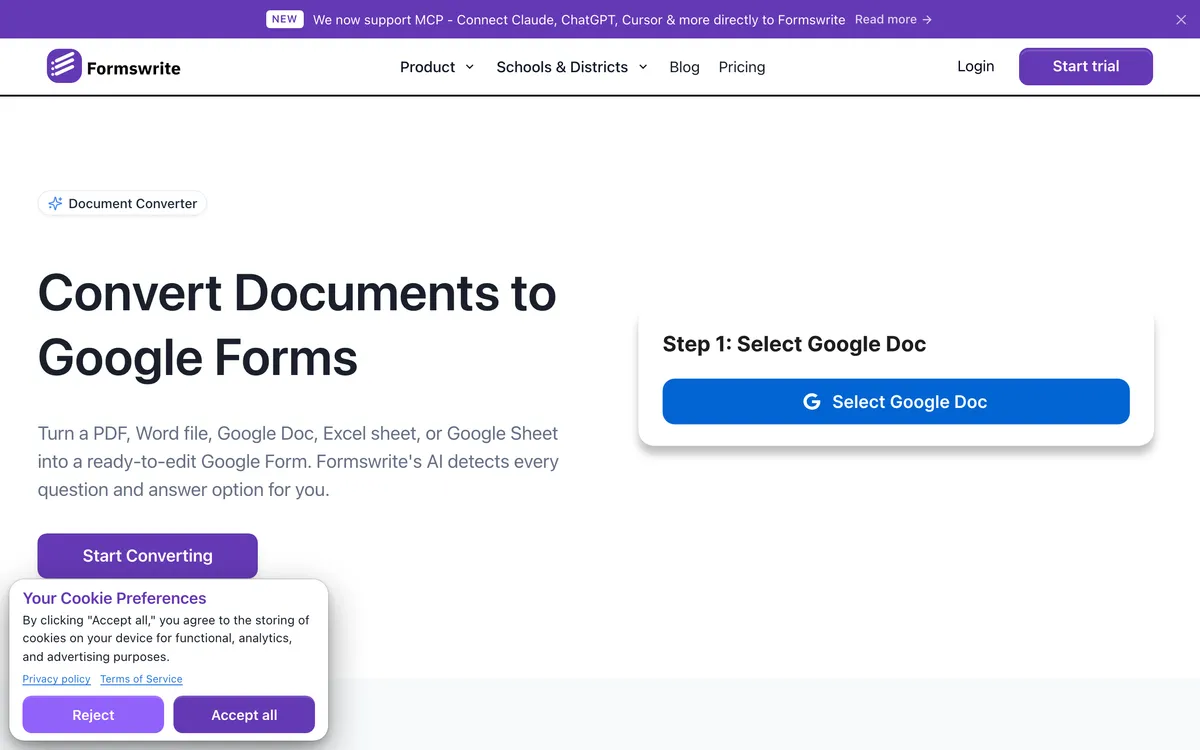
Doc2Form does one job. Upload a PDF, Word file, or image up to 5 MB, it uses Gemini to read the structure, and it writes a real Google Form into your own Drive. No intermediate document, no add-on install, no third-party form host. The result is an ordinary Google Form you can edit, share, link to Sheets, or drop into Classroom, plus a Describe mode for when you have no document at all.
It leads this list for one specific reason: scanned input. Most converters here read the text layer of a PDF, which works on a file exported from Word and fails on a phone photo of a paper intake sheet. Doc2Form treats those as first-class, which is why scanned PDF to Google Form and image to Google Form are its clearest differentiators. It is also open source at github.com/kamilstanuch/doc2form, so you can audit the code or self-host it free.
Where it wins:
- Scanned PDFs, faxes, and phone photos, not just clean digital files
- Real Google Form in your Drive, editable and Sheets-connected, with no add-on install
- Open source, so you can audit it or run it yourself free
- Credits do not expire and there is no subscription
Where it falls short:
- No bulk or batch upload. One file at a time, so 60 legacy PDFs is the wrong job for it.
- No public REST API and no Zapier. Nothing to automate against.
- Google Forms is the only output. No Moodle, Canvas, Kahoot, or QTI export.
- Matrix and grid questions often need manual cleanup after conversion.
- 5 MB cap, which a long scanned exam paper can exceed.
- No Excel, CSV, or Qualtrics QSF input, and no LMS export of any kind.
- Requires Google OAuth with the
forms.bodyscope, which some institutions will not approve.
Pricing: first form free, no card. At the time of writing, credit packs are $5 for 10 credits, $12 for 30, and $29 for 100 (about $0.29 per form). Self-hosting is free.
2. Formswrite - best when Google Forms is only one destination
Best for: teachers and curriculum teams who need the same quiz in Google Forms and in an LMS.
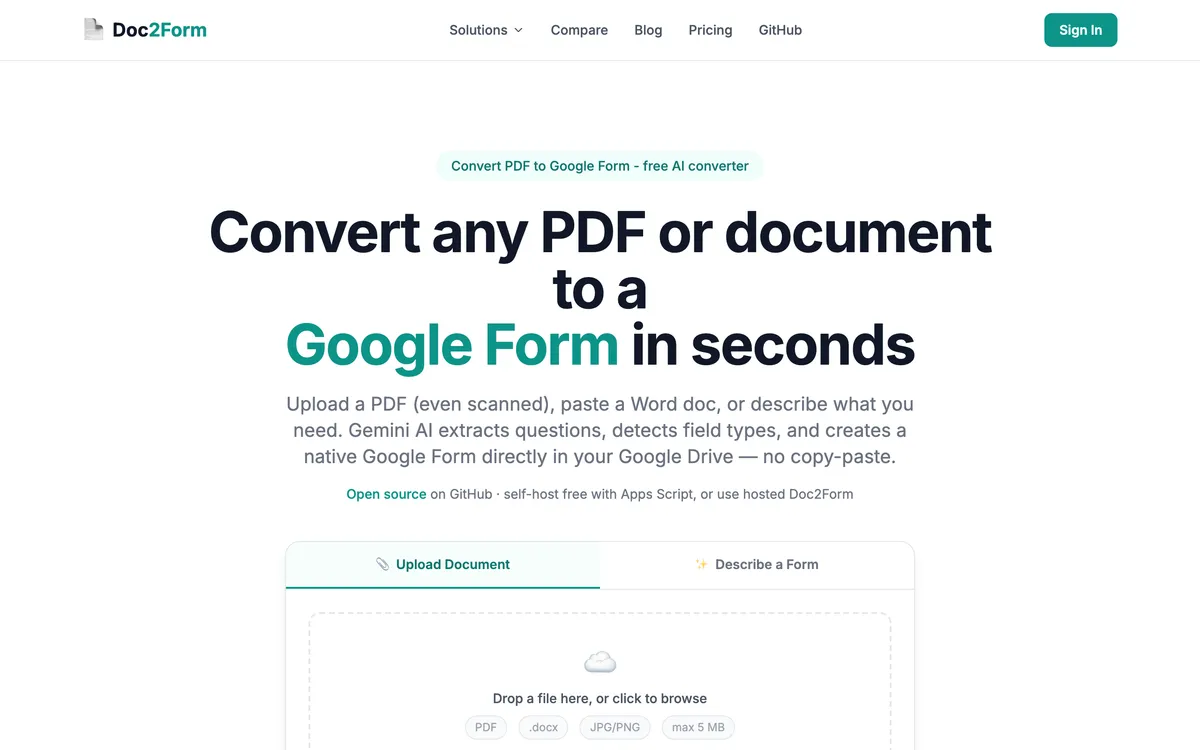
Formswrite takes PDF, Word, Google Docs, Sheets, and YouTube videos as input, and exports to Google Forms plus more than 25 other targets including Moodle, Canvas, Blackboard, Kahoot, and Quizizz. Formswrite says it is trusted by 41,000+ educators. If you have ever rebuilt the same midterm three times for three systems, that fan-out is the feature you want, and nothing else here matches its breadth.
Pro separates it further: bulk conversion, a REST API, webhooks, Zapier, and a gamified quiz mode called Formswrite Play. The catch is that its Word workflow prefers a Google Docs link, adding a step, and scanned-PDF handling is not marketed with the confidence Doc2Form's is.
Where it wins:
- Google Forms plus 25+ LMS export targets
- Bulk conversion, API, webhooks, and Zapier on Pro
- Generous free tier, plus YouTube-to-quiz and other educator extras
Where it falls short:
- Word workflow often wants a Google Docs link first
- Scans and photographed pages are not its headline strength
- Free tier caps AI questions at roughly 10 a month
- Built around assessment, so intake forms and surveys get less attention
Pricing: free tier with unlimited basic conversions and about 10 AI questions a month. Pro around $69/year or roughly $199 lifetime at the time of writing. Full detail in our Doc2Form vs. Formswrite comparison.
3. Pirai AI - best when nothing may touch your Drive
Best for: academic researchers, and anyone whose security review will not approve OAuth access to Drive.
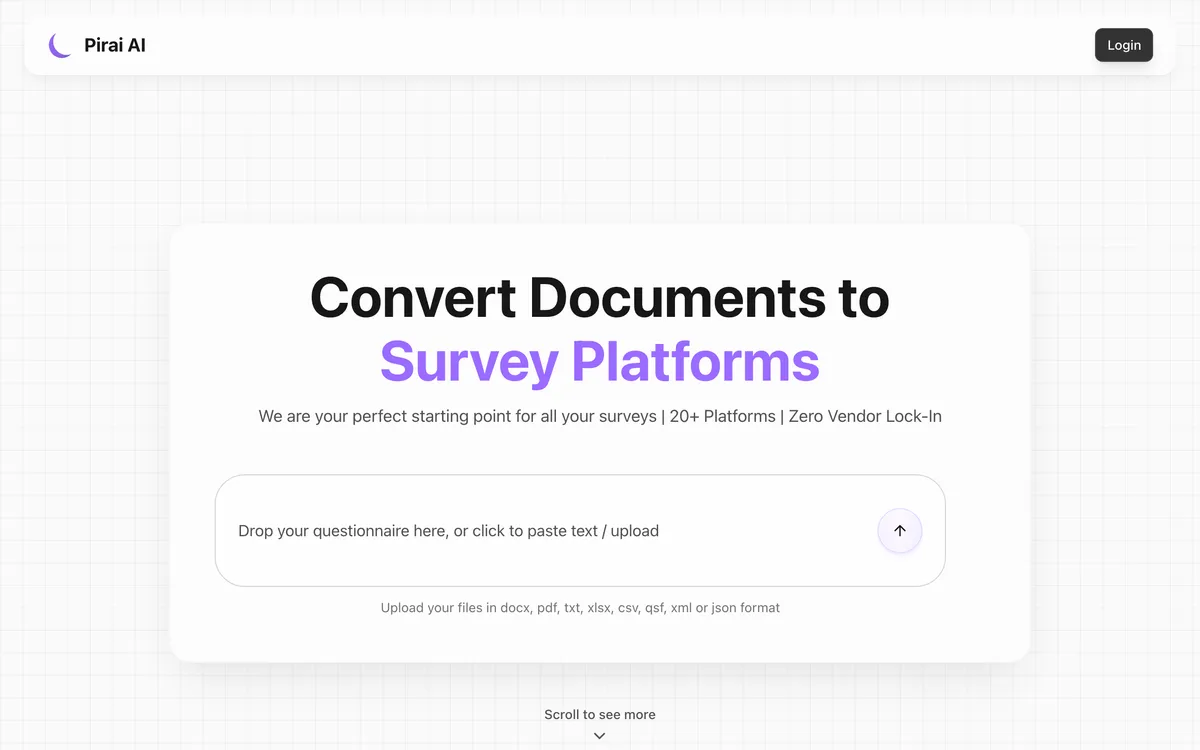
Pirai AI is survey automation for research teams. It accepts Word, PDF, Excel, CSV, TXT, XML, and Qualtrics QSF, and exports to Qualtrics, REDCap, SurveyMonkey, QuestionPro, Alchemer, Forsta, and 20+ other platforms. That input list makes it the only realistic pick when your source is a spreadsheet or an existing Qualtrics export.
Its Google Forms path is unusual. Instead of connecting to your account, Pirai generates a Google Apps Script that you download, paste into the Apps Script editor attached to a Form, and run yourself. Fiddlier than one click, and the best available answer to "IT will not let a third-party app into our Drive", because nothing ever authenticates against your account. Pirai says it is an official QuestionPro technology partner, is used at 40+ institutions including Stanford, Harvard and Oxford, and handles 50+ languages. It supports all eight common Google Forms question types, including matrix and checkbox grids.
Where it wins:
- No OAuth and no Drive access needed for the Google Forms path
- Handles matrix and checkbox grids properly
- Accepts Excel, CSV, and Qualtrics QSF, which almost nothing else does
- Free tier for academic researchers, teachers, and students
Where it falls short:
- The download-paste-run flow is more manual than a one-click converter
- Aimed at survey research, so classroom quiz features are thinner
- Not built around scanned or photographed paper
Pricing: free tier for academic use; check current pricing for other plans.
4. Automagical Forms - best if you live in a Docs sidebar
Best for: Workspace-native teams converting documents that already sit in Drive.
Automagical Forms is a Google Workspace add-on that turns Docs and PDFs stored in Drive into Google Forms without leaving Google's interface. If your files already live in Drive, that is a pleasant workflow: no uploading, no tab switching, no separate account. The tradeoffs are the usual add-on ones, and Word content generally needs converting to Docs first. See Doc2Form vs. Automagical Forms for the detailed split.
Where it wins:
- Runs inside Google Docs and Drive, no separate web app
- Good fit when source files already live in Drive
- Familiar interface for Workspace-heavy teams
Where it falls short:
- Add-on install plus Drive scopes required
- Word content usually needs a Docs or Drive intermediate step
- Not a strong story for scanned or photographed pages
Pricing: limited free usage then paid; check current pricing.
5. GETMARKED Digitaliser - best for exam papers
Best for: teachers digitising past papers and question banks with answer keys.
GETMARKED Digitaliser is built for one document type: the question paper. Feed it a Word or PDF exam and it parses questions, options, and answer keys, then exports to Google Forms as well as Moodle, Canvas, Blackboard, and QTI. On well-structured papers its handling of numbered questions and lettered options is the most reliable here, and the answer-key step is the one everyone else forgets.
It is correspondingly weaker on anything that is not a quiz. An HR intake form or a customer survey lacks the structure it looks for, and results get patchy, so a mixed document set means two tools. Detail in Doc2Form vs. GETMARKED Digitaliser.
Where it wins:
- Excellent question-paper parsing, including answer keys
- Exports to Google Forms plus Moodle, Canvas, Blackboard, and QTI
- Built specifically for assessment workflows
Where it falls short:
- Weak on non-quiz documents such as intake forms and surveys
- Free tier is roughly 2 imports
- Assessment-only feature set
Pricing: about 2 free imports then paid; check current pricing.
6. FormGPT - best for editing the draft before it goes live
Best for: people who want to review and fix the AI's work before a form reaches their Drive.
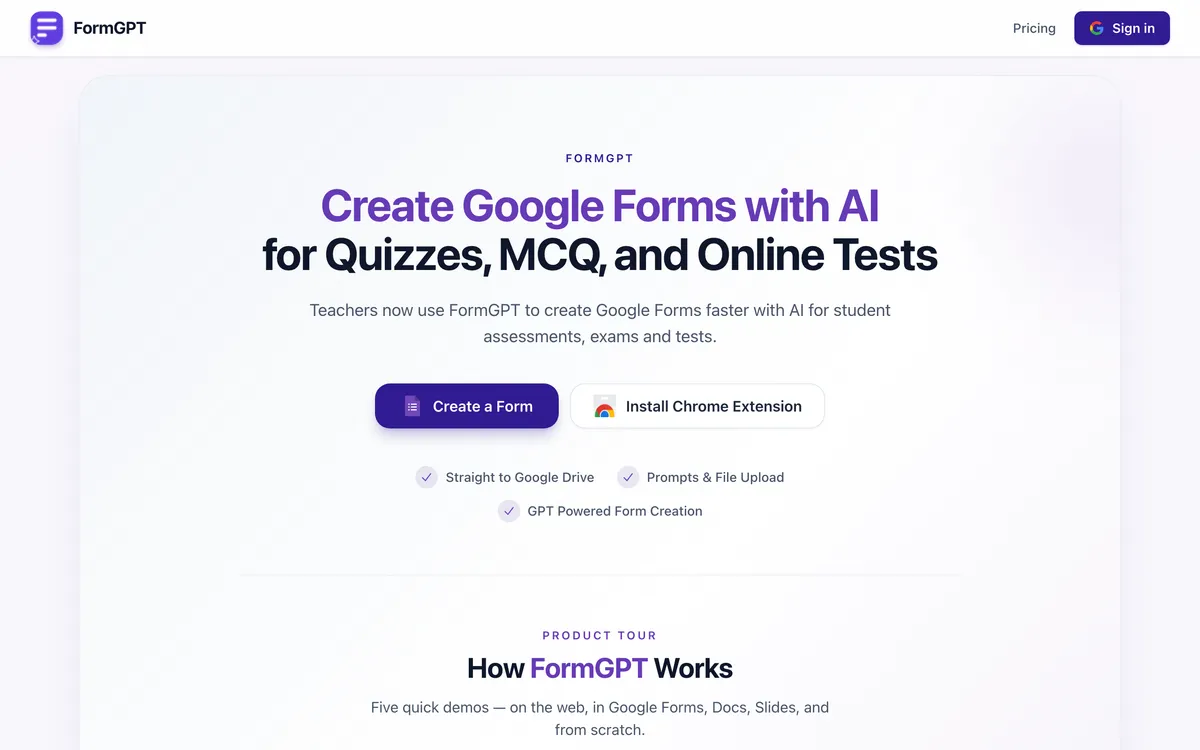
FormGPT accepts PDF, DOCX, TXT, and Markdown up to 5 MB, or a plain prompt, and produces a draft inside "FormGPT Studio". You edit inline there, then export to Google Drive after a one-time Google connection. That review step is a real advantage: if the AI misreads a question type, you fix it before the form exists rather than after.
It also does something nothing else here does. Paste the edit URL of an existing live Google Form and FormGPT appends AI-generated questions to it, which is genuinely useful for a long-running survey you want to extend rather than rebuild. Doc2Form has no equivalent. There is a Chrome extension sidebar too, plus quiz grading with answer keys.
Where it wins:
- Review and edit the draft before it becomes a Google Form
- Appends questions to an existing live form, unique in this roundup
- Chrome extension sidebar, plus quiz grading with answer keys
Where it falls short:
- Subscription rather than pay-per-use
- 5 MB upload cap, the same constraint as Doc2Form
- Separate daily free limits for creating and appending
- Scanned documents are not its stated focus
Pricing: free tier with separate daily limits for creating and appending, resetting at midnight UTC. Pro is $3.99/week, $12/month, or $39/year at the time of writing.
7. Form to Doc - best if you need the round trip
Best for: Workspace teams who need both directions, document to form and form back to document.
Form to Doc (also listed as Doc to Form) is a Workspace Marketplace add-on and the only genuinely two-way tool here. It converts plain text, documents, images, videos, and web pages into Google Forms with built-in AI, and exports Google Forms and their responses out to Docs, Sheets, Slides, PDF, Excel, or CSV. It also makes response reports and QR codes.
That export direction is the reason to pick it. If your real pain is a printable version of a Google Form, or a formatted response report for a committee, nothing else here does it, and it is free on the Marketplace listing. The cost is scope breadth: installing it means granting permission to "see, edit, create and delete all your Google Docs documents" plus managing your forms in Drive.
Where it wins:
- Two-way, including Forms and responses out to Docs, Sheets, and PDF
- Free on the Marketplace listing
- Response reports, QR codes, and image, video, and web page input
Where it falls short:
- Requires broad Workspace scopes including full Docs access
- Add-on install, so no zero-setup path
- Lives inside Workspace rather than working as a standalone web app
Pricing: free of charge per the Marketplace listing.
8. Google Forms with Gemini - the native option, and why it is not enough yet
Best for: drafting a new form from a written prompt when you have no document to import.
This entry exists because it is the first thing people try. Google Forms has a "Help me create" AI feature, and on some paid Workspace tiers it can reference files. Describe the form you want and you get a reasonable starting structure without leaving Forms.
It is not an import feature. There is still no button in Google Forms that takes a PDF and returns a populated form. Availability varies by plan, so what your colleague demoed may not exist in your account, and it is weak on scanned documents, which is exactly where you most need help. If you only want AI drafting from a text brief, use it and skip everything above, because that is the same job as generating a Google Form from a description.
Where it wins:
- Already inside Google Forms, nothing to install or approve
- No extra cost on plans that include it
- Fine for drafting a form from a written brief
Where it falls short:
- Not a PDF import feature; Google Forms still has no import button
- Availability depends on your Workspace tier
- Weak on scanned or photographed documents
- No control over how a source document maps to question types
Pricing: included on some paid Workspace tiers.
How to choose
| Your situation | Best pick | Why |
|---|---|---|
| You photographed a paper intake form and need it in Drive this afternoon | Doc2Form | Reads scans and photos with AI vision and writes a native Google Form in one pass |
| The same midterm has to exist in Google Forms, Moodle, and Canvas | Formswrite | Exports to Google Forms plus 25+ LMS targets; Doc2Form only outputs Google Forms |
| Your IT policy forbids third-party apps from accessing Drive | Pirai AI | Generates an Apps Script you paste and run yourself, so nothing authenticates against your account |
| Your source file is an Excel sheet or a Qualtrics QSF export | Pirai AI | Accepts spreadsheet and QSF input, which Doc2Form and most others do not |
| You have 60 legacy PDFs to migrate before term starts | Formswrite | Pro adds bulk conversion; Doc2Form is one file at a time with no batch mode |
| The document is a past exam paper with an answer key | GETMARKED Digitaliser | Purpose-built for question-paper parsing and answer keys |
| You want to add questions to a survey that is already collecting responses | FormGPT | Appends AI-generated questions to an existing live form; nothing else here does that |
| You need a printable Doc or a formatted report out of a Google Form | Form to Doc | The only two-way tool here, and free on the Marketplace |
| You convert two or three forms a month and refuse another subscription | Doc2Form | Credit packs from $5 with no expiry and no renewal (check current pricing) |
| Security review needs to read the source code first | Doc2Form | Open-source Apps Script, self-hostable if procurement insists |
Frequently asked questions
Can Google Forms import a PDF directly?
No, and that has not changed in 2026. Gemini's "Help me create" drafts a form from a prompt, and on some paid Workspace tiers it can reference files, but there is no upload-a-PDF-get-a-form path in the native interface. Every tool here exists to fill that gap.
What is the best free PDF to Google Form converter?
Form to Doc is free on its Marketplace listing and Formswrite allows unlimited basic conversions (capped at roughly 10 AI questions a month). Doc2Form gives one free form then charges credits, so it is not the most generous free tier here. The exception is self-hosting, which costs nothing indefinitely because the code is open source.
Which converter handles scanned PDFs best?
Doc2Form, because it treats scans and photos as normal input and uses AI vision rather than a text layer a scan does not have. If your documents are clean digital exports, that advantage disappears and the others are competitive.
Do I have to give a converter access to my Google Drive?
Usually yes. Anything that writes a form into your Drive needs OAuth permission, and Workspace add-ons like Form to Doc and Automagical Forms ask for broader scopes than that. Pirai AI is the exception, since it hands you a script to run yourself.
Will the converted form be a real Google Form I can edit?
With Doc2Form, Formswrite, Pirai AI, Automagical Forms, GETMARKED, FormGPT, and Form to Doc, yes: an ordinary Google Form in Drive that connects to Sheets and Classroom like any other. Be careful with hosted form platforms marketed as PDF converters, because several never produce a forms.google.com link at all.
Which tool is best for matrix and grid questions?
Pirai AI, which explicitly supports matrix and checkbox grids. Doc2Form converts grids but they frequently need manual cleanup, and most other tools flatten a grid into separate questions or drop it. Test that question type before committing.
How accurate are these converters?
Accuracy depends more on your source file than on the tool. A Word document exported to PDF with numbered questions converts cleanly almost everywhere; a skewed photo of a photocopied worksheet is hard for everything. Plan two minutes of checking question types and required flags before you send any form out. Our PDF to Google Form guide covers what makes a document convert well, and all our comparisons go head to head.
Try Doc2Form - first form free, no credit card.