A Google Form NPS survey is one of the fastest ways to track customer loyalty without a paid survey platform. You need a 0-10 recommendation question, a follow-up for promoters and detractors, and responses landing in Google Sheets.
This guide shows the manual setup, a copy-paste describe prompt, and when to import an existing PDF survey instead.
What NPS measures
Net Promoter Score asks: How likely are you to recommend us to a friend or colleague? (0-10)
- Promoters (9-10): Enthusiastic advocates.
- Passives (7-8): Satisfied but not loud fans.
- Detractors (0-6): At-risk customers.
NPS = % promoters minus % detractors. Google Sheets formulas can compute it from raw responses.
Build NPS manually in Google Forms
- Create a blank form titled "Customer NPS Survey".
- Add a Linear scale question: 0 (Not at all likely) to 10 (Extremely likely).
- Mark it required.
- Add a conditional follow-up (optional in Forms via separate sections):
- Section for promoters: "What did we do well?"
- Section for detractors: "What could we improve?"
- Link responses to a Sheet and add an NPS formula column.
Google Forms lacks advanced branching like Typeform, but section breaks plus clear instructions work for many SMB teams.
Faster: describe the NPS form with Doc2Form
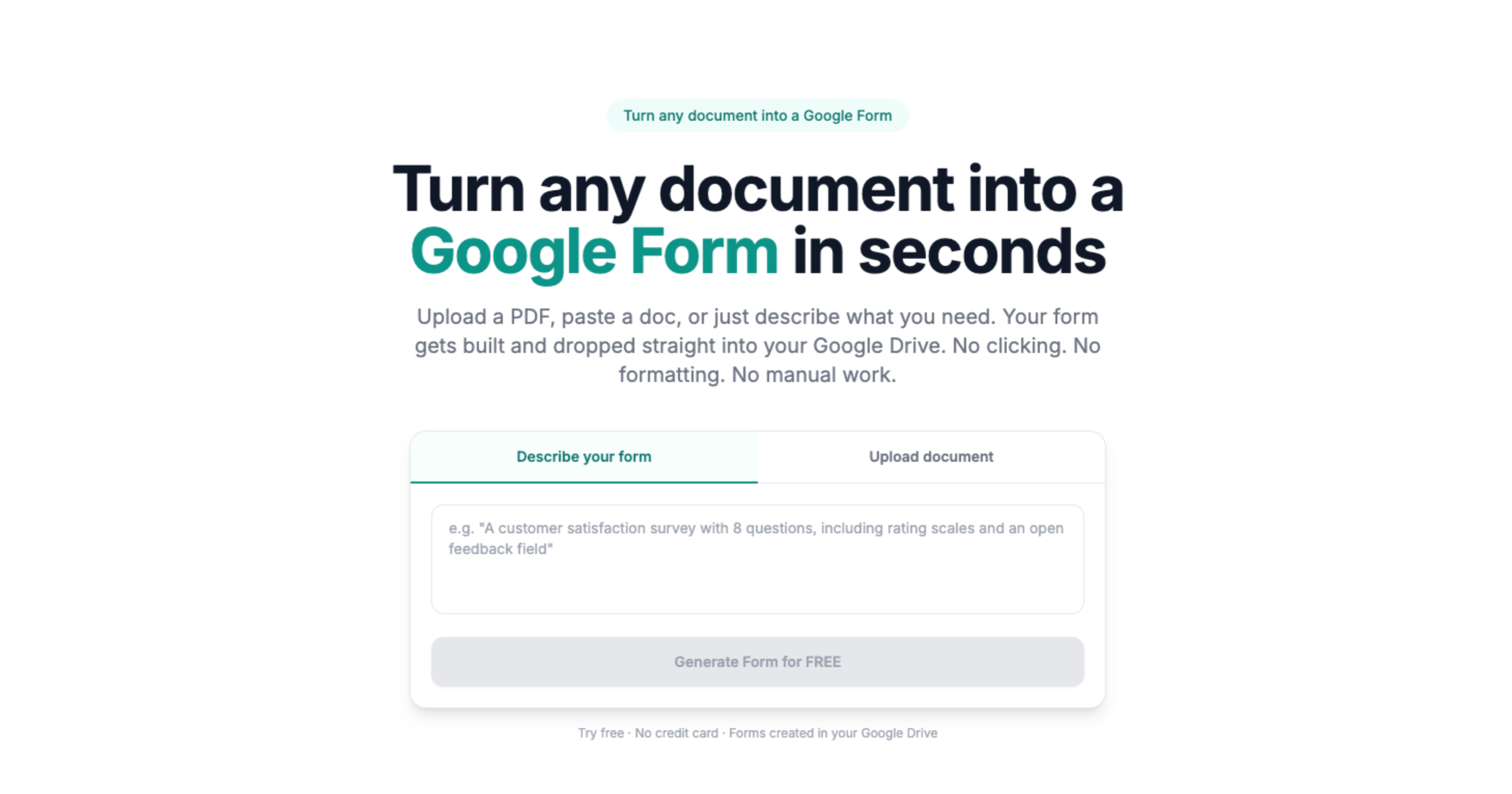
Paste this into describe mode on doc2form.dev:
Create an anonymous customer NPS survey with:
1) Email optional
2) 0-10 likelihood to recommend (required linear scale)
3) Open text: primary reason for your score
4) Open text: one thing we should improve
Use a professional tone. No more than 5 questions total.
Sign in with Google, generate, then adjust wording in the Forms editor.
Import an existing NPS PDF
If marketing already designed an NPS PDF with Likert rows:
- Upload to survey PDF to Google Form.
- Review scale endpoints and section breaks.
- Publish and connect Sheets.
Doc2Form maps linear scales and checkbox grids common in research PDFs.
Anonymous vs identified responses
For honest NPS, disable "Collect email addresses" in Form settings unless you need follow-up. If you must identify accounts, add an optional account ID field instead of forcing Google login.
Analyze results in Sheets
Basic NPS calculation pattern:
- Count responses scoring 9-10 (promoters).
- Count responses scoring 0-6 (detractors).
(promoters - detractors) / total responses * 100
Add a monthly chart in Sheets or Looker Studio if NPS is a standing KPI.
When not to use Google Forms for NPS
- You need sophisticated branching by score on every question.
- You require embedded NPS in a mobile app with custom UI.
- Compliance demands a dedicated CX platform with audit trails.
For occasional or mid-market NPS, Google Forms plus Sheets is enough.
Related resources
- Broader survey PDF workflows: PDF survey to Google Form
- PDF intake packets: intake form PDF to Google Form
- Compare hosted form tools: Doc2Form vs Typeform
Create your NPS form now
Use AI describe mode for a fresh NPS form in seconds, or upload your existing survey PDF on doc2form.dev.